Vælg en organisation
Schedule a Salesforce Certification Exam Onsite at a Testing Center

Registering for an online-proctored exam instead? See Schedule an Online-Proctored Salesforce Certification Exam.
Congratulations on taking the next step in becoming a Salesforce certified professional! All proctored Salesforce certification exams can be taken online with a remote proctor or onsite at a testing center. Select the option that works best with your schedule.
To request accommodations in Trailhead Academy, go to your Trailhead Academy Account and scroll down to the bottom. Under Accommodations, please use the link to Request Accommodations and create a case with your request.
- Visit this article, to find out how to schedule an online-proctored Salesforce certification exam.
Schedule a Salesforce Certification Exam Onsite at a Testing Center
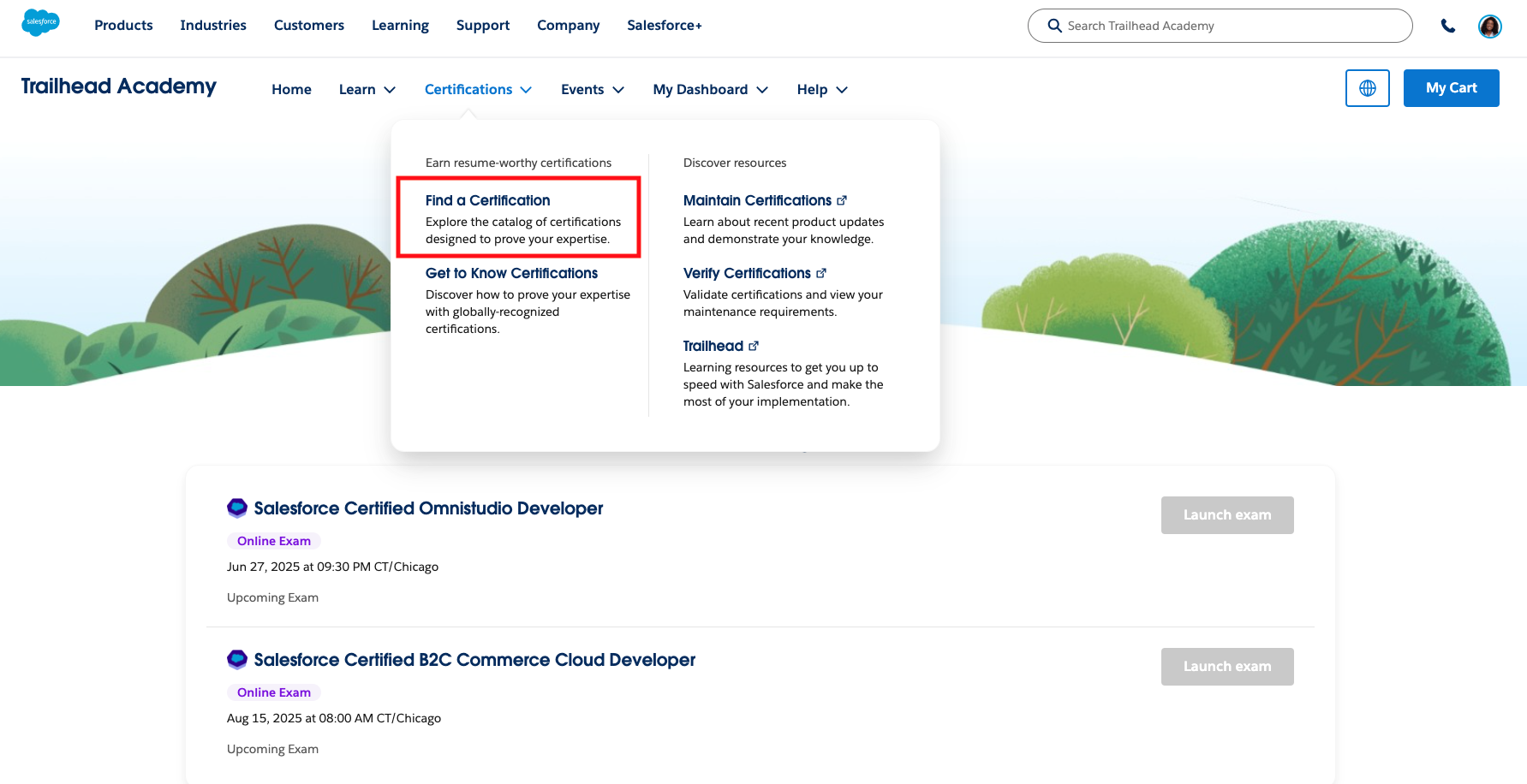
- At the top of the Trailhead Academy homepage, click Certifications and then select Find a Certification to get to the Salesforce certification catalog.
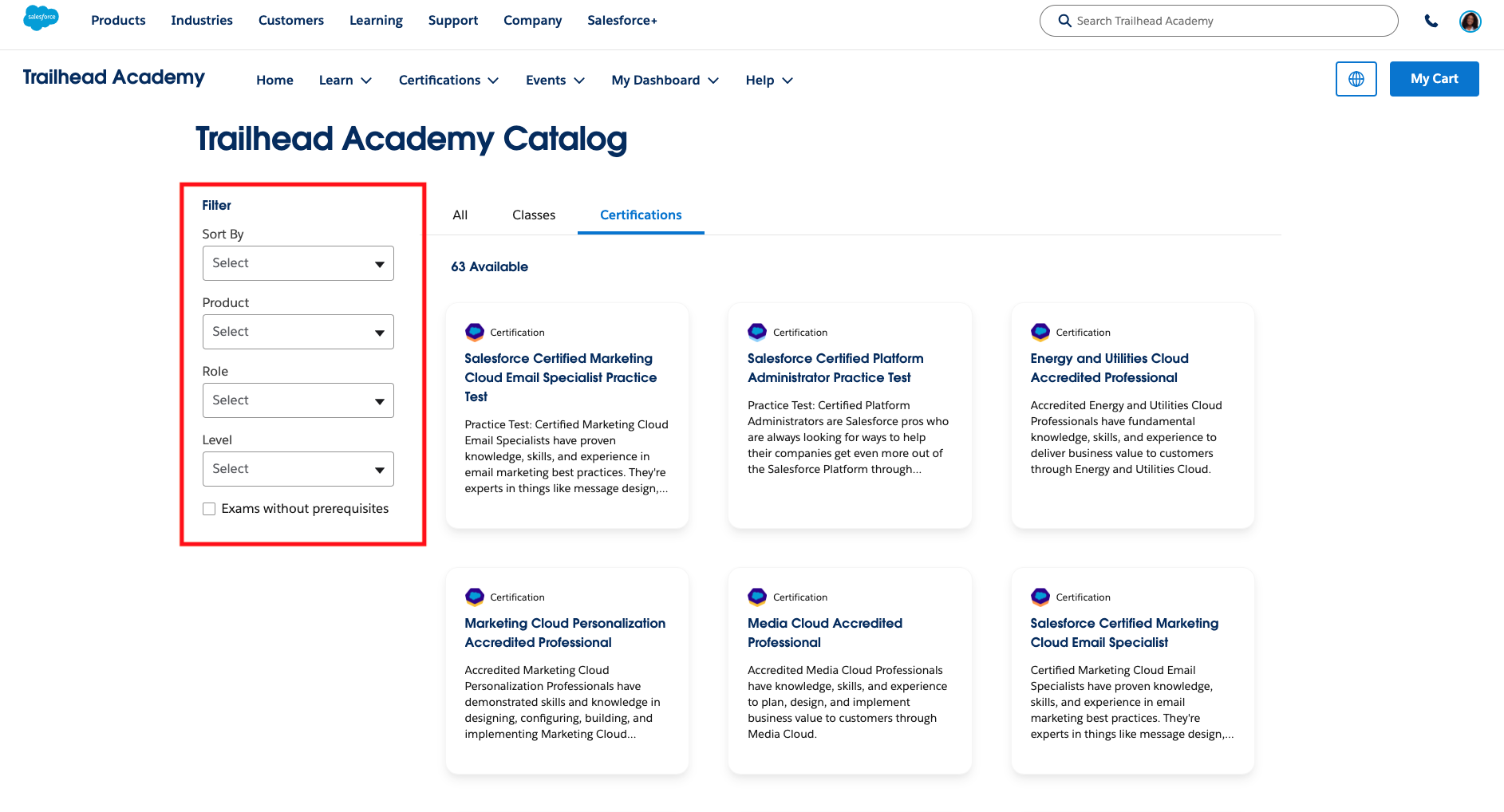
- Use the Product, Role, or Level filters to find the certification you’re looking for.
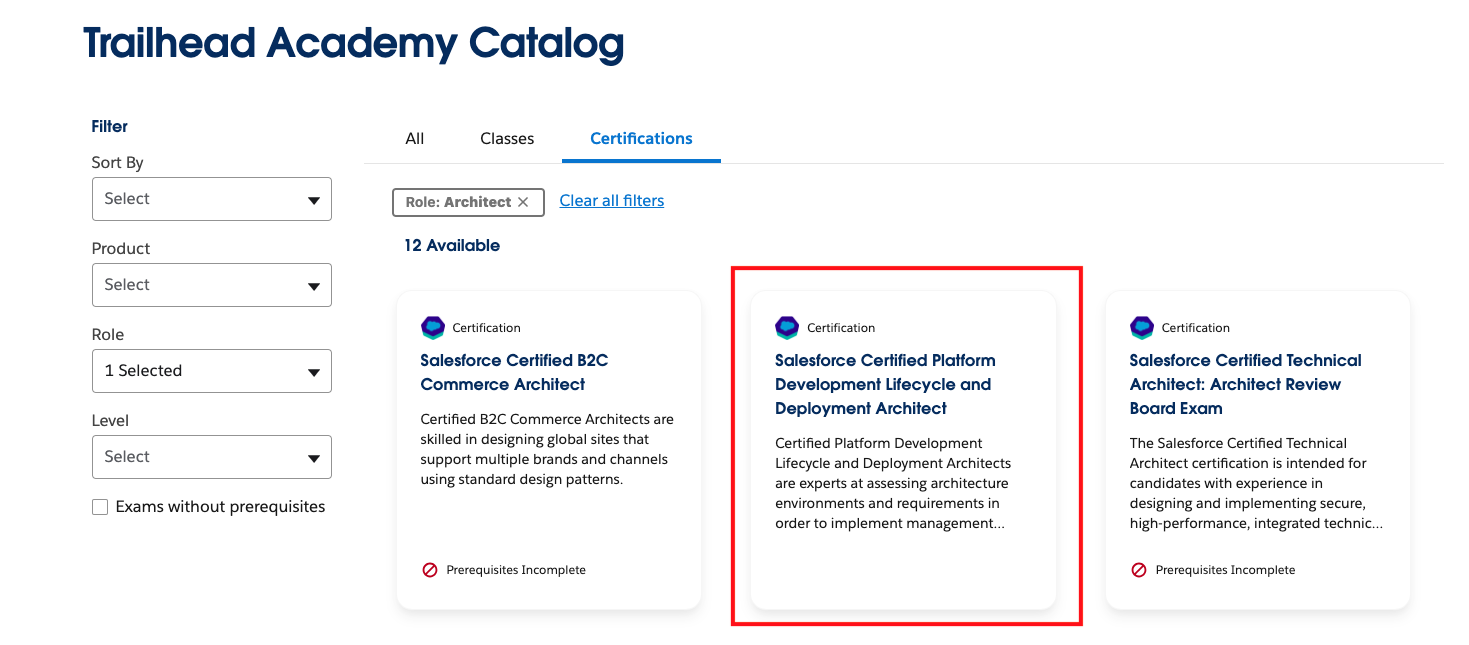
- Once you find the certification you want, click on the tile to view its exam detail page.
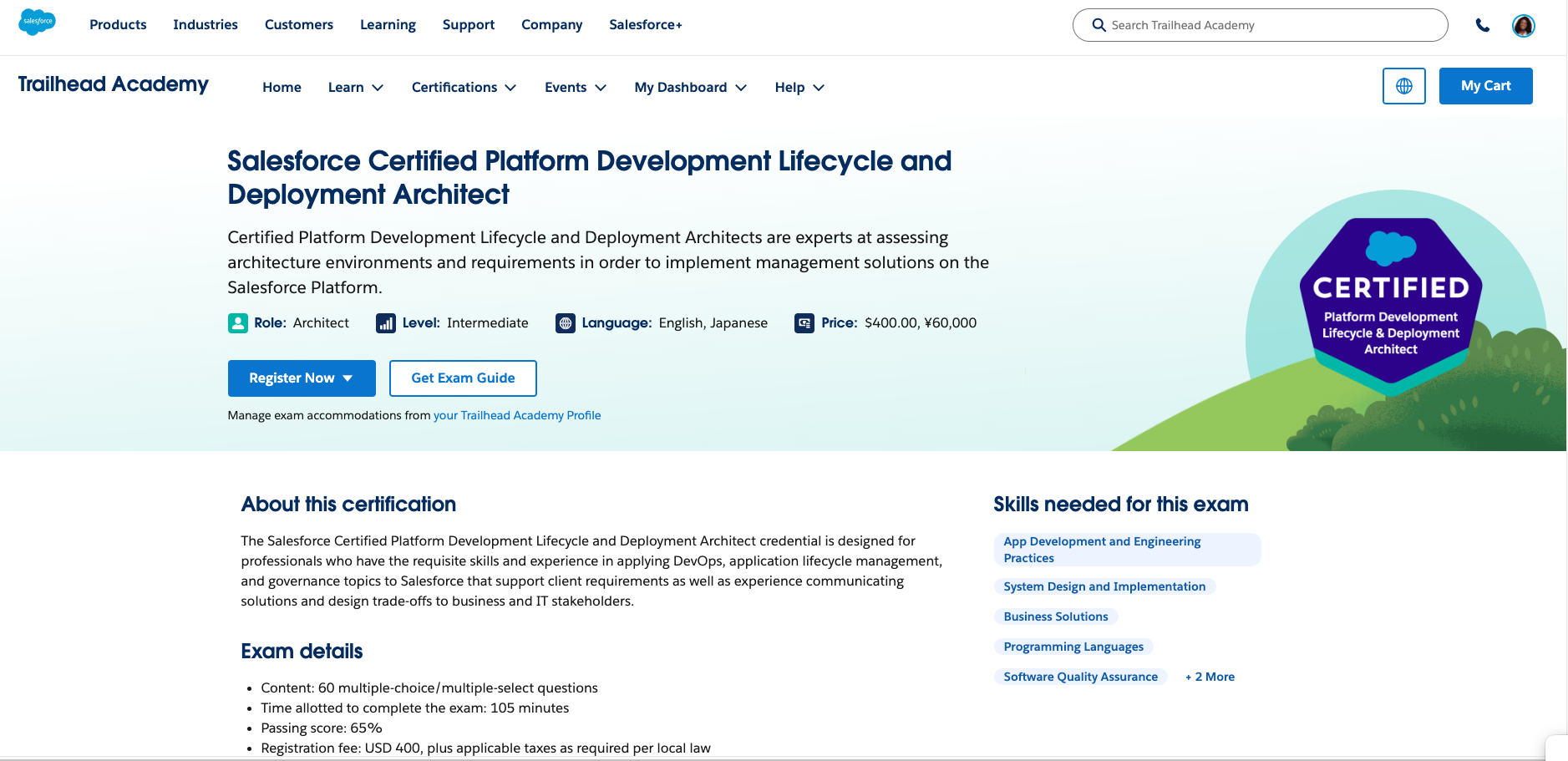
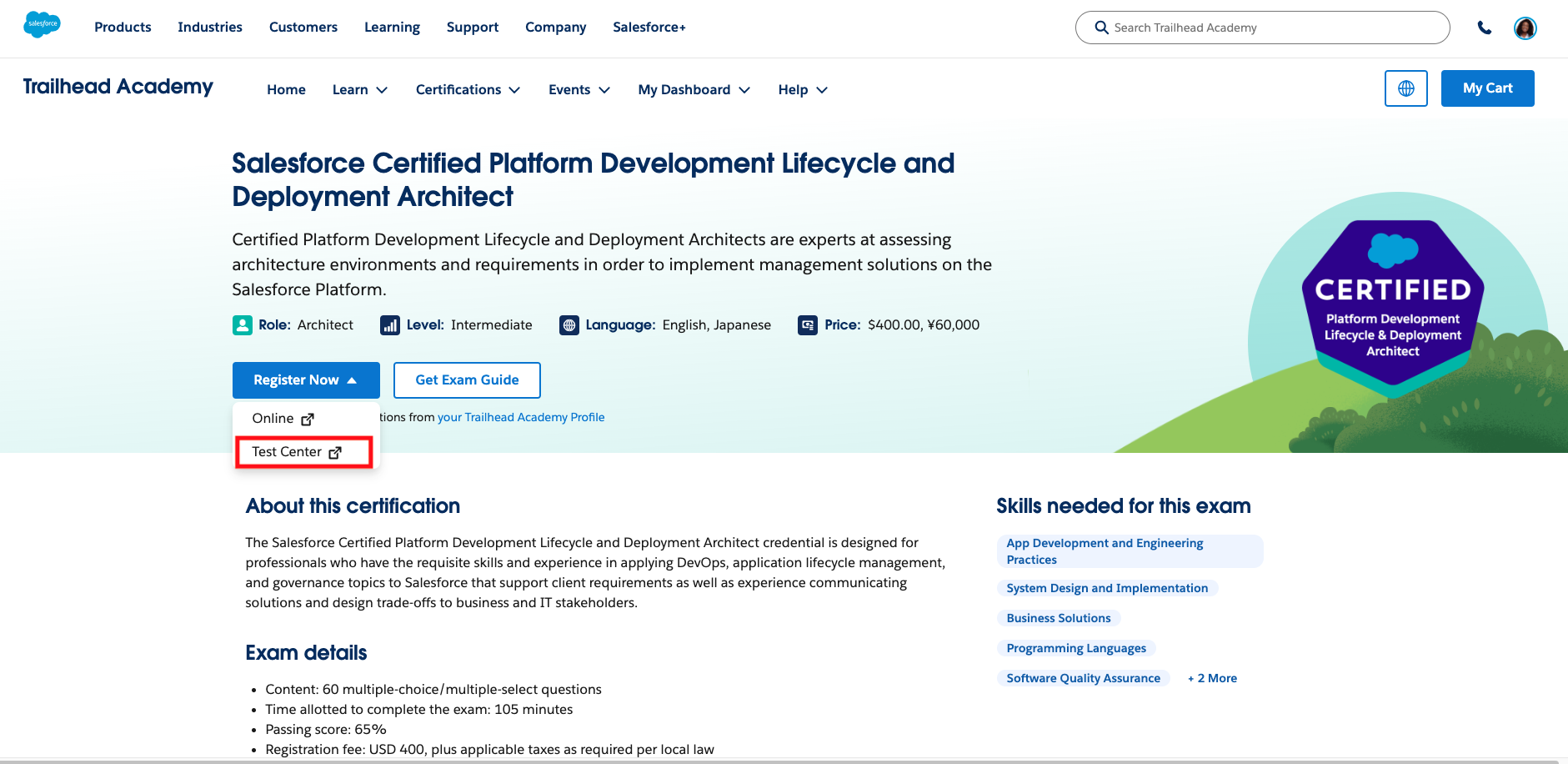
On the exam detail page you’ll find what topics it covers, eligibility, and the role and level it's designed for. - Once you’re on the exam’s detail page, click the Register Now button and choose the Test Center option. Ensure that you are logged into your Trailblazer profile and you have set up your Trailhead Academy Account.
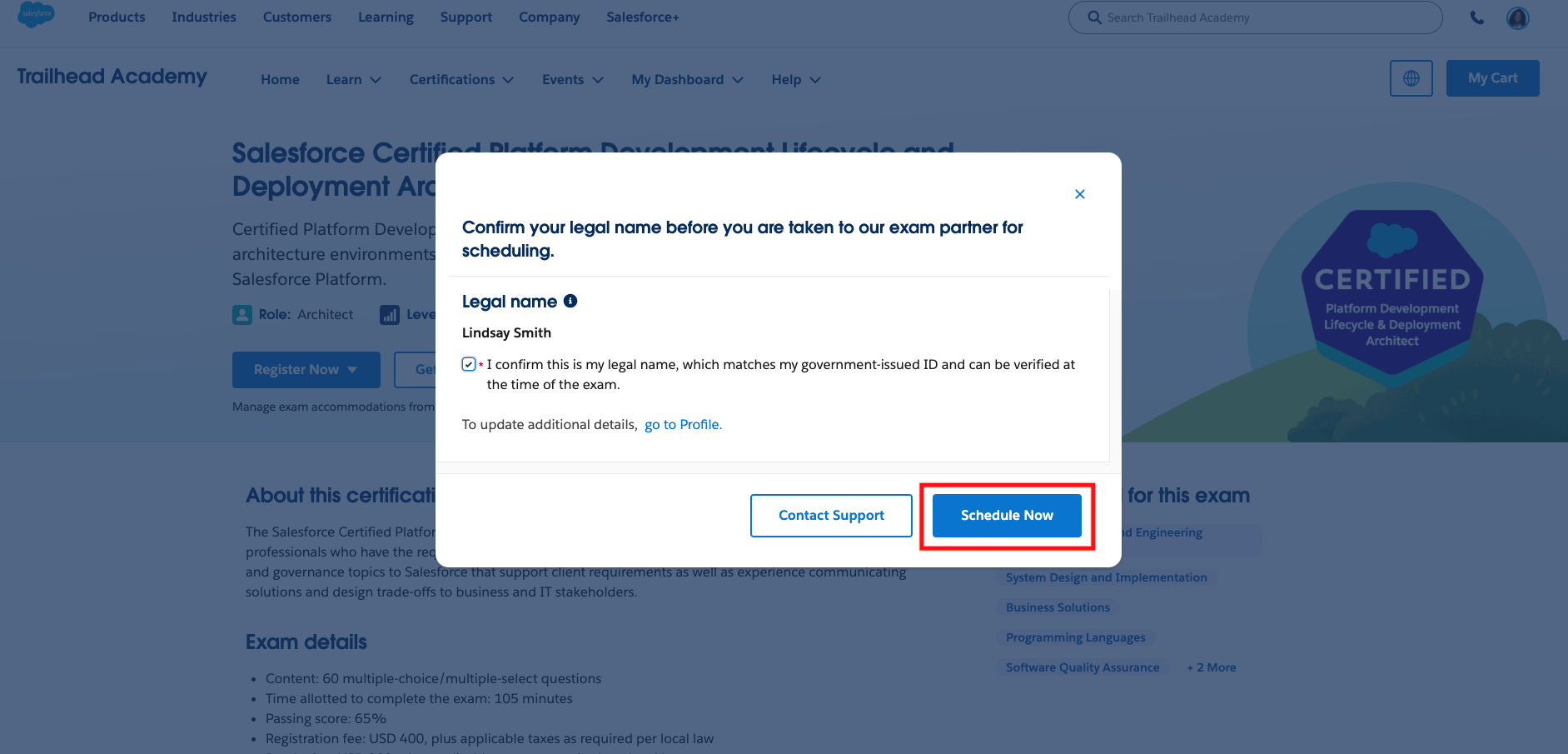
- Once you select your delivery mode, you will be asked to verify your legal name. Your legal name must match the name listed on your driver's license or government-issued ID that you will use during the exam pre-check process. This cannot be changed once you have completed scheduling your exam, so double-check your name before submitting. Once you verify your legal name, click Schedule Now.
⚠ Verify your legal name matches your government-issued ID before continuing.
Your name in Trailhead Academy must exactly match the name on your ID. If they don't match, update before registering — see Request a Legal Name Change in Trailhead Academy.
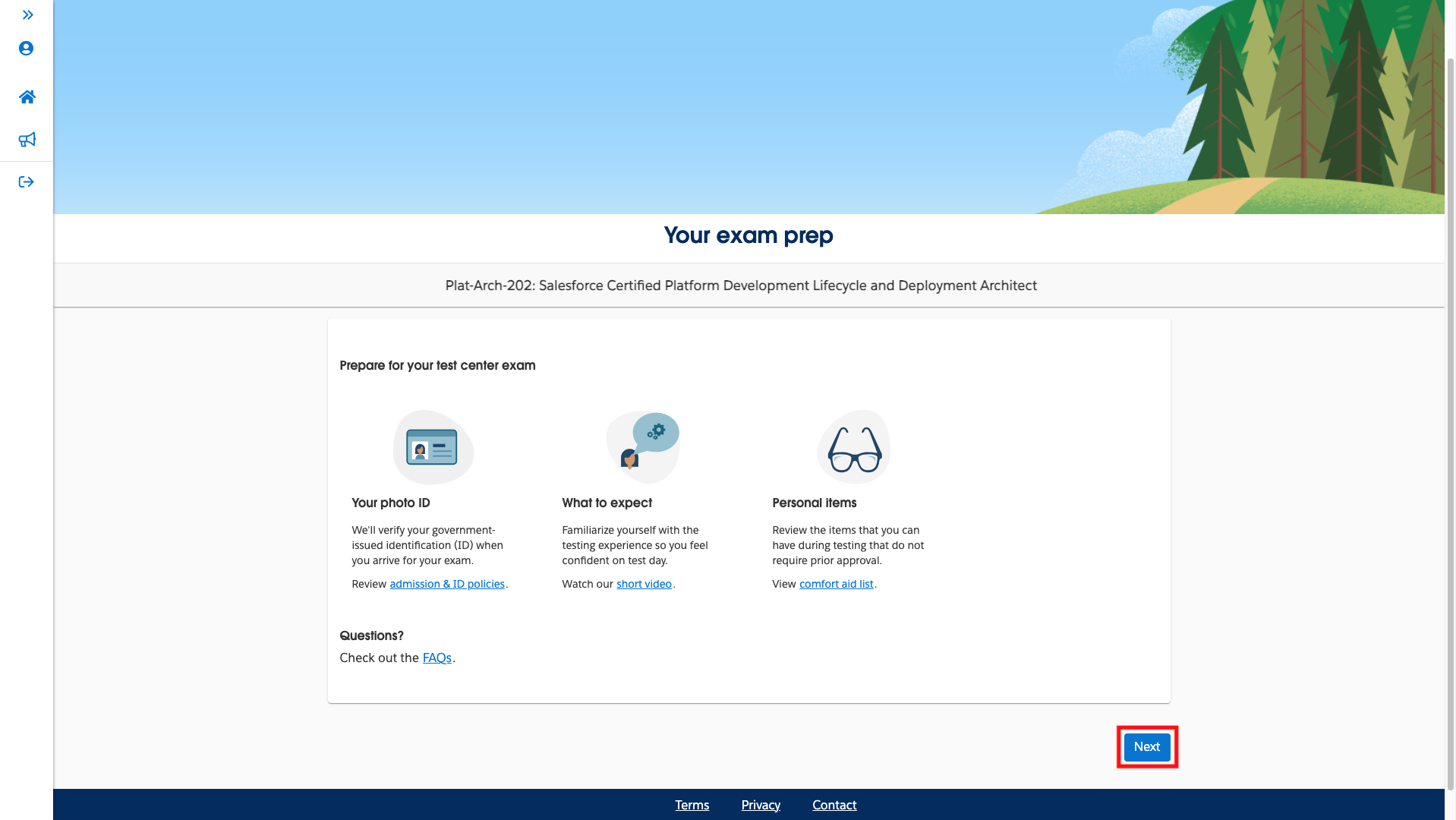
- Next, you’ll automatically be taken to Pearson, our exam delivery provider, to complete your exam registration, schedule, and pay. Click Next to continue.
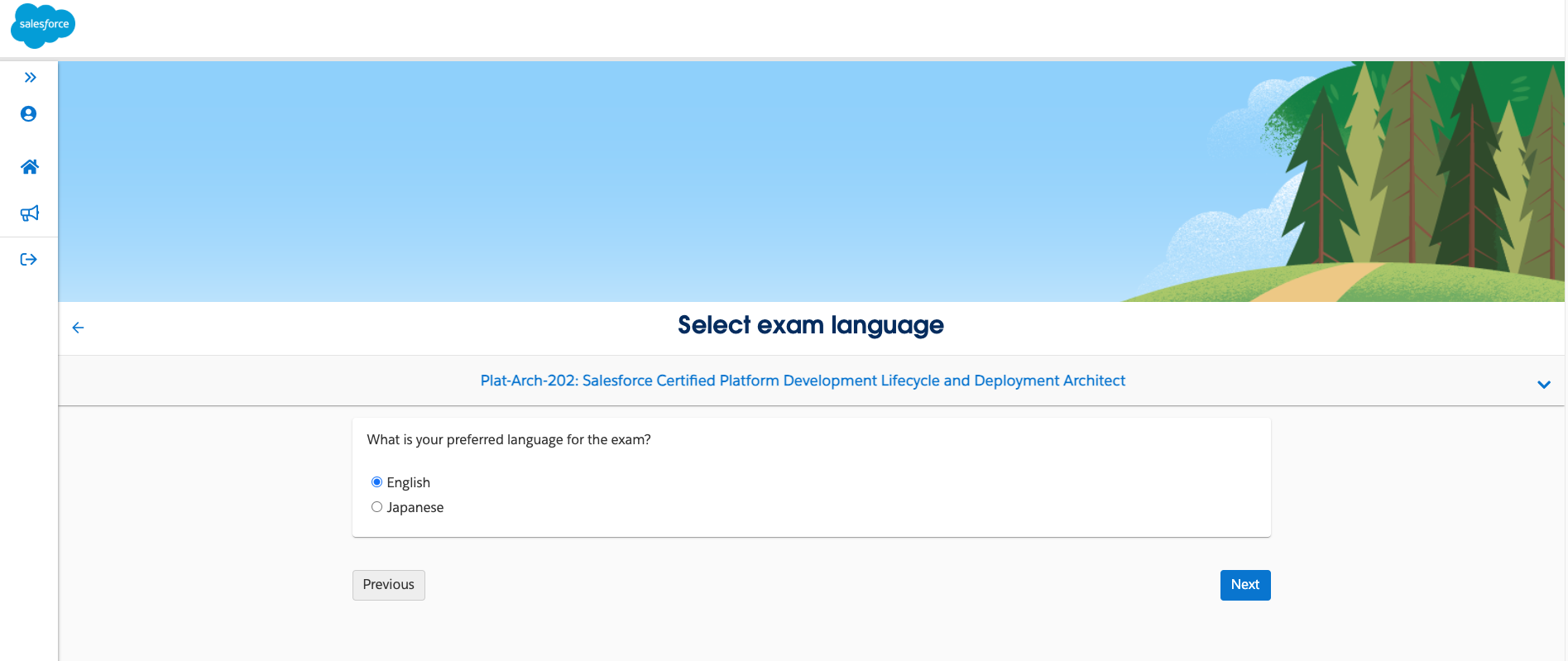
- Select your preferred exam language: English or Japanese. This scheduling process is only offered for localized Salesforce certification exams.
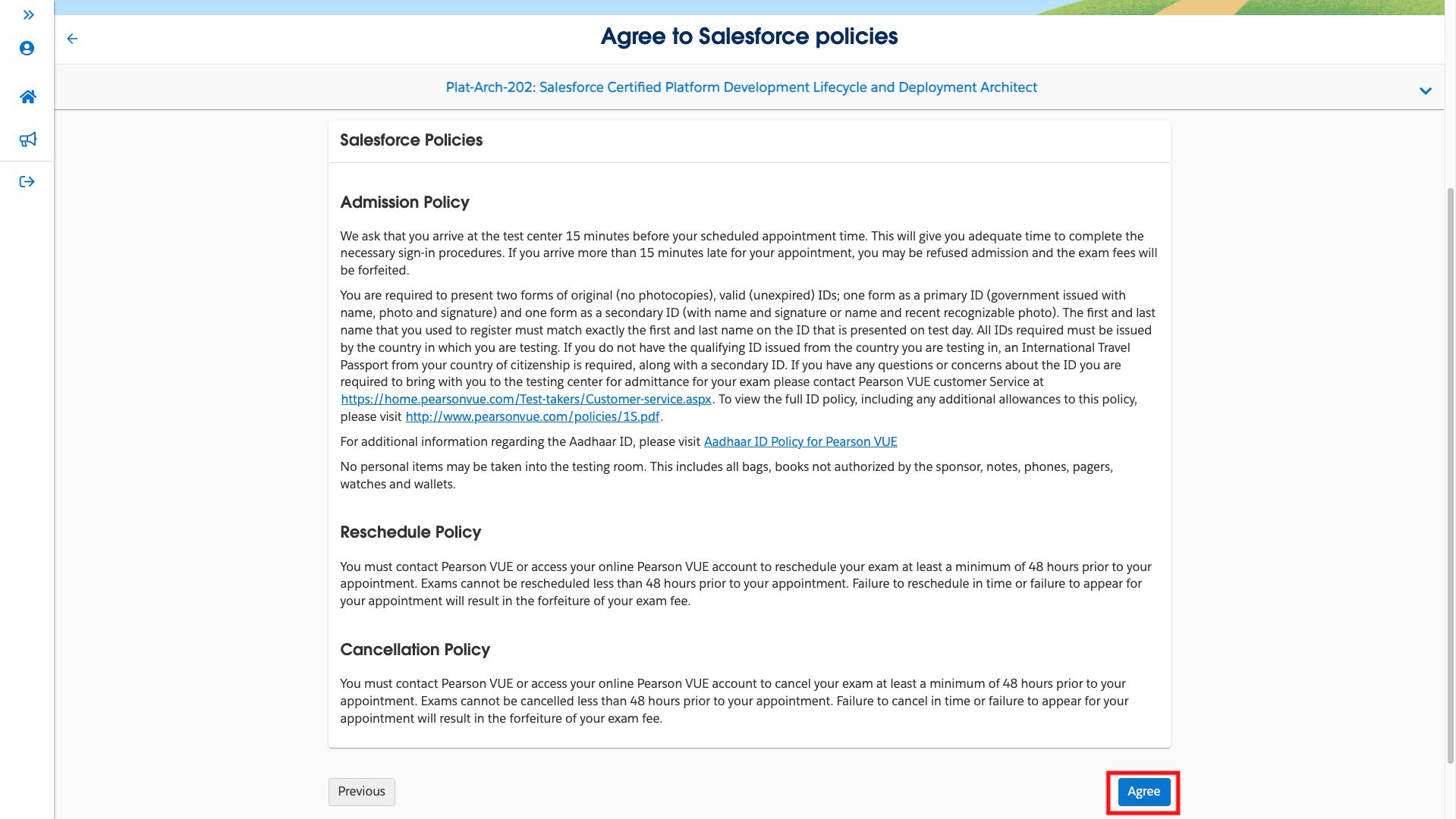
- Review and accept the online exam and Salesforce policies by clicking the check mark next to each policy. Next, navigate to the bottom of the page and click Agree.
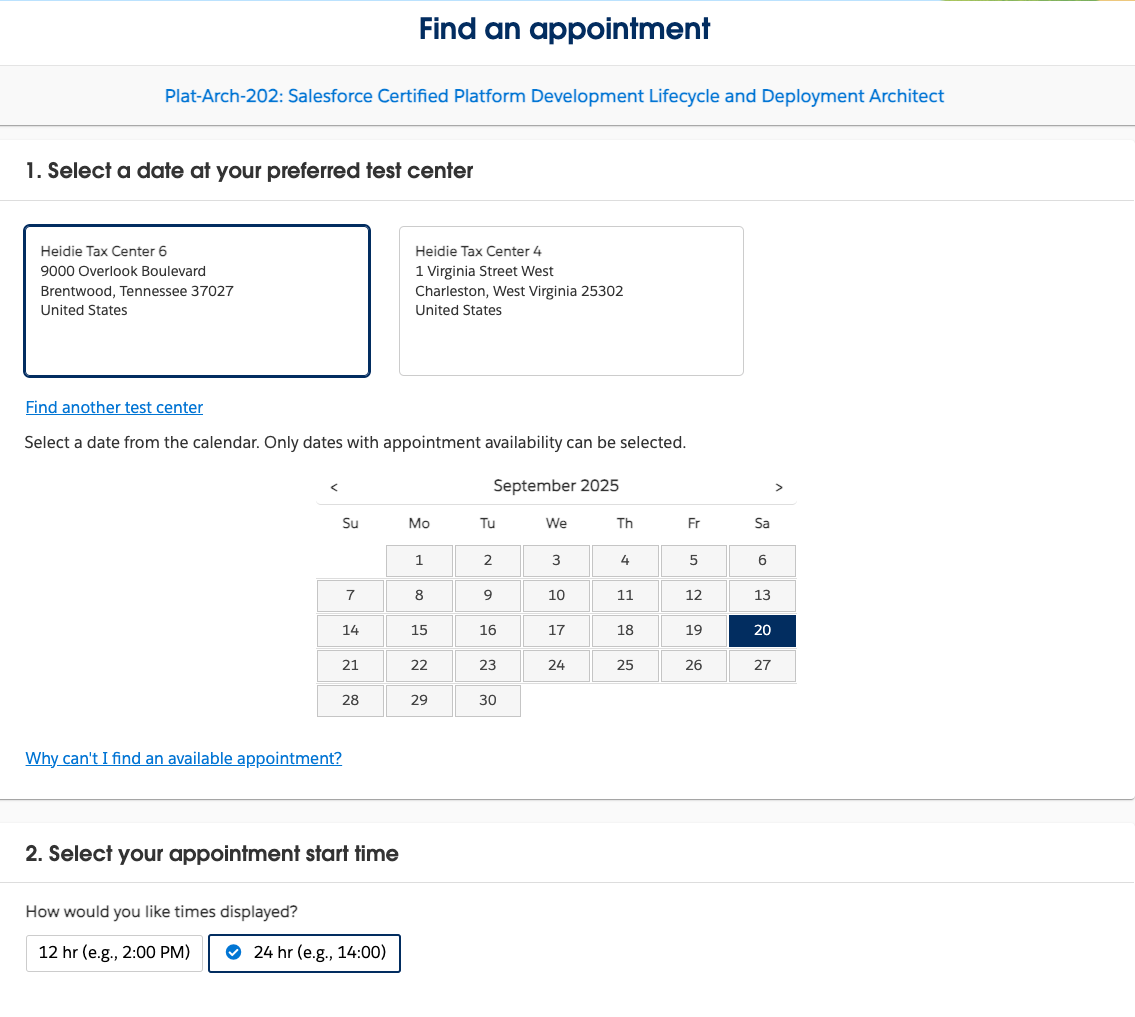
- On the Find a test center page, select up to three test centers to compare availability.
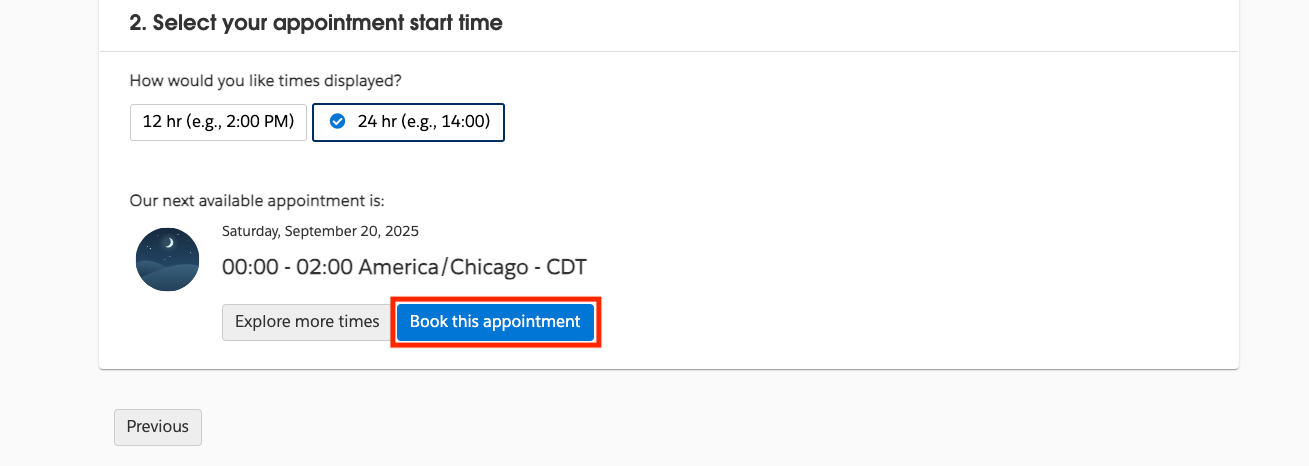
- Select a preferred test center, date, and appointment start time for your exam, then click Book this appointment.
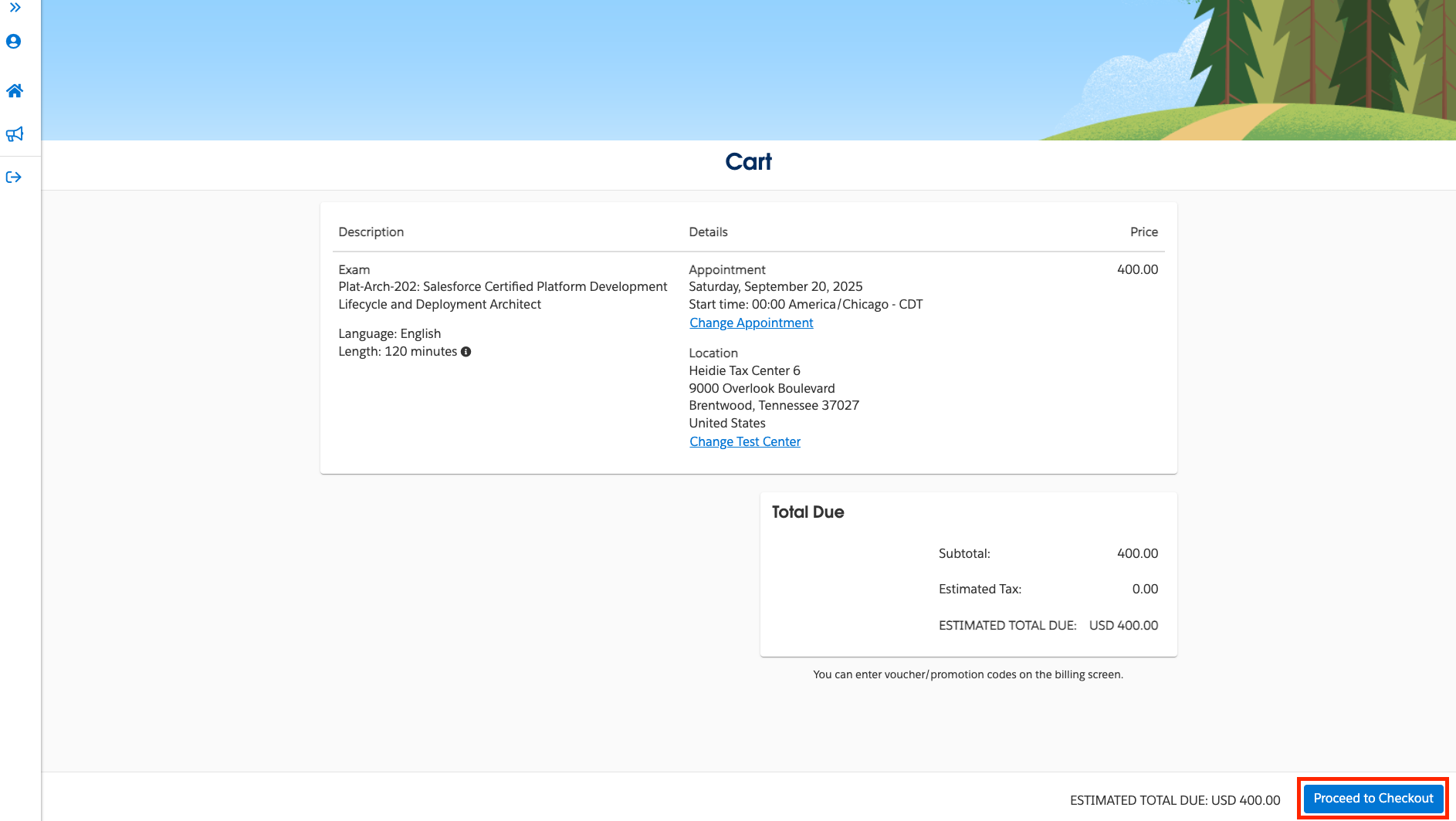
- Next, you’ll land in your cart where you’ll see your exam details including the exam name, language, length, date and start time, and price. Click Proceed to Checkout if all the details look accurate. You also have the option here to Change Appointment and Change Test Center.
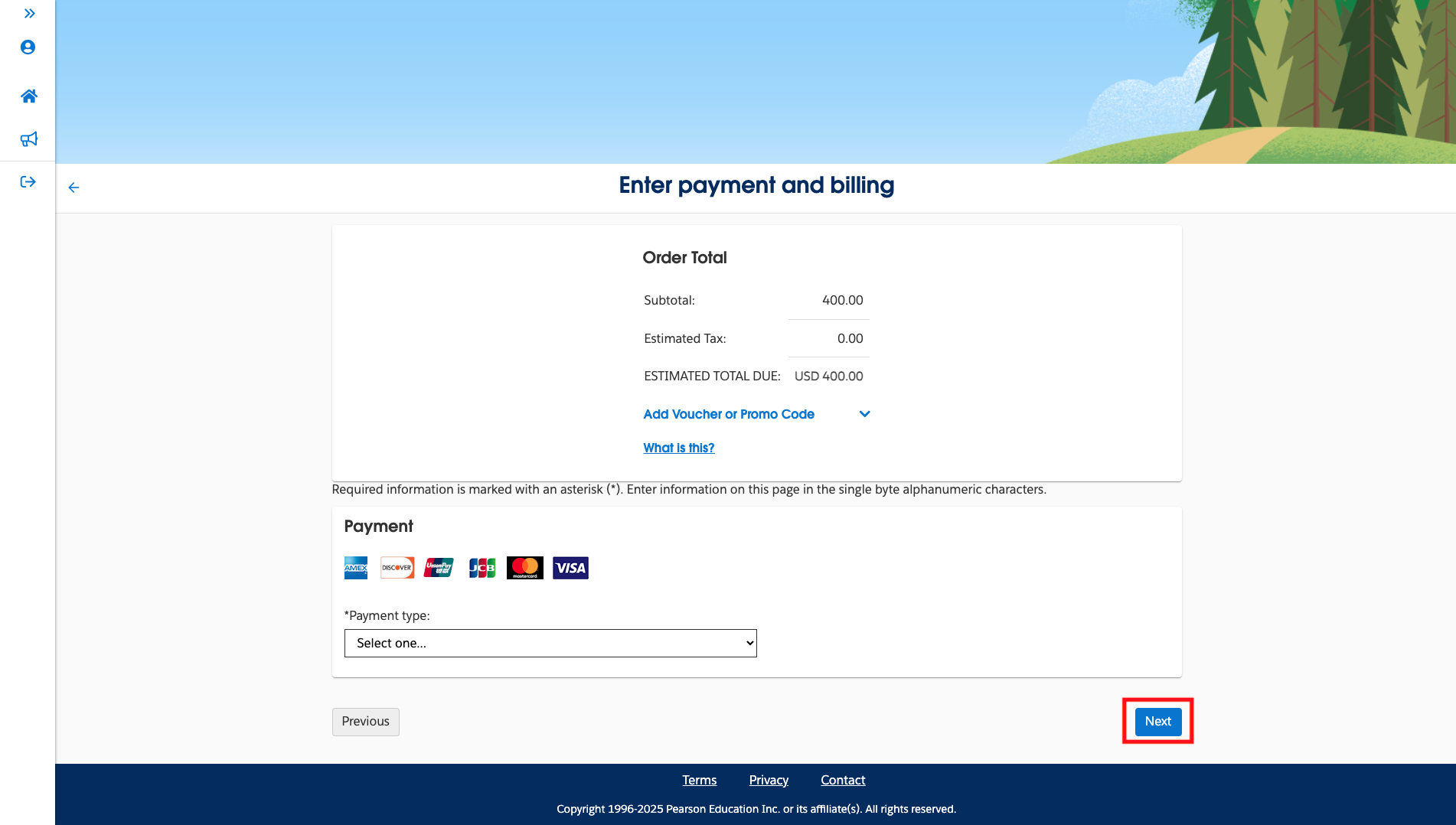
- Then, enter your payment and billing information. You can also add a voucher or promo code here. After completing all fields, click Next.
If your voucher code isn't accepted at checkout:
1. Check the expiration date on the voucher email.
2. Verify you selected the correct exam — vouchers are exam-specific.
3. Confirm the voucher hasn't already been redeemed — each code is single-use.
4. If the code is valid and not working, open a support case with the voucher code
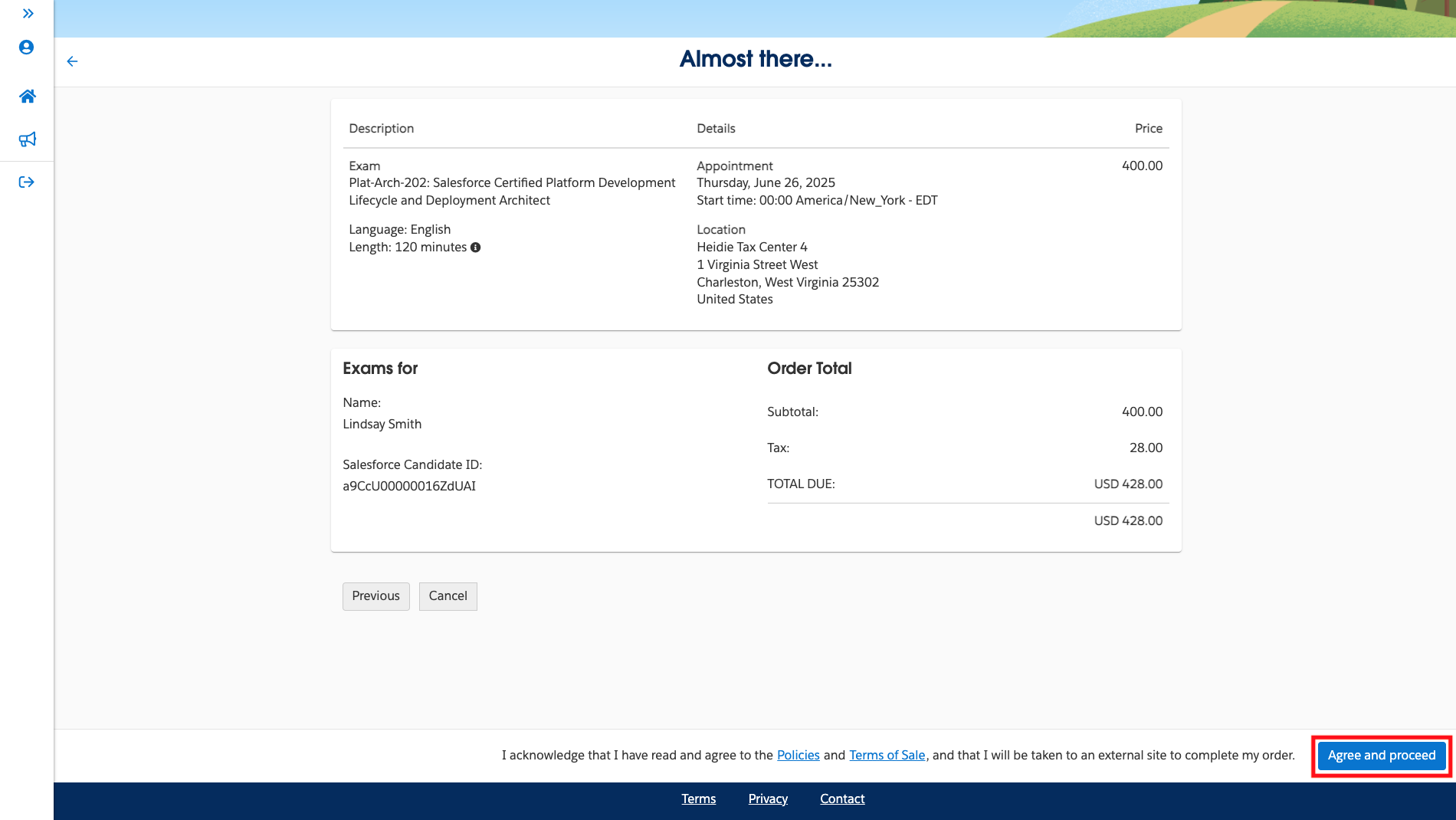
and the exam you're registering for. - After you have completed your payment, you will be taken to a scheduled exam confirmation page. This confirmation page provides your scheduled exam's details, Salesforce certification exam policies, and directions to your testing center. Please ensure you include the correct billing address that you would like to have associated with your exam’s invoice. Click Agree and proceed if all the details look accurate.
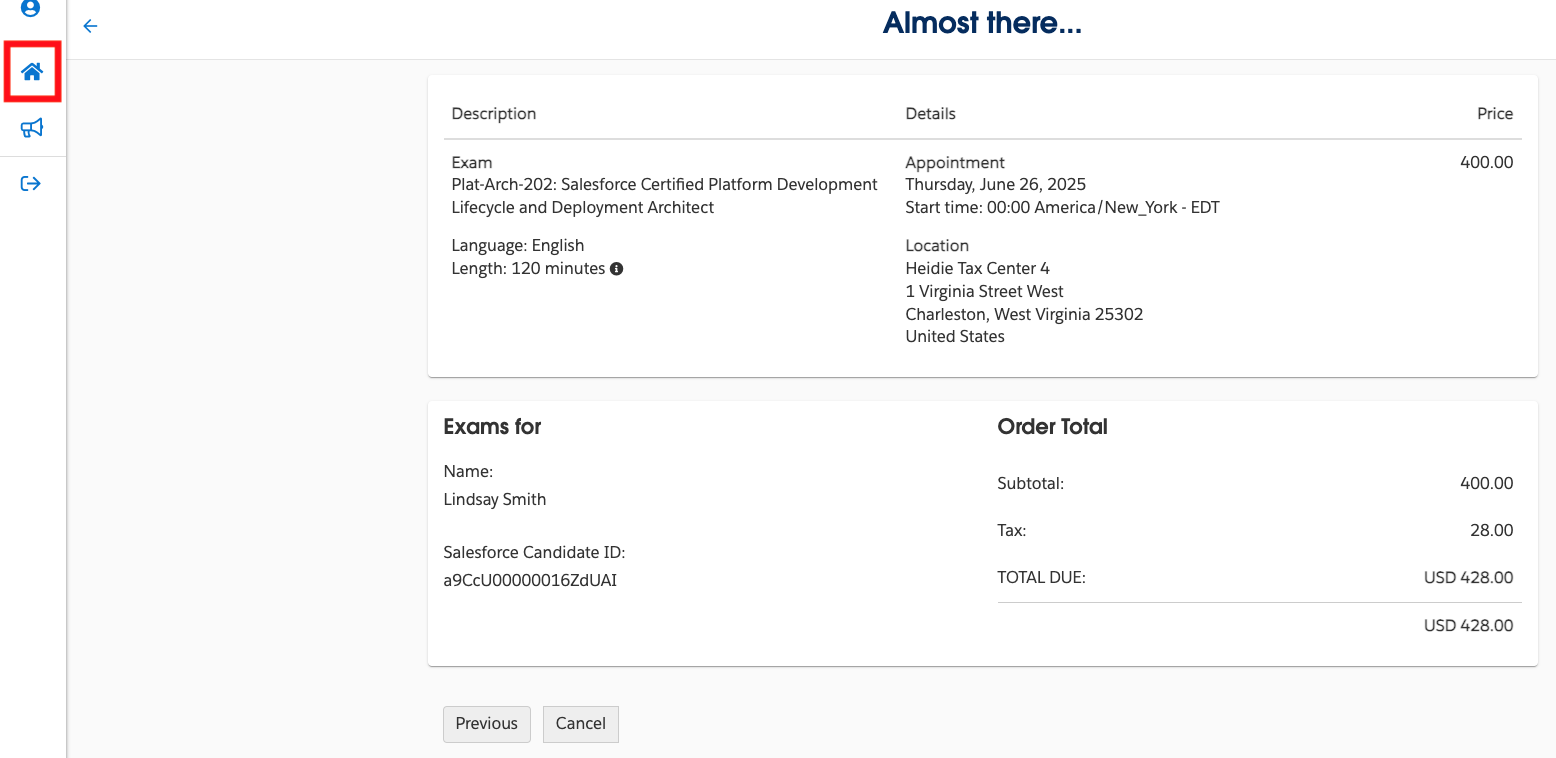
- Click the Home icon to be taken back to your Trailhead Academy homepage.
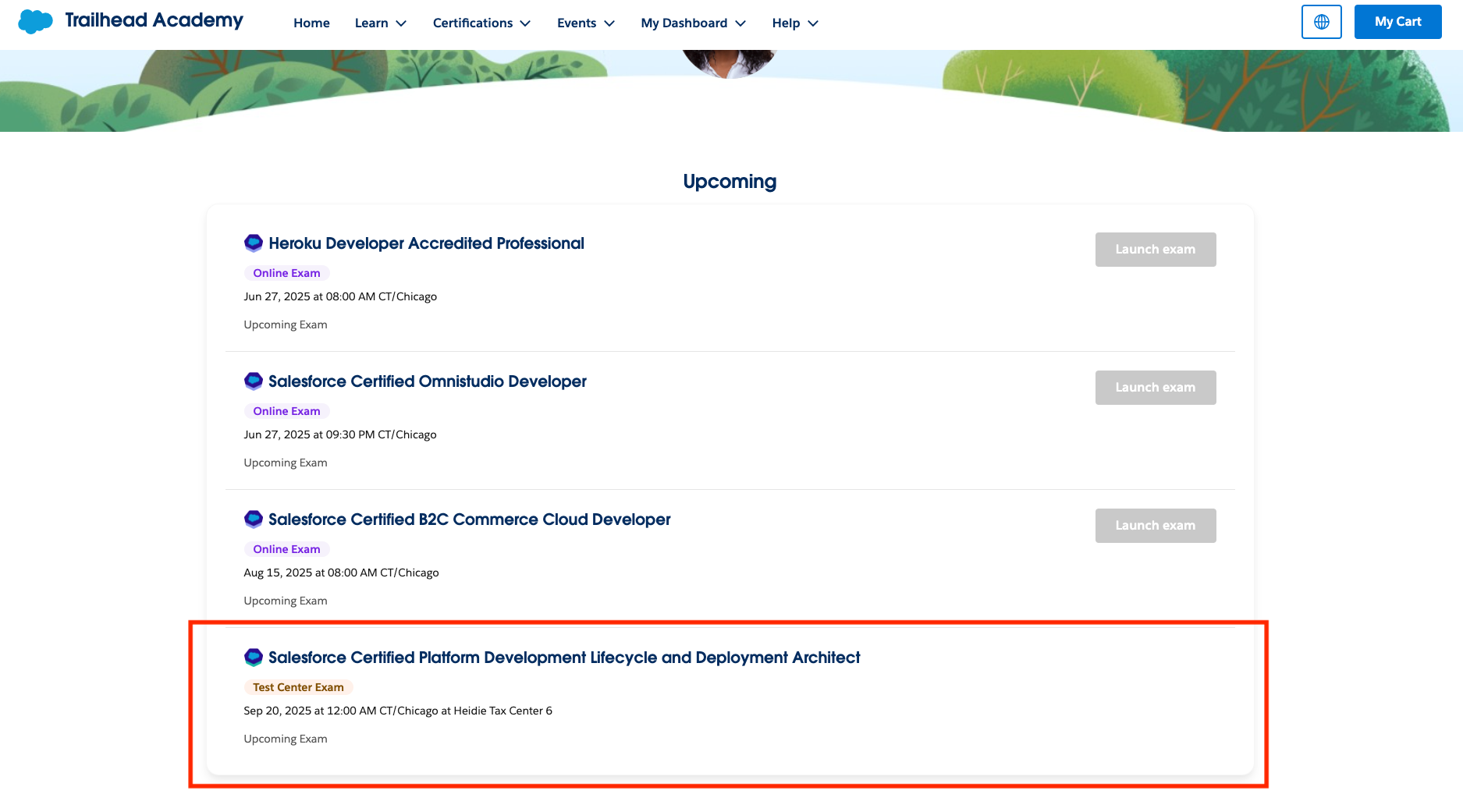
- Your scheduled exam will appear on your Trailhead Academy homepage, listed in the Upcoming section. You will also receive a confirmation email with your scheduled exam's details.
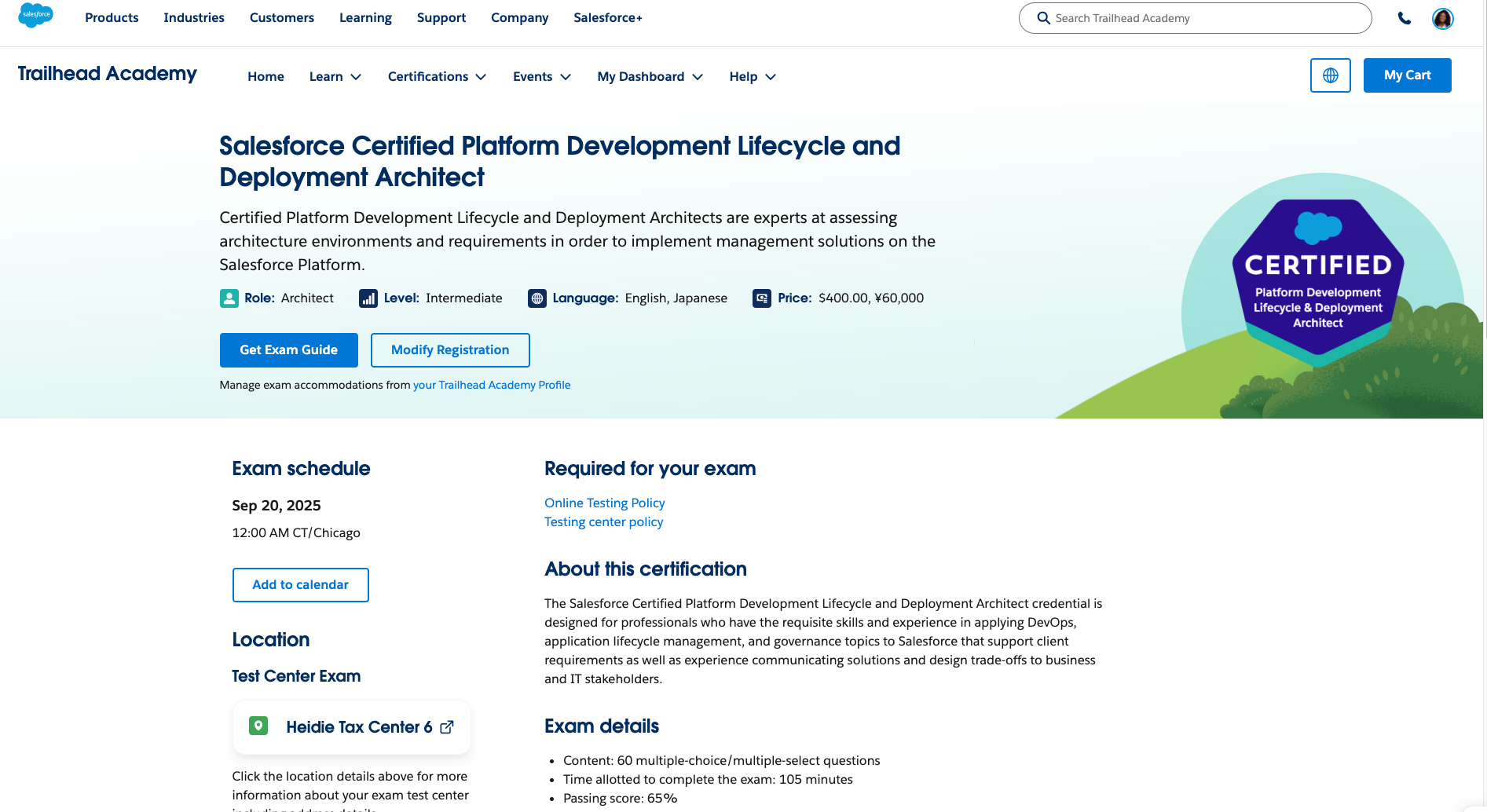
- Another way to review your scheduled exam’s details is to click on the exam name in the Upcoming section of your Trailhead Academy homepage. This takes you to the exam detail page where you can see your scheduled exam's details and the exam guide to help you prepare.
Løste denne artikel dit problem?
Giv os besked, så vi kan forbedre os!
