Vælg en organisation
Tableau Server Kerberos SSO Error when Signing in: Tableau Server could not authenticate you automatically
Udgivelsesdato: Jan 28, 2026
Beskrivelse
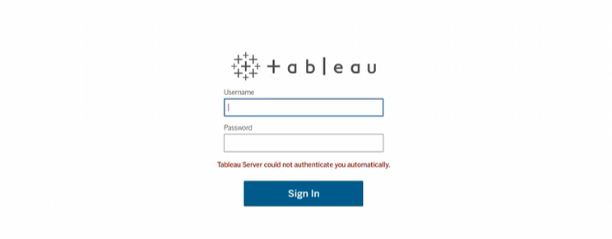
The user is experiencing issues with Kerberos SSO on Tableau Server 2025.1.5. They have created the SPN against a load balancer URL and generated the keytab file, but there appears to be a mismatch or something wrong with the keytab, resulting in a 'Checksum failed' error in the vizportal logs:
com.tableausoftware.domain.user.auth.LoginAppService - Failure during GSSAPI security context exchange
org.ietf.jgss.GSSException: Failure unspecified at GSS-API level (Mechanism level: Checksum failed)
Løsning
1. Verify that the keytab/SPN fields match and the keytab file is encrypted with aes256.
2. Check the ktpass command and ensure it is valid
3. Verify that the gateway.public.host matches the load balance URL.
4. Run the ktpass command as a domain admin.
5. Upload the new Tableau Server logs to Egnyte if the issue persists and contact Tableau Support
Yderligere ressourcer
https://help.tableau.com/current/server/en-us/kerberos_keytab.htm
Vidensartikelnummer
005299597
Løste denne artikel dit problem?
Giv os besked, så vi kan forbedre os!
