Velg en organisasjon
Fixing “Site Not Reachable” Issues After dataloader.io Login
Publiseringsdato: Jun 29, 2026
Beskrivelse
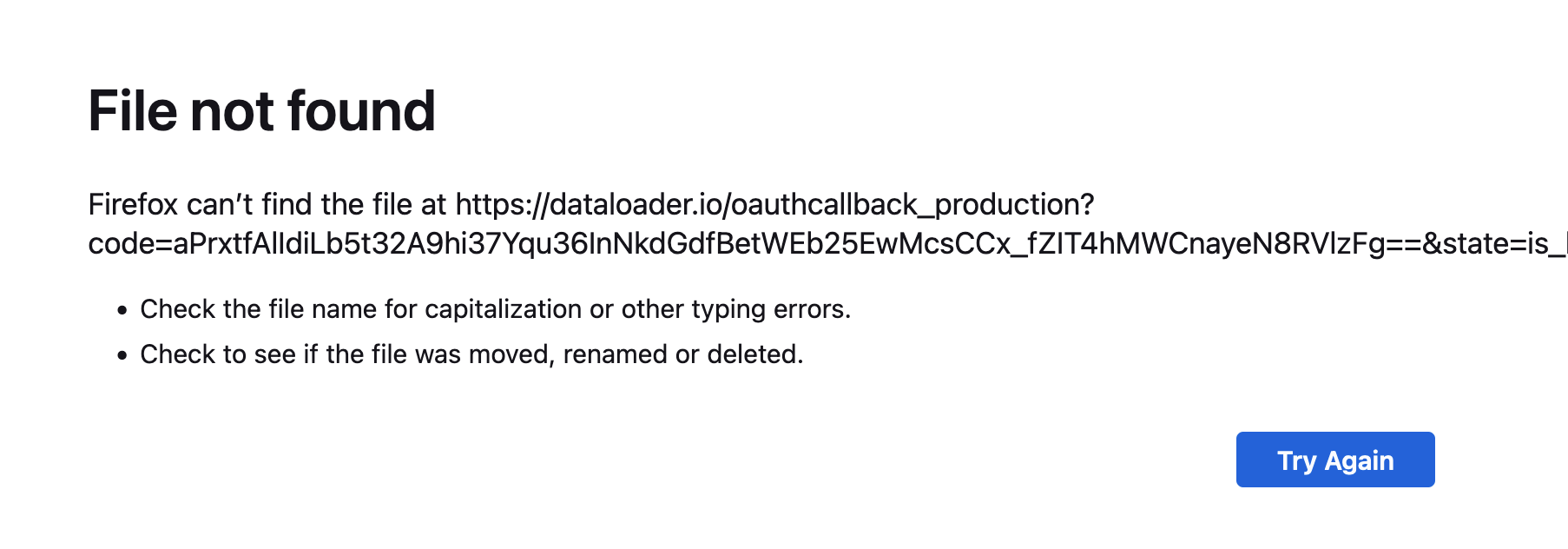
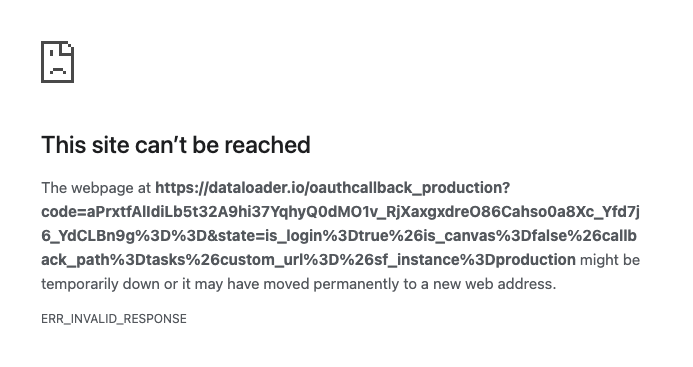
Here are some screenshots of the errors as seen on different browsers:
Firefox:
Chrome:
CAUSE
We recently switched the Salesforce API from SOAP v58 to REST v60. As a result of this change, and due to a specific query we are running, there is now a particular permission required that was not necessary previously.
The permission name is "View Setup and Configuration".
Løsning
When not able to log in to dataloader.io from MuleSoft, add the permission "View Setup and Configuration" to the user profile following the steps below:
- Go to Salesforce Setup > Profiles.
- Edit the profile that this user is assigned to.
- Add the permission "View Setup and Configuration" and Save.
Knowledge-artikkelnummer
005318362
Hjalp denne artikkelen med å løse problemet ditt?
La oss få vite det slik at vi kan forbedre!
