Seleziona un'organizzazione
"This Content Is Blocked" Error in Tableau View LWC on Salesforce
Data pubblicazione: Apr 10, 2026
Descrizione
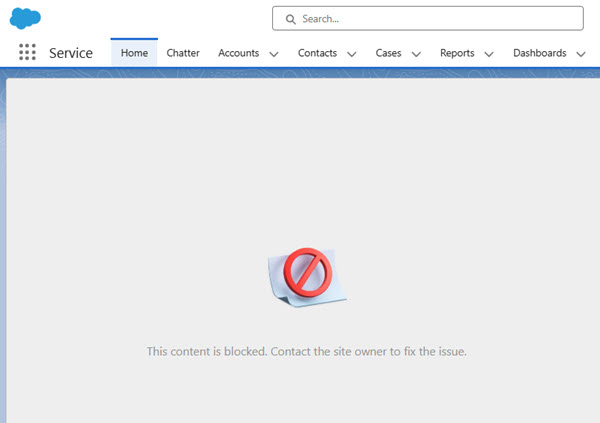
When using the Tableau View embedded via the Tableau View Lightning Web Component (LWC) in Salesforce, you may encounter an error message:
This content is blocked. Contact the site owner to fix the issue.
Cause:
- If the Adopt Updated Content Security Policy (CSP) Directives is enabled in the Salesforce org, stricter CSP rules are enforced.
- If the embedded view URL in the Tableau View LWC URL is not registered as a Trusted URL, the frame-src (iframe content) will be blocked due to CSP (Content Security Policy) violations.
- The Untrusted URL can be found in the Trusted URL and Browser Policy Violations list.
Risoluzione
Two approaches resolve this issue. Confirm the state of the Salesforce org settings and apply accordingly:
Option 1: Add Tableau Cloud URL as a Trusted URL (Recommended)
Add the Tableau View URL as a Trusted URL in Salesforce. For details, refer to Add Trusted URL.
Option 2: Disable "Adopt Updated CSP Directives"
Disabling the stricter CSP setting may resolve the issue. For more information, see Protect Your Org with Updated CSP Directives.
Risorse aggiuntive
Embed Tableau Views into Salesforce
Distinguish Between Blocked and Reported CSP Violations
Salesforce Platform: Content Security Policy (CSP) Violations.
Numero articolo Knowledge
005318381
Questo articolo ha risolto il problema?
Facci sapere, così possiamo migliorare!
