조직 선택
dataloader.io Session Management Prevents Logging into a Different Account
게시 일자: Jun 30, 2026
상세 설명
Issue
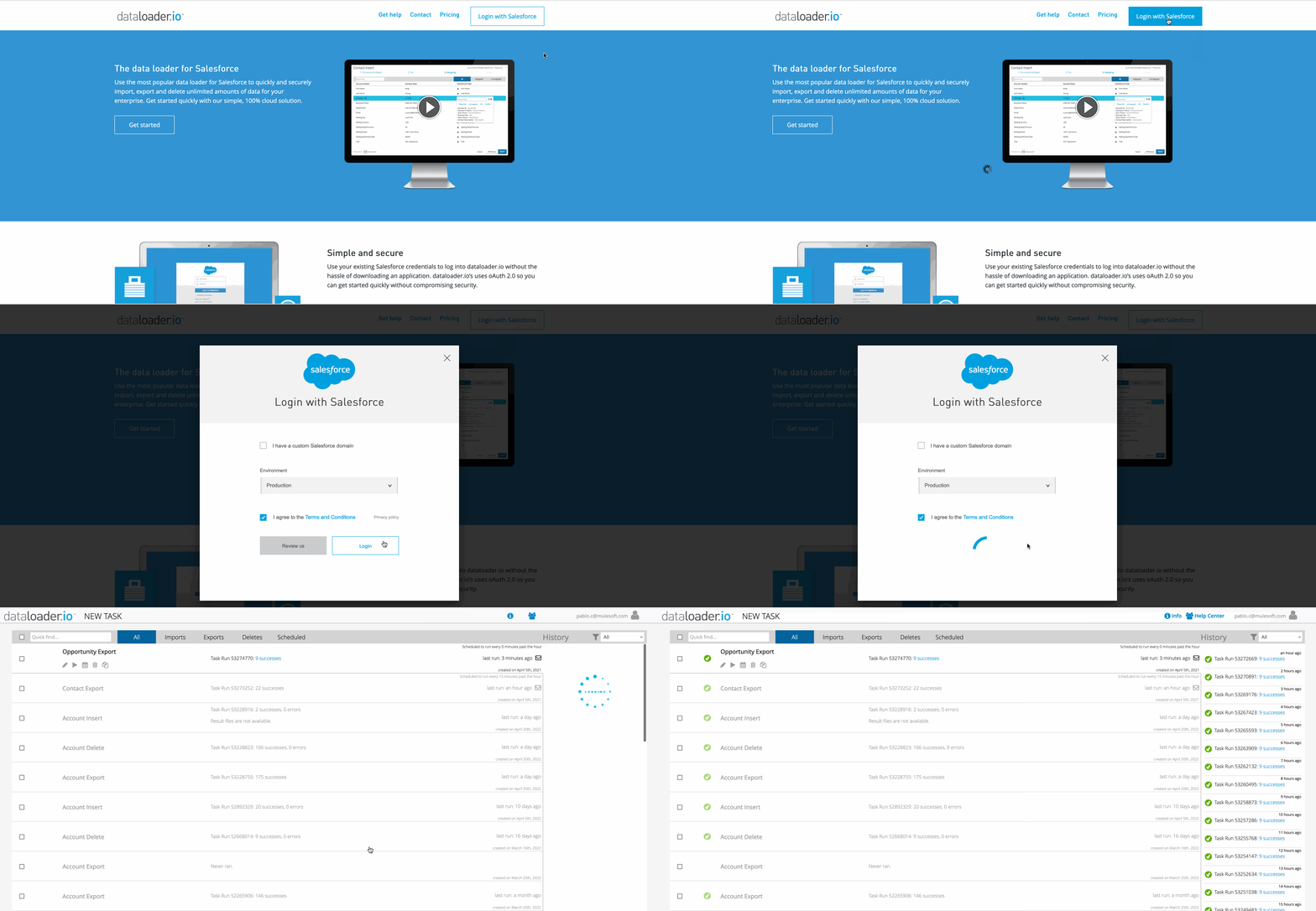
You access dataloader.io from MuleSoft, click on Login with Salesforce, select (or not) your custom domain and Environment, click on the login button, and then dataloader.io from MuleSoft logs you in as a user that was used before, without asking for a username and password.
You don't find any way to log in to a different account.
Cause
This issue happens because dataloader.io from MuleSoft uses an active Salesforce session.
솔루션
To solve this issue you have more than one option:
- Log in to Salesforce with the same username, then log out from Salesforce and dataloader.io from MuleSoft.
After that you will be able to enter a different username when logging in to dataloader.io from MuleSoft. - Second option is to clear your browsing data so any cookies are removed and then there is no active session available the next time you try to login.
- In case it is a one time situation that you need to login to a different user, you can do it from a private browsing window (like incognito mode in Chrome).
Knowledge 기사 번호
005318605
이 기사를 통해 문제를 해결했습니까?
개선을 위한 의견을 보내주세요.
