Seleziona un'organizzazione
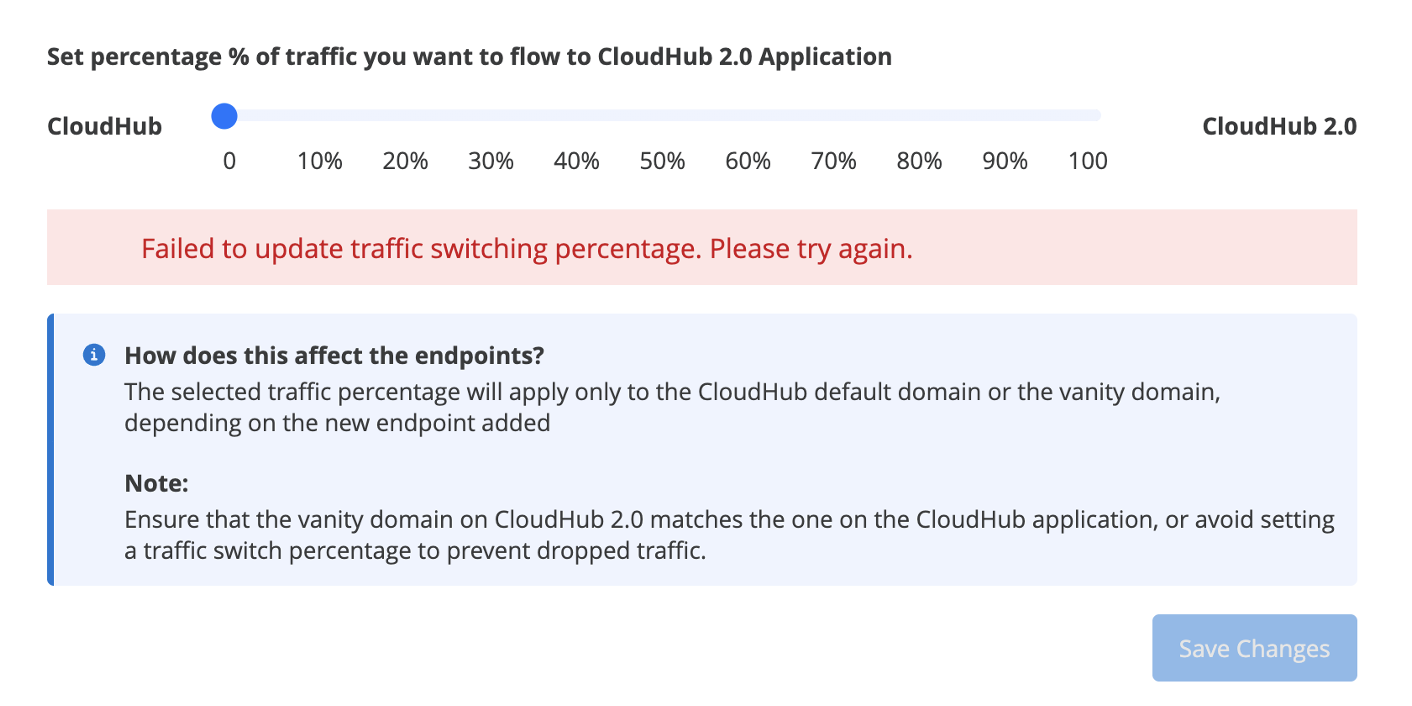
Failed to update traffic switching percentage during Cloudhub 1.0 to Cloudhub 2.0 Migration
Data pubblicazione: Apr 28, 2026
Descrizione
The user encountered an issue where they were unable to update the traffic switching percentage in Cloudhub 2.0 after successfully upgrading an application. Despite having permissions to deploy, stop, and start applications, the user faced an error when attempting to switch traffic.
Risoluzione
1. Verify if the user has the 'Cloudhub Network Administrator' permission. If not, request this permission from your Organization Administrator.
2. Verify that both Cloudhub 1.0 and Cloudhub 2.0 applications are deployed and running
3. Verify that your Cloudhub 2.0 application's HTTP Listener is listening to port 8081
4. Verify that Last-Mile Security is ONLY enabled if your app has a TLS context
5. IF migrating from Cloudhub 1.0 with DLB, check to make sure that your DLB's cert was properly migrated over.
Go to Runtime Manager - Private Spaces - <name of your migrated PS> - Domains & TLS - verify DLB's certificate was migrated. If this was not migrated please upload it here and Create TLS Context.
NOTE: DLB requires a full chain that includes intermediate and root certs. For Private Space split the intermediate and root certs into a single file and upload into "CA Path Certificate".
Numero articolo Knowledge
005321445
Questo articolo ha risolto il problema?
Facci sapere, così possiamo migliorare!
