Выбрать организацию
API Manager API Instance Alert Creation and Update Using REST API
Дата публикации: May 7, 2026
Описание
MuleSoft Anypoint Platform provides REST API call that can be used to manage alerts programmatically for API Manager managed APIs. Using the Alerts API, users can:
- Retrieve existing alert configurations
- Create new alerts for API instances
- Update existing alert configurations
The alerts can be configured based on metrics such as api_response_code_count and can trigger notifications like email alerts when thresholds are exceeded.
Решение
Below are the commonly used operations.
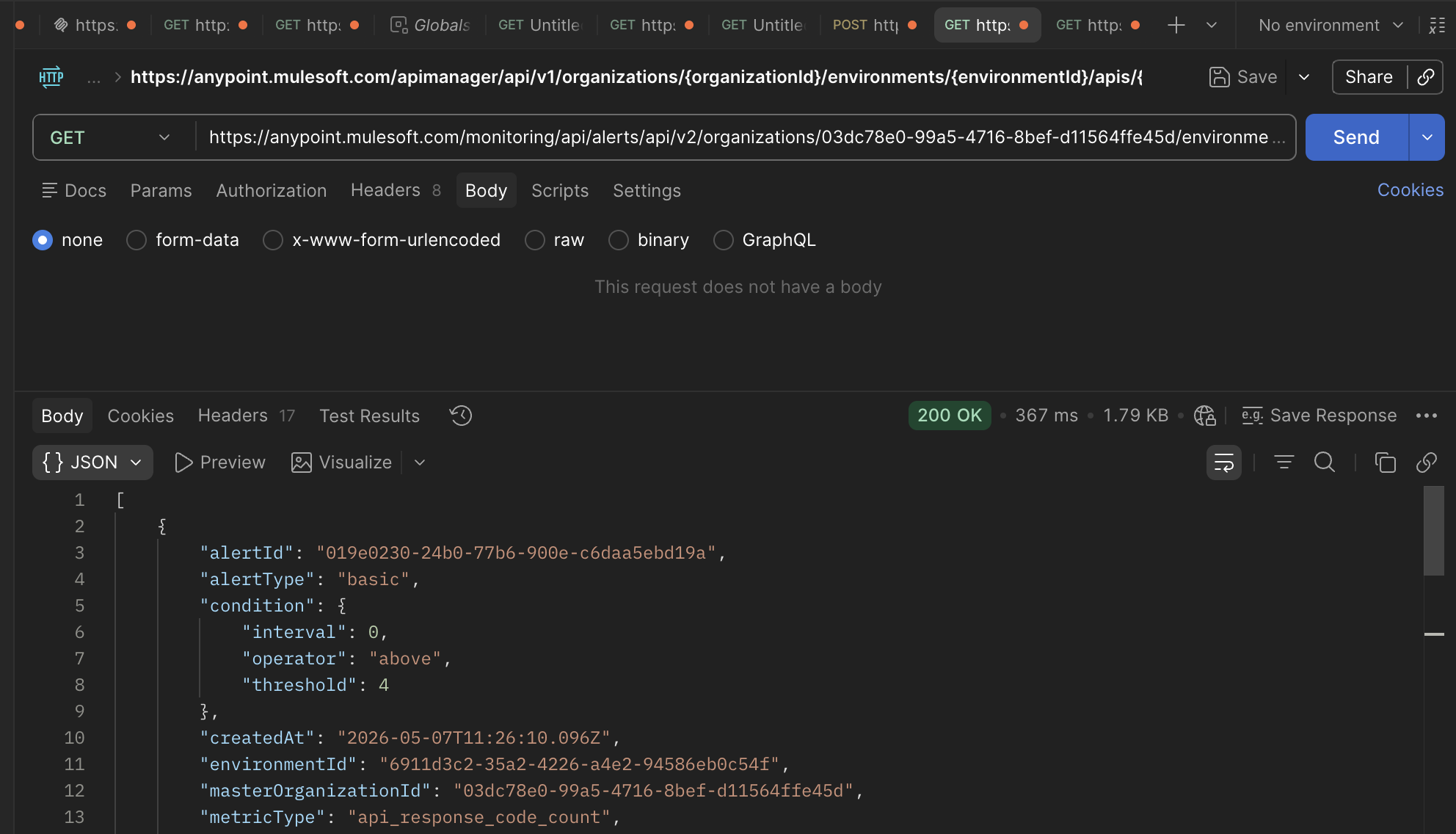
1. Retrieve Existing Alerts
Request
curl --location 'https://anypoint.mulesoft.com/monitoring/api/alerts/api/v2/organizations/{orgId}/environments/{envId}/alerts' \
--header 'Authorization: bearer <access_token>'
Example Response
[
    {
        "alertId": "019e0230-24b0-77b6-900e-c6daa5ebd19a",
        "alertType": "basic",
        "condition": {
            "interval": 0,
            "operator": "above",
            "threshold": 4
        },
        "createdAt": "2026-05-07T11:26:10.096Z",
        "environmentId": "**********",
        "masterOrganizationId": "**********",
        "metricType": "api_response_code_count",
        "name": "test-12-api",
        "notifications": [
            {
                "message": "Hello,\nYou are receiving this alert because:\n The API ${api} has ${condition} of ${value} at ${timestamp}.\nThe API has reached the threshold based on ${condition} is ${operator} ${threshold} for ${period}.\n\nEnvironment: ${environment}\n${dashboardLink}\n${apiLink}",
                "recipients": [
                    "email"
                ],
                "subject": "${severity}: ${api} ${condition}",
                "type": "email"
            }
        ],
        "organizationId": "**********",
        "resourceType": "api",
        "resources": [
            {
                "apiId": "20832117",
                "apiVersionId": "20832117",
                "subFilters": [
                    {
                        "name": "response_code",
                        "values": [
                            "400"
                        ]
                    }
                ],
                "type": "api"
            }
        ],
        "severity": "critical",
        "state": "ok",
        "stateChangedAt": "2026-05-07T11:31:50.797Z",
        "wildcardAlert": false
    }
]
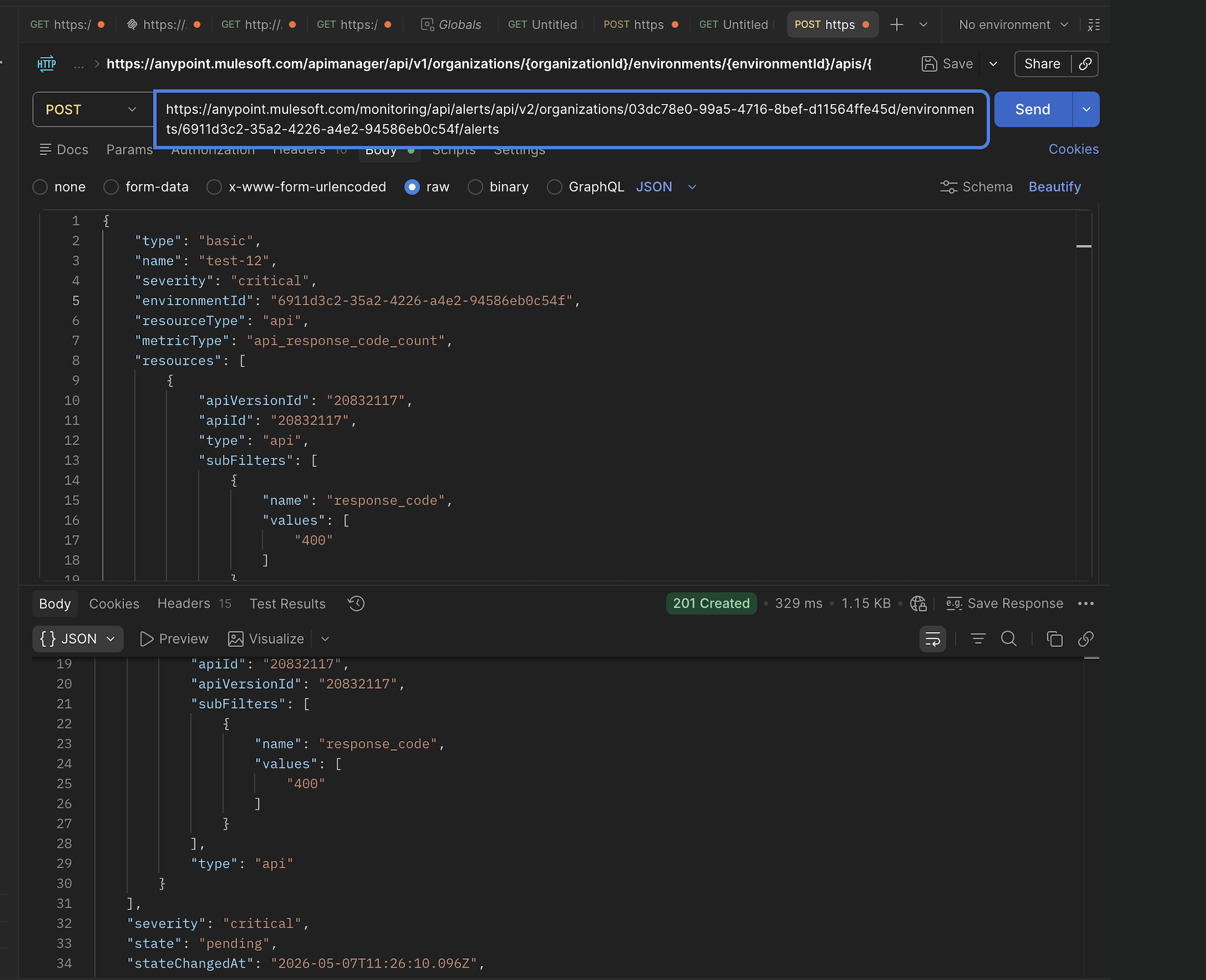
2. Create Alert for API Instance
Request
curl --location 'https://anypoint.mulesoft.com/monitoring/api/alerts/api/v2/organizations/{orgId}/environments/{envId}/alerts' \
--header 'Authorization: bearer <access_token>' \
--header 'Content-Type: application/json' \
--data-raw '{
    "type": "basic",
    "name": "test-12",
    "severity": "critical",
    "environmentId": "{envId}",
    "resourceType": "api",
    "metricType": "api_response_code_count",
    "resources": [
        {
            "apiVersionId": "20832117",
            "apiId": "20832117",
            "type": "api",
            "subFilters": [
                {
                    "name": "response_code",
                    "values": [
                        "400"
                    ]
                }
            ]
        }
    ],
    "condition": {
        "operator": "above",
        "threshold": 4,
        "interval": 5
    },
    "wildcardAlert": false,
    "notifications": [
        {
            "type": "email",
            "recipients": [
                "email"
            ],
            "subject": "${severity}: ${api} ${condition}",
            "message": "Hello, You are receiving this alert because API threshold exceeded."
        }
    ]
}'
Example Response
{
    "alertId": "019e0230-24b0-77b6-900e-c6daa5ebd19a",
    "alertType": "basic",
    "condition": {
        "interval": 0,
        "operator": "above",
        "threshold": 4
    },
    "createdAt": "2026-05-07T11:26:10.096Z",
    "environmentId": "**********",
    "masterOrganizationId": "**********",
    "metricType": "api_response_code_count",
    "name": "test-12",
    "notifications": [],
    "organizationId": "**********",
    "resourceType": "api",
    "resources": [
        {
            "apiId": "20832117",
            "apiVersionId": "20832117",
            "subFilters": [
                {
                    "name": "response_code",
                    "values": [
                        "400"
                    ]
                }
            ],
            "type": "api"
        }
    ],
    "severity": "critical",
    "state": "pending",
    "stateChangedAt": "2026-05-07T11:26:10.096Z",
    "wildcardAlert": false
}
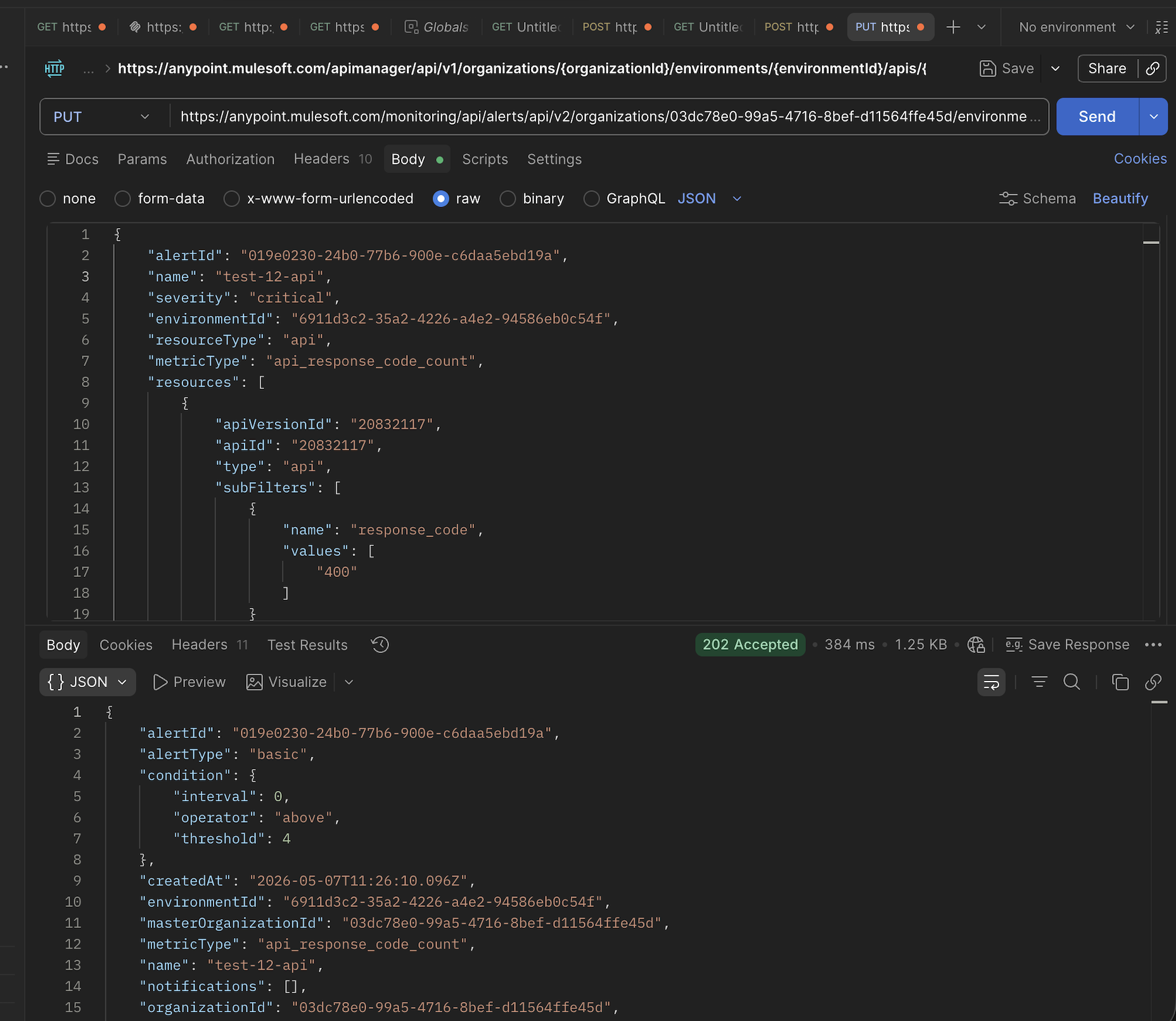
3. Update Existing Alert
Request
curl --location --request PUT 'https://anypoint.mulesoft.com/monitoring/api/alerts/api/v2/organizations/{orgId}/environments/{envId}/alerts/{alertId}' \
--header 'Authorization: bearer <access_token>' \
--header 'Content-Type: application/json' \
--data-raw '{
    "alertId": "019e0230-24b0-77b6-900e-c6daa5ebd19a",
    "name": "test-12-api",
    "severity": "critical",
    "environmentId": "{envId}",
    "resourceType": "api",
    "metricType": "api_response_code_count",
    "resources": [
        {
            "apiVersionId": "20832117",
            "apiId": "20832117",
            "type": "api",
            "subFilters": [
                {
                    "name": "response_code",
                    "values": [
                        "400"
                    ]
                }
            ]
        }
    ],
    "condition": {
        "operator": "above",
        "threshold": 4,
        "interval": 5
    },
    "wildcardAlert": false,
    "notifications": [
        {
            "type": "email",
            "recipients": [
                "email"
            ],
            "subject": "${severity}: ${api} ${condition}",
            "message": "Hello, You are receiving this alert because API threshold exceeded."
        }
    ]
}'
Example Response
{
    "alertId": "019e0230-24b0-77b6-900e-c6daa5ebd19a",
    "alertType": "basic",
    "condition": {
        "interval": 0,
        "operator": "above",
        "threshold": 4
    },
    "createdAt": "2026-05-07T11:26:10.096Z",
    "environmentId": "**********",
    "masterOrganizationId": "**********",
    "metricType": "api_response_code_count",
    "name": "test-12-api",
    "notifications": [],
    "organizationId": "**********",
    "resourceType": "api",
    "resources": [
        {
            "apiId": "20832117",
            "apiVersionId": "20832117",
            "subFilters": [
                {
                    "name": "response_code",
                    "values": [
                        "400"
                    ]
                }
            ],
            "type": "api"
        }
    ],
    "severity": "critical",
    "state": "pending",
    "stateChangedAt": "2026-05-07T11:31:50.791Z",
    "wildcardAlert": false
}
Номер статьи базы знаний
005321761
Эта статья решила вашу проблему?
Оставьте свой отзыв, чтобы мы могли стать лучше!
