Seleziona un'organizzazione
Tableau App for Microsoft Teams Fails to Load or Save Settings When IP Filtering Is Enabled
Data pubblicazione: Oct 6, 2026
Descrizione
Users accessing Tableau Cloud content through the Tableau App for Microsoft Teams may observe the application continuously loading without displaying Tableau views, dashboards, or favorites.
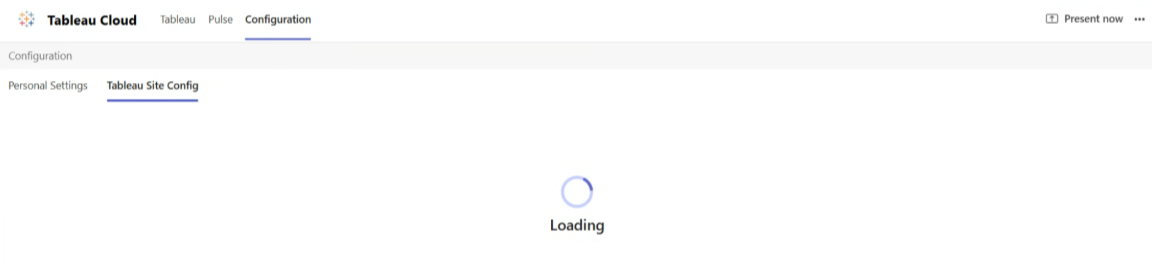
Alternatively, the connection test response may not be received, resulting in the following TypeError:
"Failed to save the new connected app configuration. Internal: TypeError: Cannot read properties of undefined (reading 'error')"
Risoluzione
To resolve the issue:
- Review whether IP Filtering is enabled on the affected Tableau Cloud site.
- Temporarily disable IP Filtering and test the Microsoft Teams Tableau App again.
- If the issue is resolved after disabling IP Filtering, add the required Microsoft Teams / Tableau App service IP ranges to the Tableau Cloud IP allowlist.
- Re-enable IP Filtering and validate the behavior again.
After the required IP ranges are allowlisted, Tableau views and favorites should load correctly within Microsoft Teams.
Risorse aggiuntive
Additional Resources
- Tableau Help: Set Up the Tableau App for Microsoft 365
- IP ranges 4.152.0.0/15 and 20.2.0.0/16
Numero articolo Knowledge
005322007
Questo articolo ha risolto il problema?
Facci sapere, così possiamo migliorare!
