Seleccionar una organización
Approval Process Flow Fails at Runtime on Approval Step When Using Custom Screen Flow
Fecha de publicación: May 25, 2026
Descripción
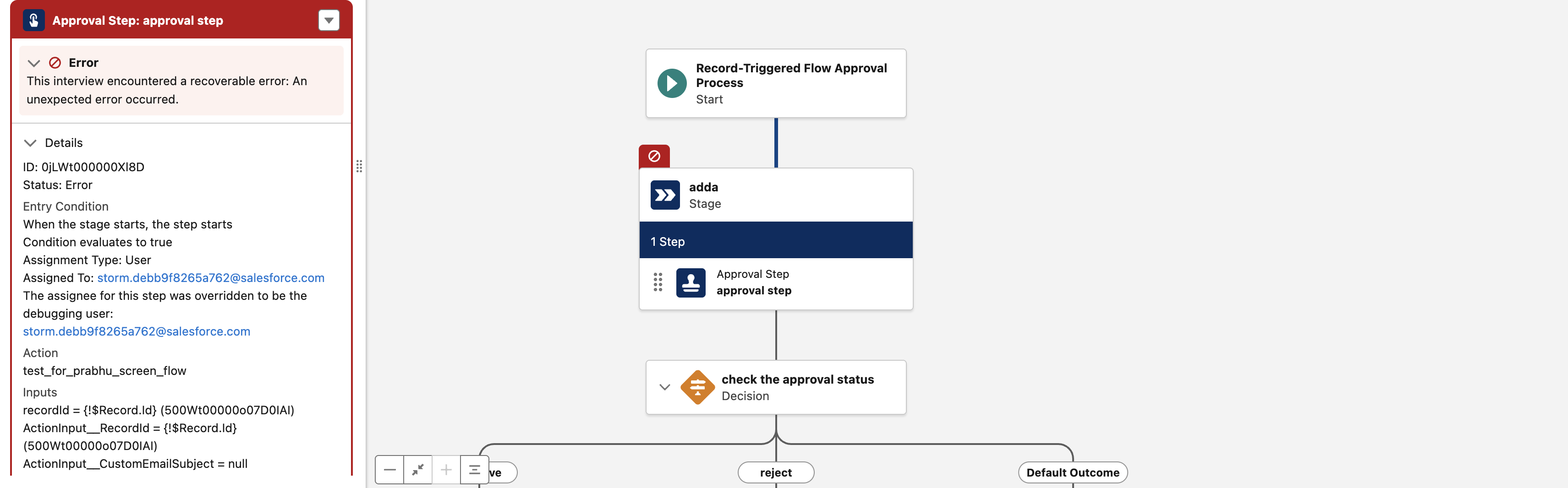
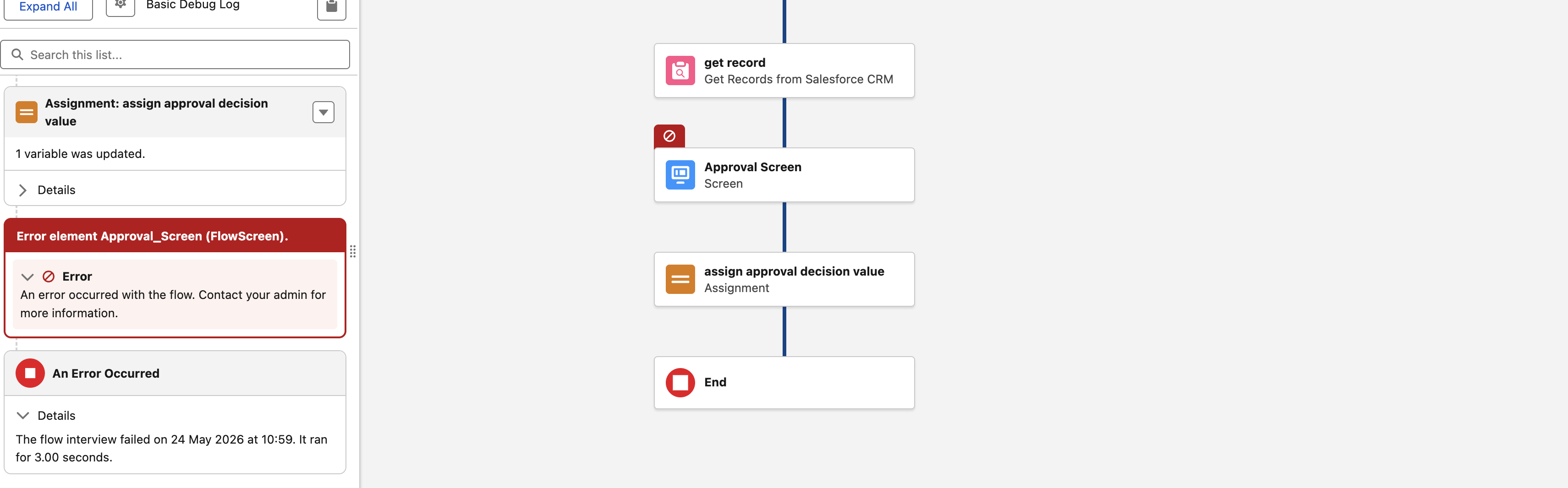
In a Record-Triggered Flow Approval Process, when a custom Screen Flow is used for the approver’s review step instead of the standard Approvals Workflow: Evaluate Approval Requests flow and the radio button component on the review screen is configured with stored values "Approved" and "Rejected", these values are stored in the approvalDecision output variable. As a result, the Approval Process flow fails at runtime specifically on the approval step with the below errors :
Errors Observed:
- Approval Flow: This interview encountered a recoverable error: An unexpected error occurred.
- Screen Flow: An error occurred with the flow. Contact your admin for more information.
Solución
Salesforce Flow Approval strictly expects the approvalDecision output variable from the custom Screen Flow to contain the exact strings "Approve" or "Reject". The stored value from the radio button is directly passed into this output variable, and any mismatch prevents the Decision elements in the parent flow from evaluating correctly.
In the custom screen flow, Update the Radio Button component choices as follows:
- Choice Label: Approve -> Choice Value: Approve
- Choice Label: Reject -> Choice Value: Reject
Also in the Record trigger approval flow,
- Locate the Decision element that checks {!<StepName>.Outputs.approvalDecision}.
- Verify that it uses the exact conditions:
- Equals "Approve"
- Equals "Reject"
Recursos adicionales
Número del artículo de conocimiento
005385269
¿Resolvió este artículo su problema?
¡Háganos saber cómo podemos mejorar!
