Välj en organisation
How is the 'Total Scheduled' time calculated for a service resource in the Salesforce Field Service Dispatcher Console?
Publiceringsdatum: Jun 24, 2026
Beskrivning
The Total Scheduled field under resource utilization in the Dispatcher Console calculates the duration of a Service Appointment by measuring the time between the appointment's start and end time — without filtering by the Operating Hours configured for the resource.
When a multi-day Service Appointment is scheduled, the resource utilization for the Service Resource will include off-hours (e.g., nights, weekends) in the total calculated duration, rather than only counting business hours within that window.
Example: If a Service Appointment spans from Monday 9 AM to Wednesday 5 PM, the Total Scheduled value will include all hours in between — including overnight non-business hours — rather than only the working hours within that window.
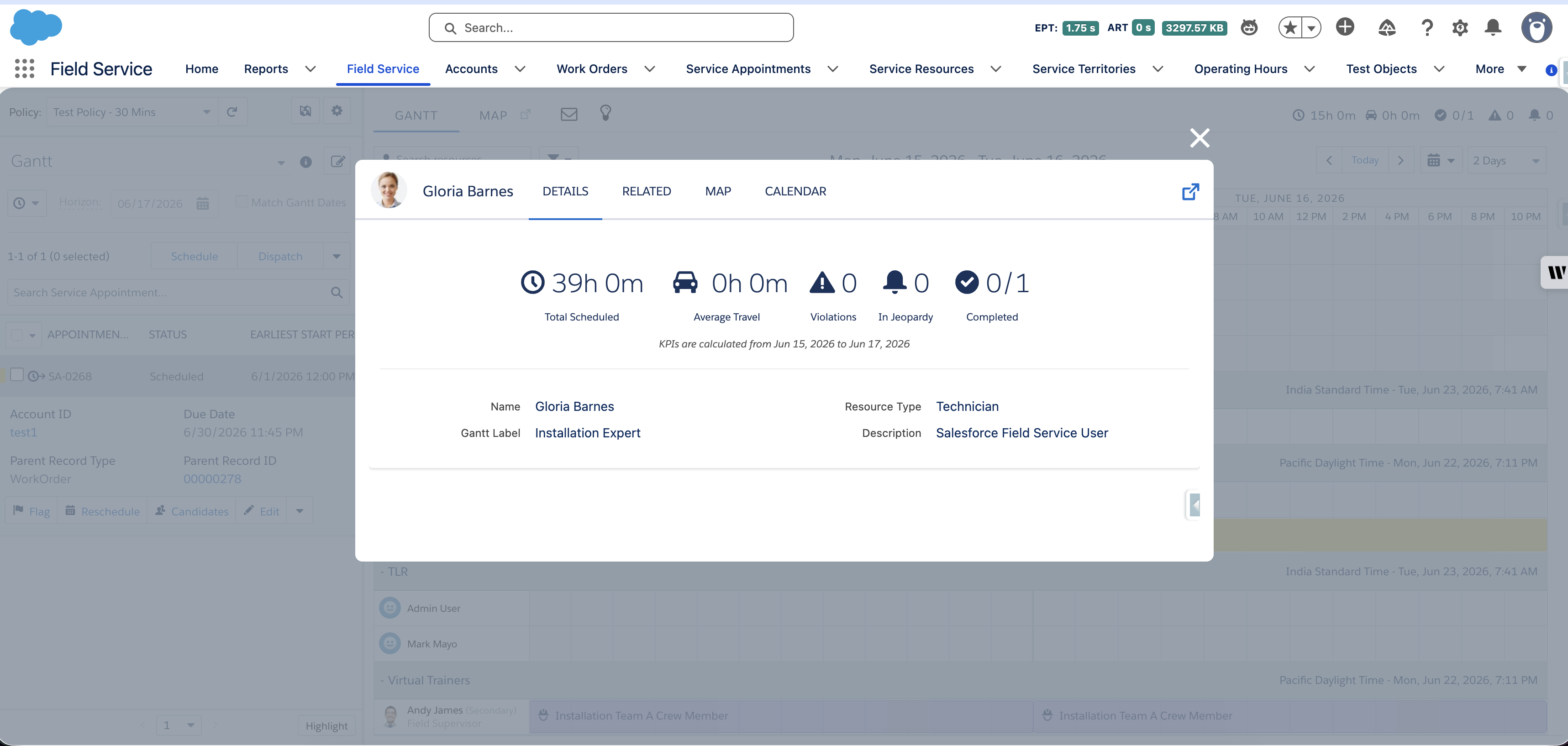
Steps to Reproduce
- Create a multi-day Service Appointment spanning across 2 or more days.
- Schedule the appointment to a Service Resource in the Dispatcher Console.
- Observe the Total Scheduled value under resource utilization for the Service Resource.
- Note that the value includes time outside of the resource's configured Operating Hours.
Lösning
Resolution: This is expected product behavior. The product team has confirmed that the Total Scheduled metric in the Dispatcher Console is designed to calculate elapsed calendar time (start to end) and does not filter by or respect Operating Hours for the assigned resource.
Workaround: To track only the actual scheduled working duration, create a custom field on the Service Appointment object to calculate and store the business-hours-only duration independently of the Total Scheduled metric displayed in the Dispatcher Console.
Ytterligare resurser
https://help.salesforce.com/s/articleView?id=service.pfs_kpi.htm&type=5
Knowledge-artikelnummer
005387501
Löste denna artikel ditt problem?
Berätta för oss vad vi kan förbättra!
