Velg en organisasjon
Site-Specific SAML Logout Issue with Microsoft Entra ID
Publiseringsdato: Aug 24, 2026
Beskrivelse
After configuring site-specific SAML with Microsoft Entra ID, signing out from Tableau Server redirects the user to an error URL instead of returning to the sign-in page.
Error Example:

The following error can be found in the samlservice log(Example):
ERROR c.t.s.w.f.RejectInvalidRequestsFilter - Rethrowing original exception
org.springframework.web.util.NestedServletException: Request processing failed; nested exception is com.tableausoftware.sitesaml.webapp.controller.exception.BadRequestException: Unable to handle logout request
Caused by: com.tableausoftware.sitesaml.webapp.controller.exception.BadRequestException: Unable to handle logout request
Caused by: java.lang.RuntimeException: Message Destination https://example.com/samlservice/public/sp/SLO?alias=00000000-0000-0000-0000-000000000000 doesn't match Location of any configured SingleLogoutService
INFO c.t.s.w.o.c.OnPremErrorController - There's some error with IDP configuration. So redirecting to error page configured in the error redirect url.
Cause:
The logout issue was caused by the Microsoft Entra ID configuration for [Logout Url (Optional)]. Microsoft Entra ID was configured with the site's SLO URL so Tableau Server could not recognize it which led users to the error page during sign-out.
This is because Tableau Server does not support HTTP-REDIRECT binding for Single Logout (SLO) as described in the following page.
SAML Requirements - HTTP-POST
On the other hand, Microsoft Entra ID supports redirect binding (HTTP GET), and not HTTP POST binding.
Microsoft Entra document:
Single Sign-Out SAML Protocol
Løsning
Review the Microsoft Entra ID [Logout Url (Optional)] setting and do not use the Tableau site SLO endpoint as the logout URL for this configuration. Instead, update the setting using one of the following options:
Option 1:
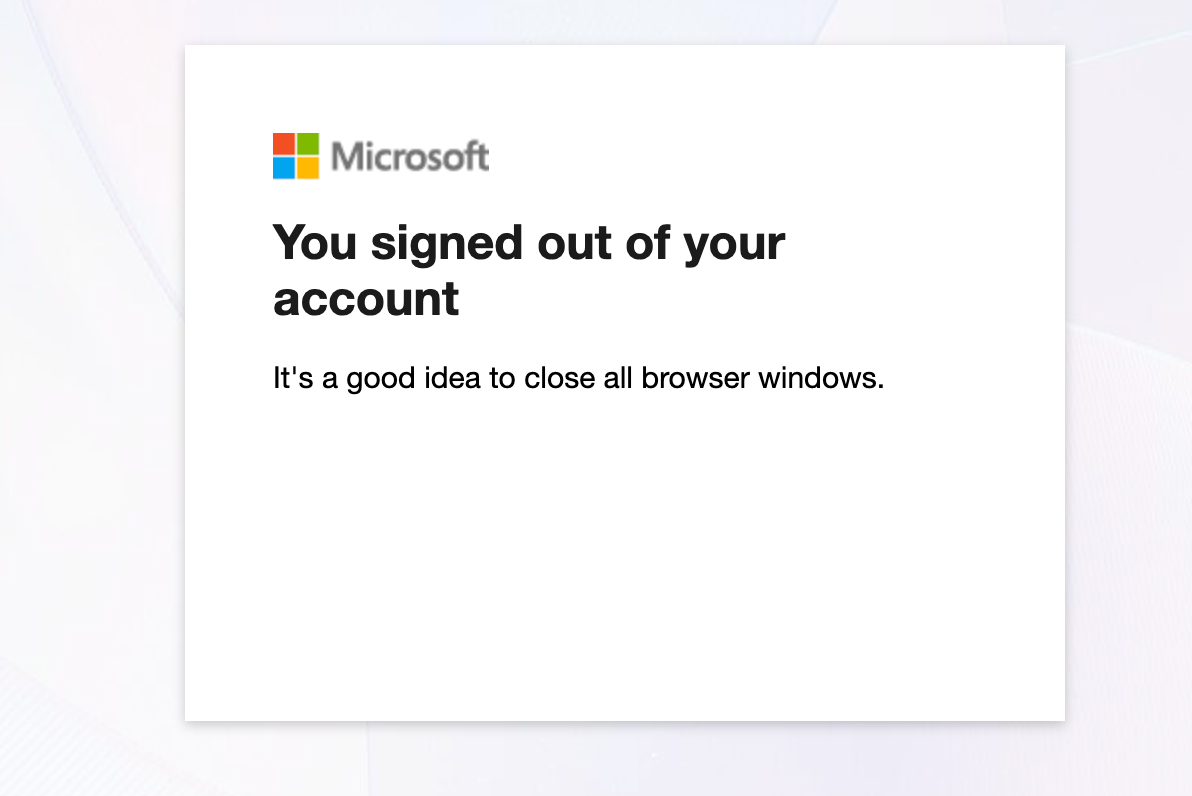
Leave it blank as default.
After signing out from Tableau Server site, the Microsoft sign-out page displays.
Option 2:
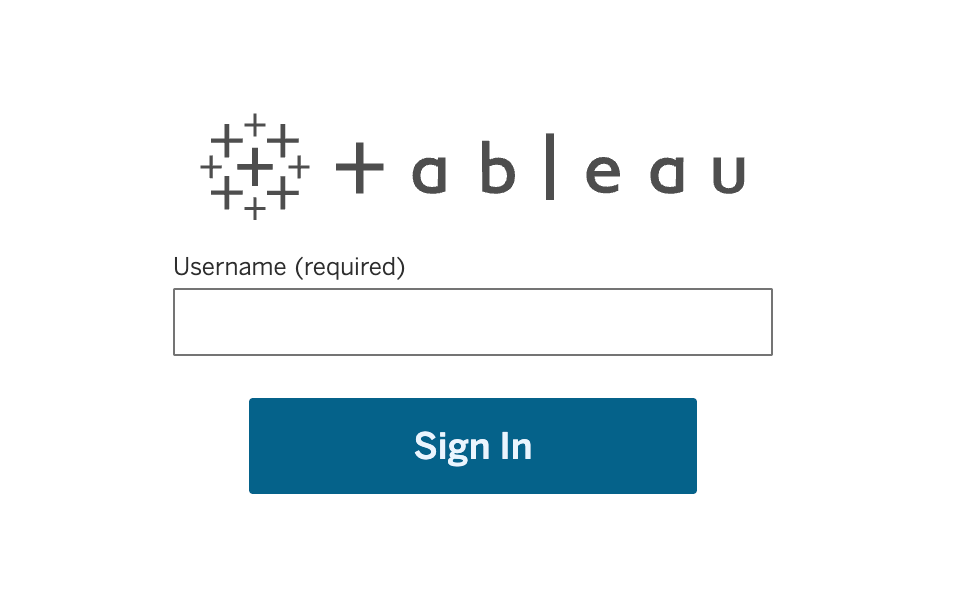
Set it to the Tableau Server URL e.g, https://example.com
After signing out from Tableau Server site, the user is redirected to the Tableau sign-in page.
Option 3:
Set it to another accessible URL such as your company homepage e.g, https://www.tableau.com.
After signing out from Tableau Server site, the user is redirected to the configured company home page.
Note:
After changing only the Microsoft Entra ID [Logout Url (Optional)], test logout again directly from Tableau Server. Re-exporting metadata from the IdP and re-importing it into Tableau Server is not required for this specific change.
Knowledge-artikkelnummer
005388835
Hjalp denne artikkelen med å løse problemet ditt?
La oss få vite det slik at vi kan forbedre!
