組織を選択
Sheet Tab Colors Do Not Display in Published Tableau Cloud
公開日: Sep 17, 2026
説明
In Tableau Desktop or Web Edit mode, custom sheet tab colors can be configured and rendered as expected. However, after publishing the workbook to Tableau Cloud, the custom tab colors do not display on the published workbook tabs.
Users viewing the published workbook on Tableau Cloud will observe default tab formatting instead of the customized sheet tab colors.
解決策
This behavior is by design.
Custom sheet tab colors configured in Tableau Desktop or Web Edit are not currently rendered in published views on Tableau cloud.
Workaround:
Although custom tab colors cannot be applied, consider the following alternatives:
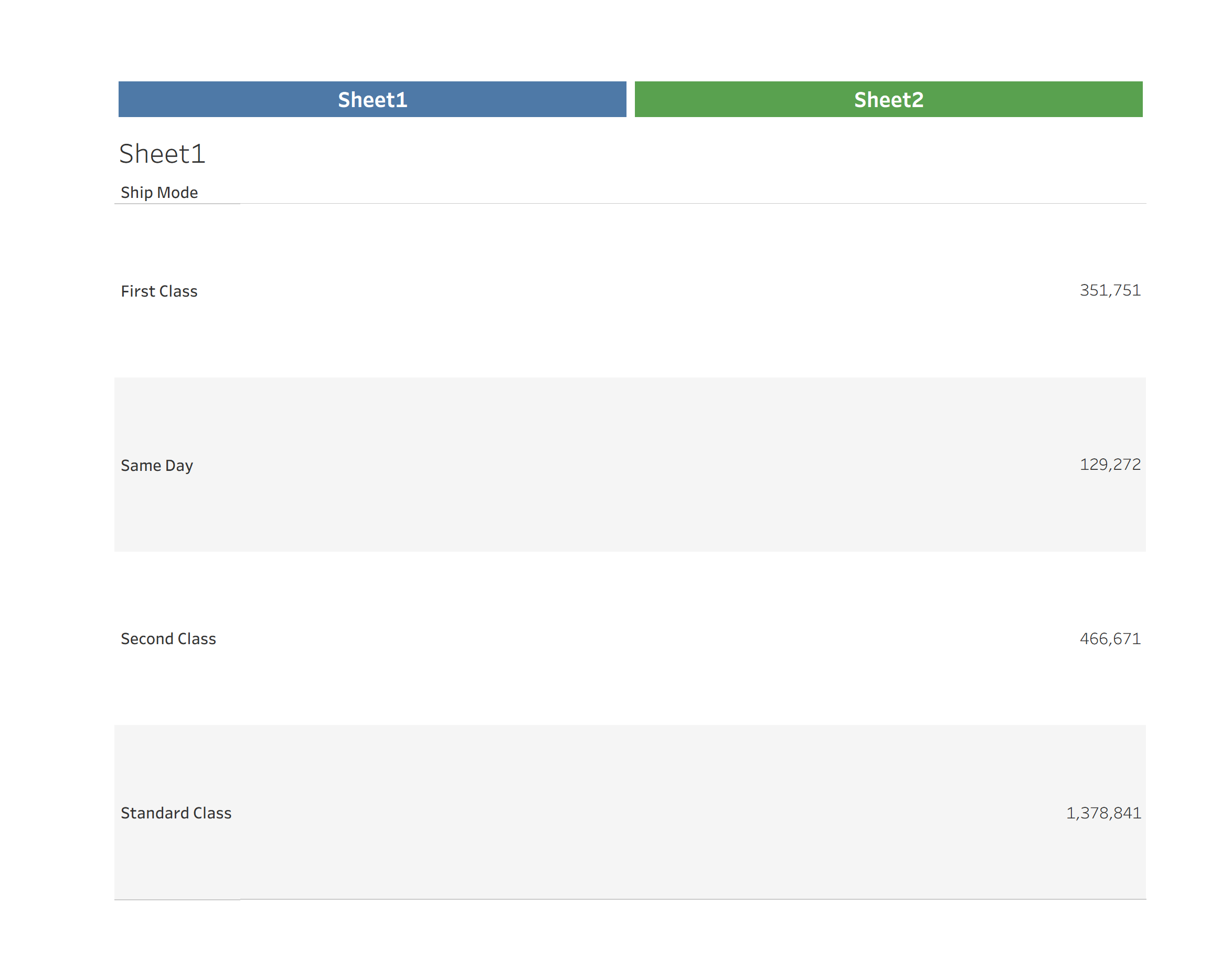
- Use Navigation objects: Add Navigation buttons within a dashboard and customize their background and text colors to simulate colored tabs.
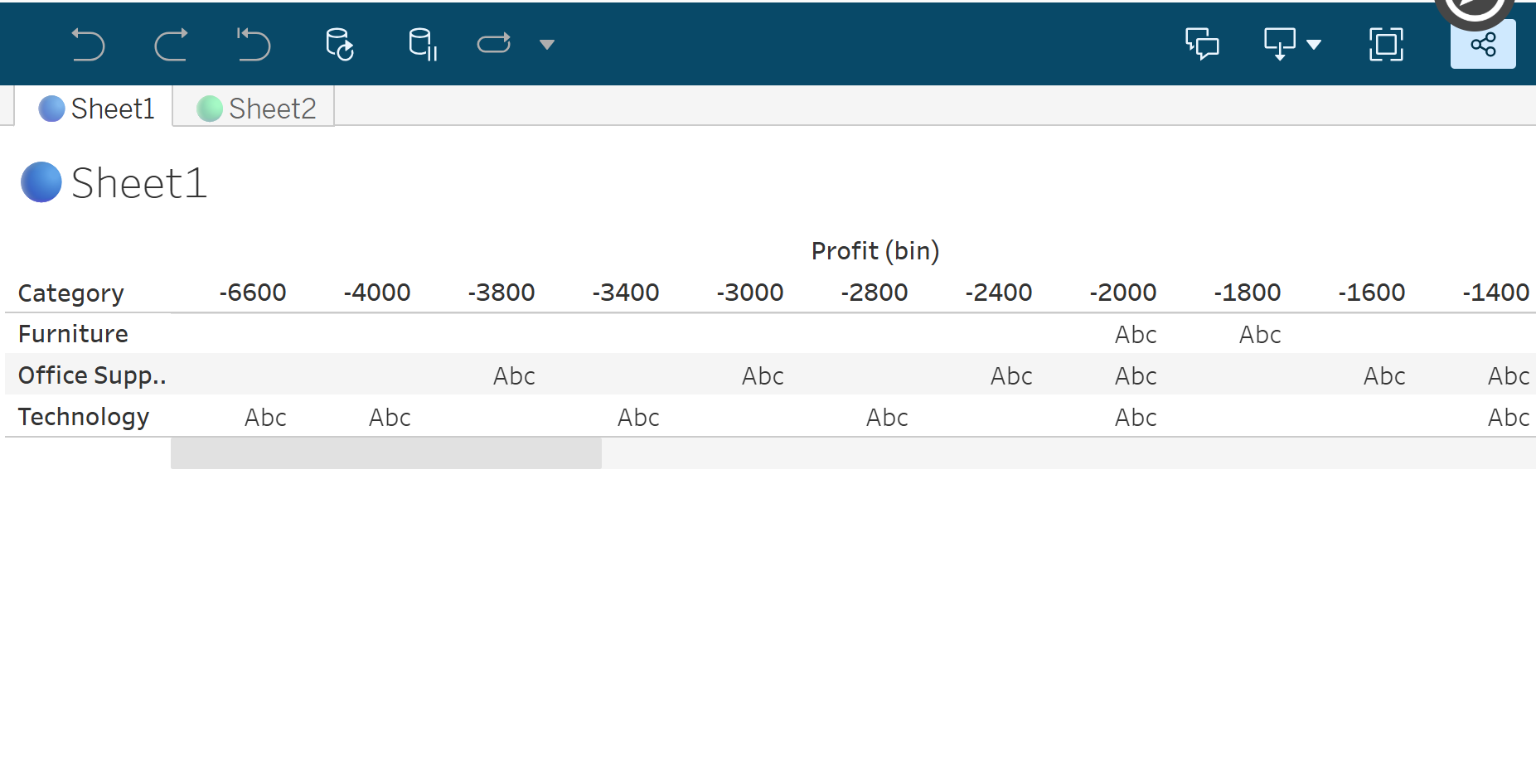
- Use colored emojis: Include colored emojis (e.g., 🔴 🔵 🟢) in the worksheet names. These emojis will render correctly on the published tabs in Tableau Cloud.
その他のリソース
Tab Colors after Publishing to Server, Online, Mobile, Public IdeaExchange
※If you'd like to see this feature supported, please vote on the related Idea on the Tableau Community/Ideas site.
ナレッジ記事番号
005459579
この記事で問題は解決されましたか?
ご意見をお待ちしております。
