조직 선택
Sheet Tab Colors Do Not Display in Published Tableau Cloud
게시 일자: Sep 17, 2026
상세 설명
In Tableau Desktop or Web Edit mode, custom sheet tab colors can be configured and rendered as expected. However, after publishing the workbook to Tableau Cloud, the custom tab colors do not display on the published workbook tabs.
Users viewing the published workbook on Tableau Cloud will observe default tab formatting instead of the customized sheet tab colors.
솔루션
This behavior is by design.
Custom sheet tab colors configured in Tableau Desktop or Web Edit are not currently rendered in published views on Tableau cloud.
Workaround:
Although custom tab colors cannot be applied, consider the following alternatives:
- Use Navigation objects: Add Navigation buttons within a dashboard and customize their background and text colors to simulate colored tabs.
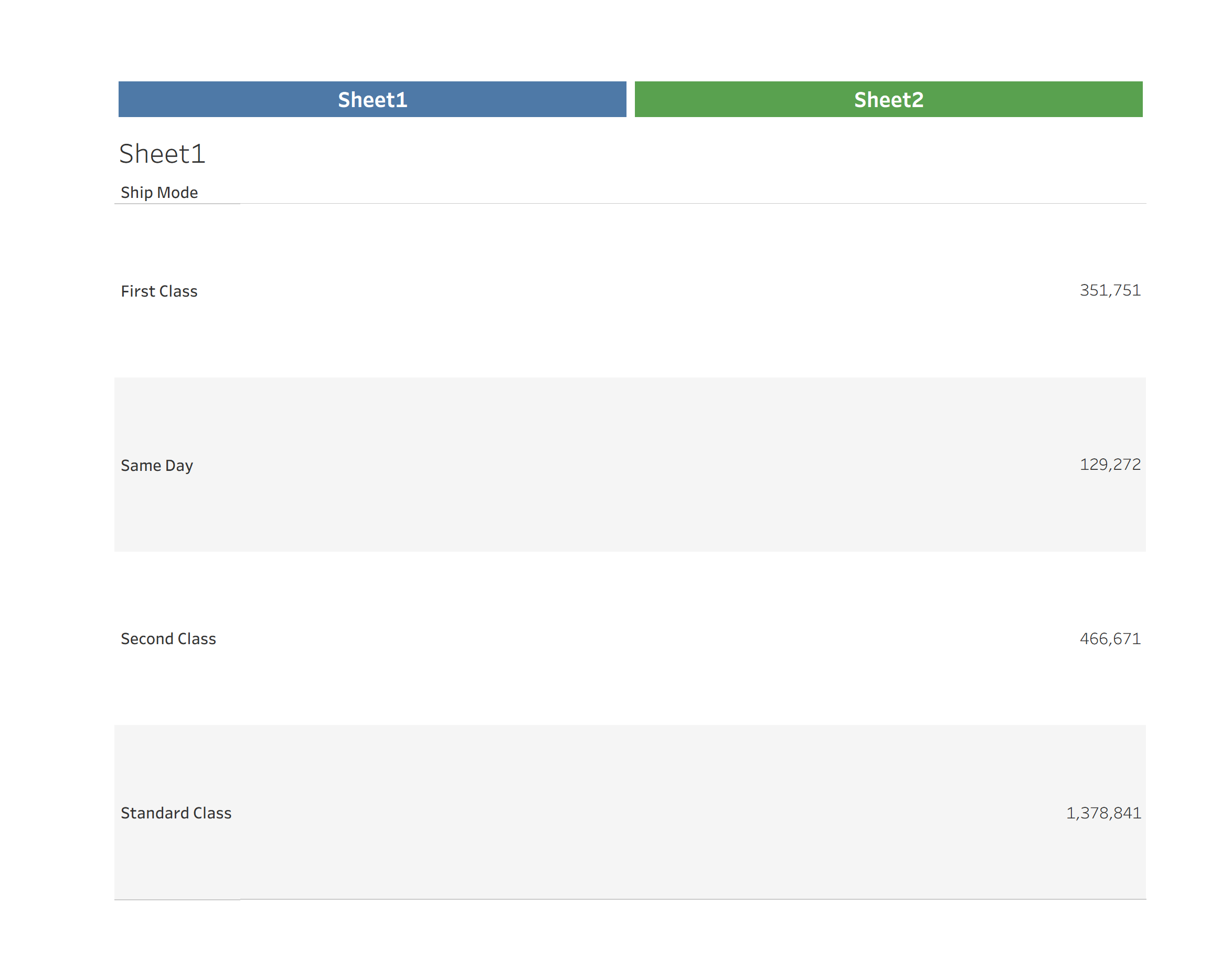
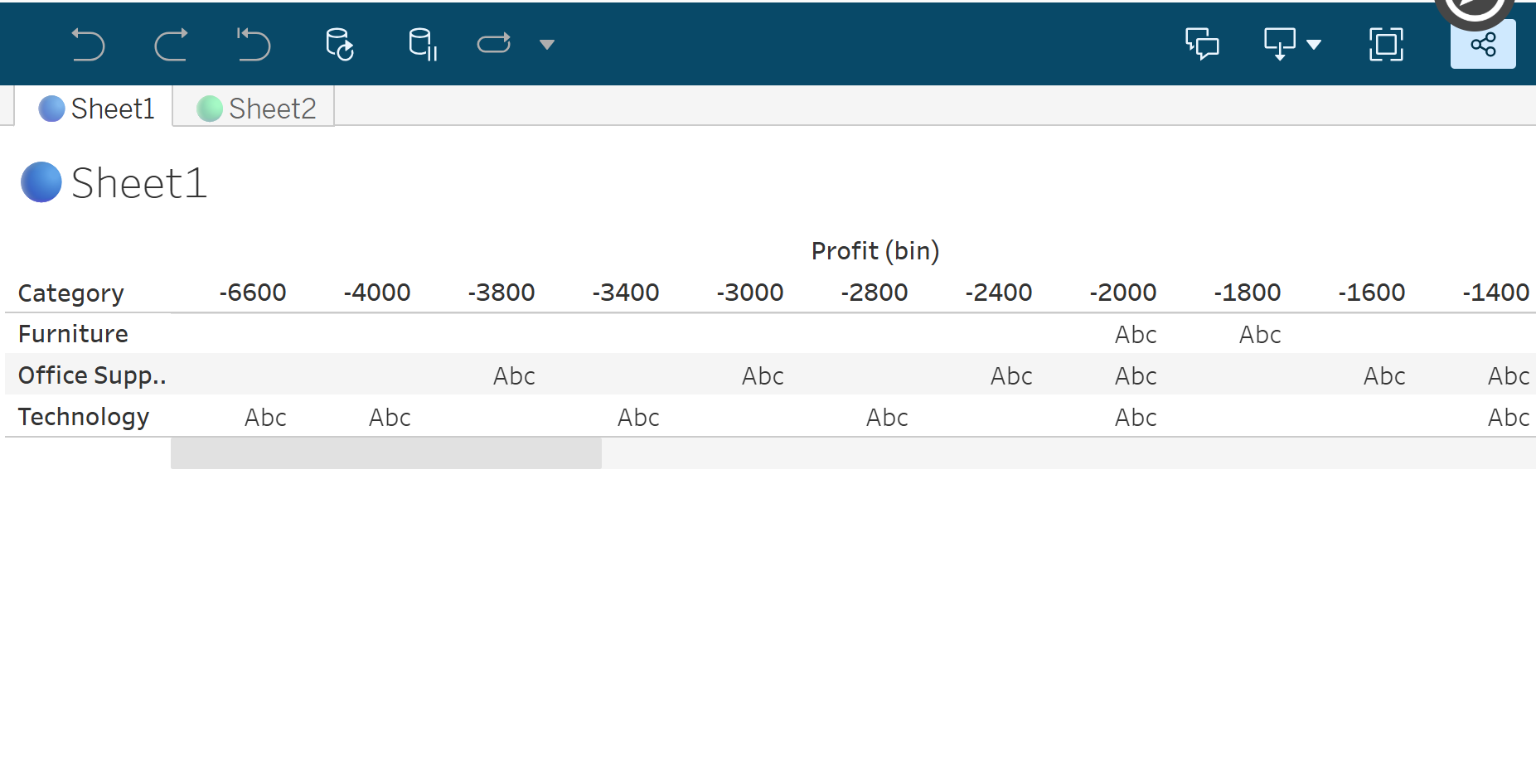
- Use colored emojis: Include colored emojis (e.g., 🔴 🔵 🟢) in the worksheet names. These emojis will render correctly on the published tabs in Tableau Cloud.
추가 자원
Tab Colors after Publishing to Server, Online, Mobile, Public IdeaExchange
※If you'd like to see this feature supported, please vote on the related Idea on the Tableau Community/Ideas site.
Knowledge 기사 번호
005459579
이 기사를 통해 문제를 해결했습니까?
개선을 위한 의견을 보내주세요.
