組織を選択
Field Service Optimization Job: Appointment Optimization Criteria Only Support Boolean Fields — Work Type Cannot Be Selected Directly
公開日: Sep 22, 2026
説明
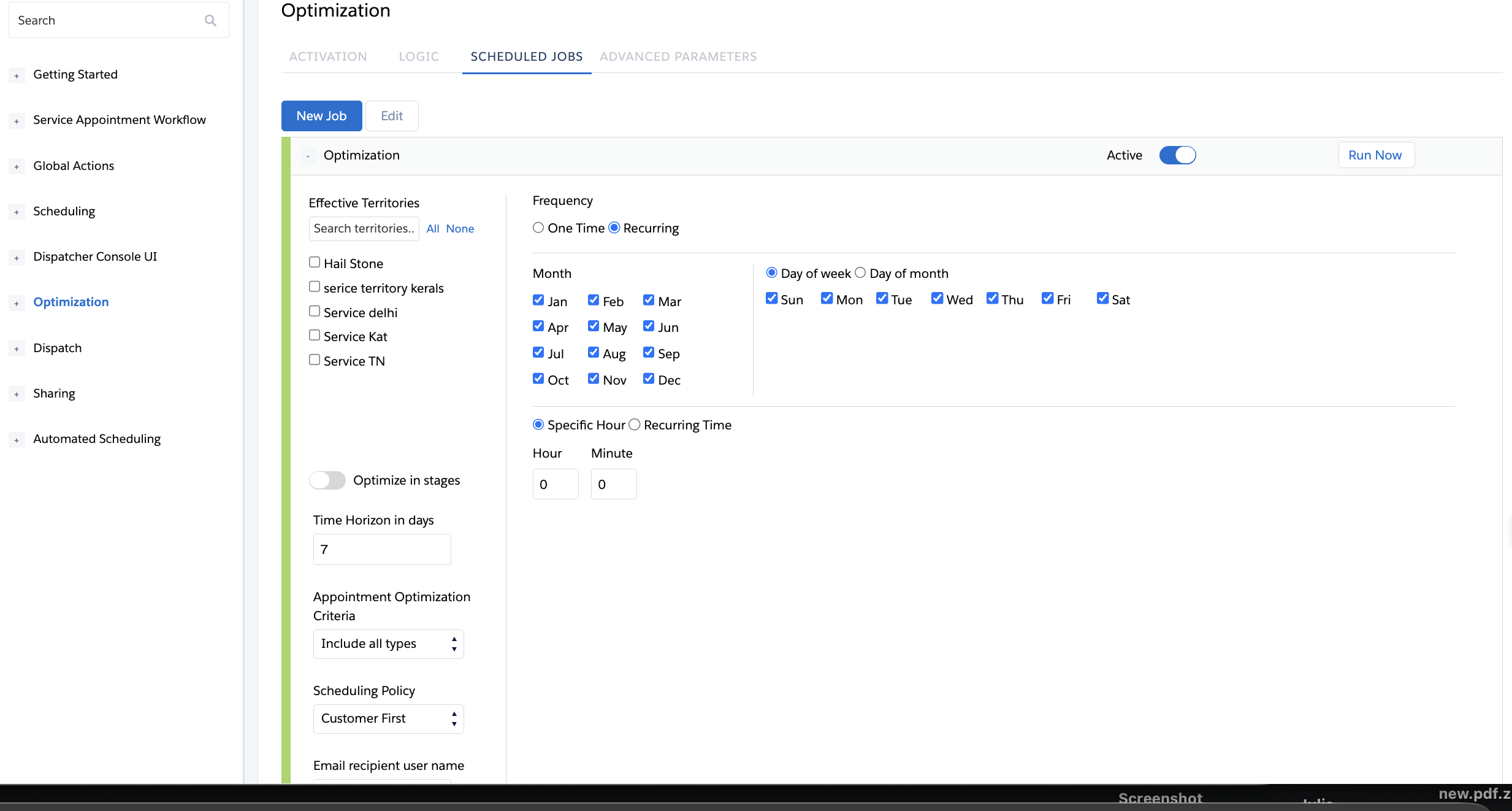
When configuring Optimization Criteria for an Optimization Job in Field Service, customers cannot directly filter by Work Type.
The criteria selector only supports Boolean fields on the Service Appointment object.
Work Type is a reference (lookup) field, so it does not appear as a selectable option.
The 'Include all types' option refers to all appointment types broadly, not Work Type filtering.
解決策
- Create custom Boolean helper field(s) on Service Appointment reflecting the Work Type condition you need.
- Populate via Flow/Apex/formula-to-checkbox whenever Work Type is set/changed.
- Use the Boolean field in Optimization Criteria configuration.
Note: Use a field set to manage visibility of the helper field on the Dispatcher Console.
その他のリソース
- https://help.salesforce.com/s/articleView?id=release-notes.rn_fieldservice_250_criteria_for_optimization.htm
- https://help.salesforce.com/s/articleView?id=sf.service.pfs_fieldsets.htm (case-cited; not independently re-validated this session — a guessed alternate URL failed and was excluded)
ナレッジ記事番号
005460391
この記事で問題は解決されましたか?
ご意見をお待ちしております。
