組織を選択
Visual Remote Assistant: Post-Install Script Failed During Large Version Upgrade
公開日: Sep 22, 2026
説明
When you attempt to upgrade Visual Remote Assistant (VRA) in a environment, the installation fails with the error message `The post install script failed`. This error typically occurs when upgrading from a significantly older VRA version (for example, 13.x) directly to a much newer version (for example, 20.x), bypassing intermediate releases.
解決策
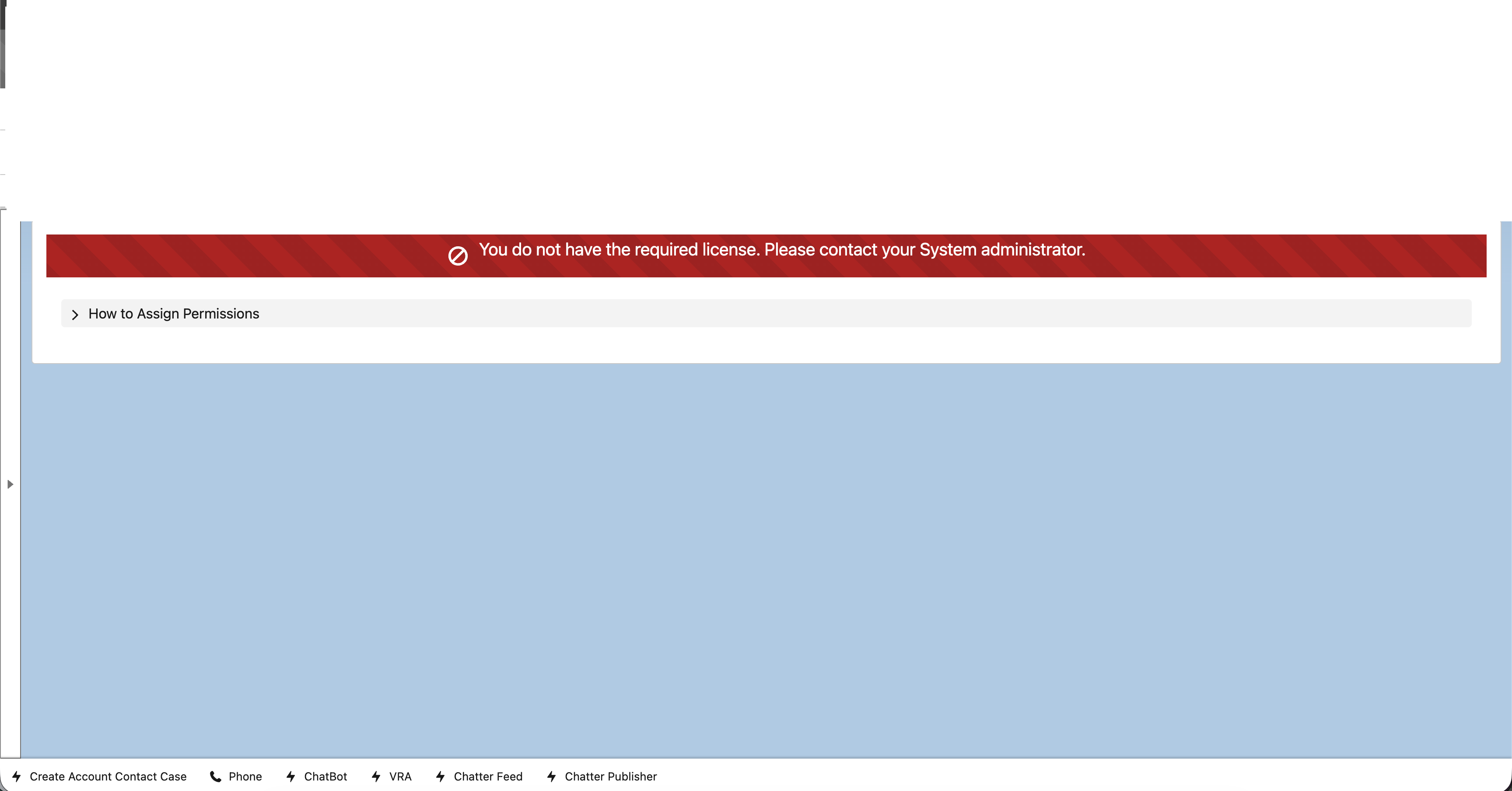
Make sure the user installing the VRA app has the correct prerequisites. The VRA License and "RemoteExpert" permission set are required in order to access the configuration.
- Log into Salesforce org
- Navigate to Installed Packages to note the VRA package version
- Open App Launcher -> Visual Remote Assistant Admin, make sure domain is registered
- Open App Launcher -> Visual Remote Assistant Configuration, go through the setup instructions
- Reference the TechSee VRA setup guide from page 8: https://resources.docs.salesforce.com/rel1/doc/en-us/static/pdf/vra_installation_configuration_manual.pdf
- Proceed to installation via: https://sfdc.co/visualremoteassistant-install
その他のリソース
- VRA Installation and Configuration Manual: https://resources.docs.salesforce.com/rel1/doc/en-us/static/pdf/vra_installation_configuration_manual.pdf
- Contact Salesforce support for version compatibility and upgrade path guidance.
ナレッジ記事番号
005460498
この記事で問題は解決されましたか?
ご意見をお待ちしております。
