조직 선택
Visual Remote Assistant: Post-Install Script Failed During Large Version Upgrade
게시 일자: Sep 22, 2026
상세 설명
When you attempt to upgrade Visual Remote Assistant (VRA) in a environment, the installation fails with the error message `The post install script failed`. This error typically occurs when upgrading from a significantly older VRA version (for example, 13.x) directly to a much newer version (for example, 20.x), bypassing intermediate releases.
솔루션
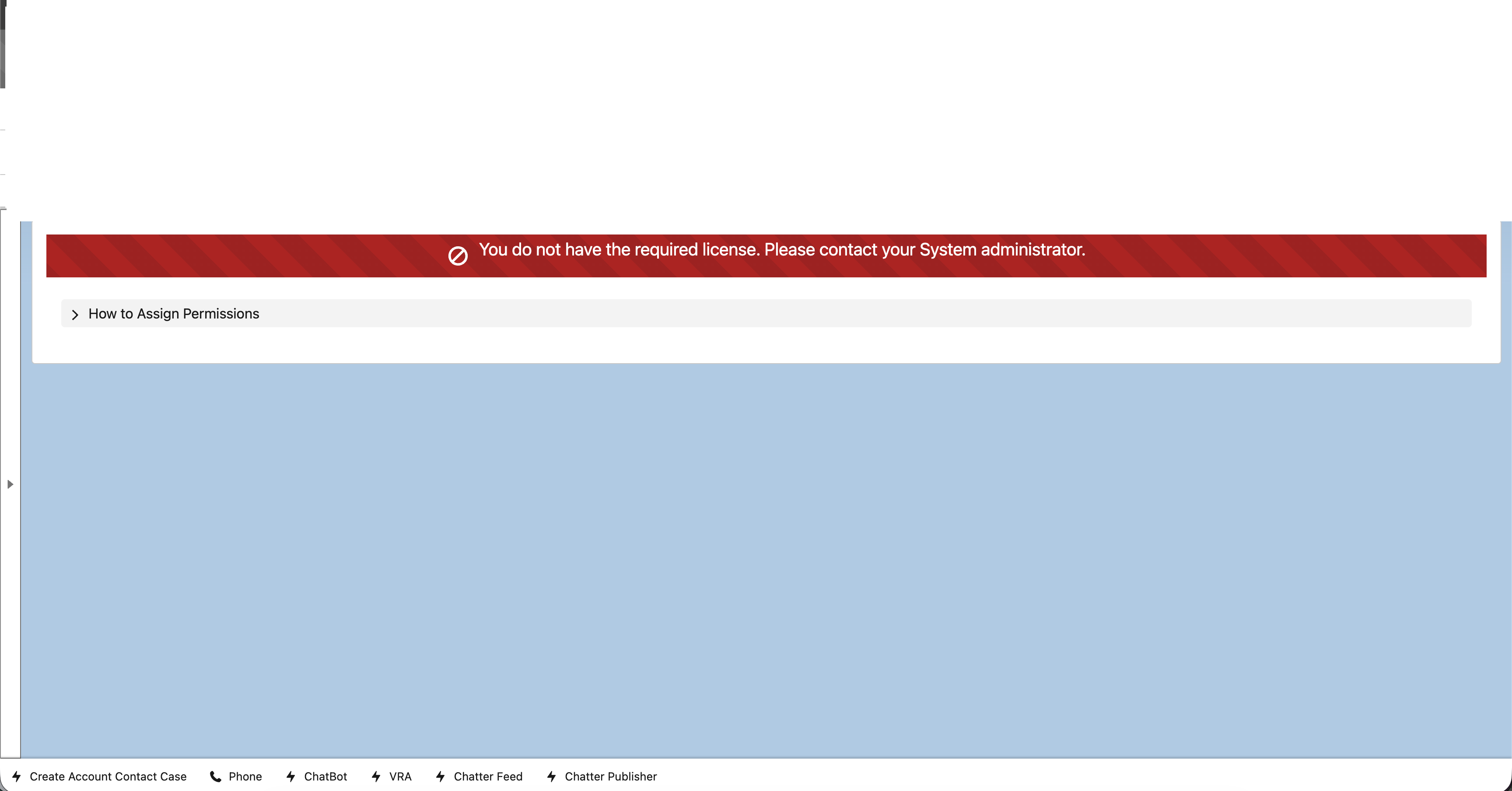
Make sure the user installing the VRA app has the correct prerequisites. The VRA License and "RemoteExpert" permission set are required in order to access the configuration.
- Log into Salesforce org
- Navigate to Installed Packages to note the VRA package version
- Open App Launcher -> Visual Remote Assistant Admin, make sure domain is registered
- Open App Launcher -> Visual Remote Assistant Configuration, go through the setup instructions
- Reference the TechSee VRA setup guide from page 8: https://resources.docs.salesforce.com/rel1/doc/en-us/static/pdf/vra_installation_configuration_manual.pdf
- Proceed to installation via: https://sfdc.co/visualremoteassistant-install
추가 자원
- VRA Installation and Configuration Manual: https://resources.docs.salesforce.com/rel1/doc/en-us/static/pdf/vra_installation_configuration_manual.pdf
- Contact Salesforce support for version compatibility and upgrade path guidance.
Knowledge 기사 번호
005460498
이 기사를 통해 문제를 해결했습니까?
개선을 위한 의견을 보내주세요.
