Select An Org
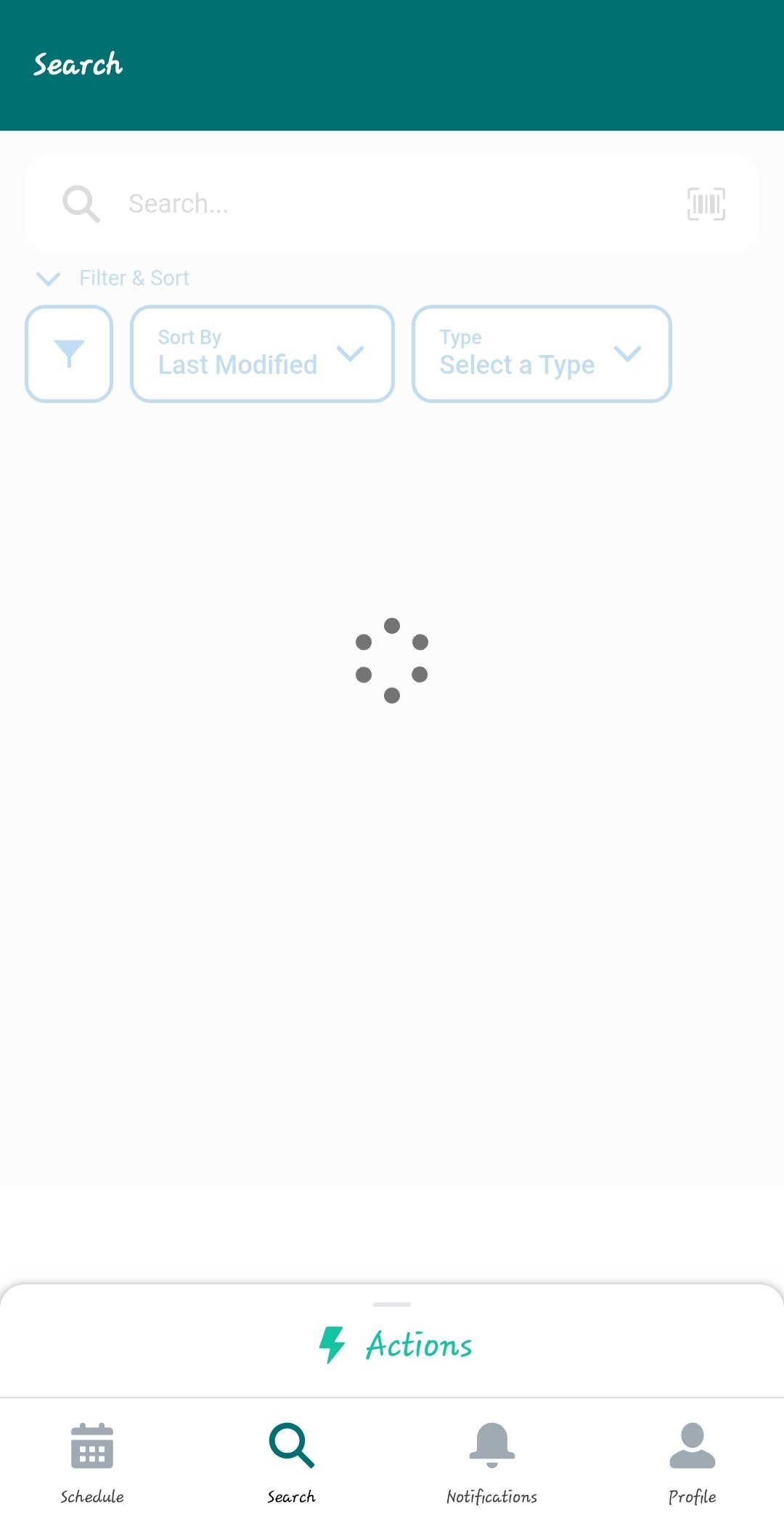
Spinner keeps loading when clicked on Search Tab in Field Service mobile app
Publish Date: Sep 30, 2026
Description
In the Field Service Mobile application, the Search screen remains stuck in a continuous loading state when the user clicks the Search tab. No records are displayed.
Resolution
-> When the user clicks on the Search tab, records related to the following objects are loaded - Service Appointment, Work Order, Work Order Line Item, Asset, Contact, Account, Product Item, and Resource Absence.
-> Make sure that users has atleast Read access to the above mentioned objects at the object level either through profile or permission sets
Additional Resources
-> https://help.salesforce.com/s/articleView?id=service.mfs_search.htm&type=5
Knowledge Article Number
005460819
Did this article solve your issue?
Let us know so we can improve!
