MCP Tool Response Schemas and Agent Design
MCP server tools are added to your agent as agent actions that reference the server tool (MCP tool actions) and can be used just like other agent actions. However, not all valid MCP response schemas are fully supported in Agentforce Builder. As you build your agent, plan for differences in variable mapping, action chaining, and input and output rendering. Complex responses may require simpler agent design patterns.
Required Editions
| Available in: Lightning Experience |
| Available in: Enterprise, Performance, Unlimited, and Developer Editions. Required add-on licenses vary by agent type. |
Supported JSON Responses
Agentforce Builder support is strongest for primitive values and shallow field access, so choose MCP server tools with simple structured JSON responses or adjust your responses to expose important values as primitive fields or simple top-level fields, where possible. Supported JSON responses include top-level objects, top-level object properties, and top-level arrays of objects. More complex shapes aren’t currently supported end to end, including nested properties, arrays of objects, and dynamic object payloads.
Like other agent actions, if an MCP tool action input or output contains multiple levels of properties (for example, nested properties, arrays of objects, or dynamic object payloads), the agent can only use the first level of properties in action inputs, action outputs, and variable mappings.
| Supported JSON Responses | Examples |
|---|---|
| Object types with no properties field | |
| A 1st-level property whose type is object, even if that object has no properties field | |
| A 1st-level property whose type is an array of object, where the object has no properties field | |
Lightning Types
All agent actions use Lightning types to define the structure of, validate, and display the data in inputs and outputs. The input and output schemas of MCP tools don’t always map to Lightning types, because the data type is defined by the server and the protocol supports a wide range of data types. For example, when a data type contains an operator, such as any/or. Learn more about standard Lightning types and how Lightning types are used in agent actions.
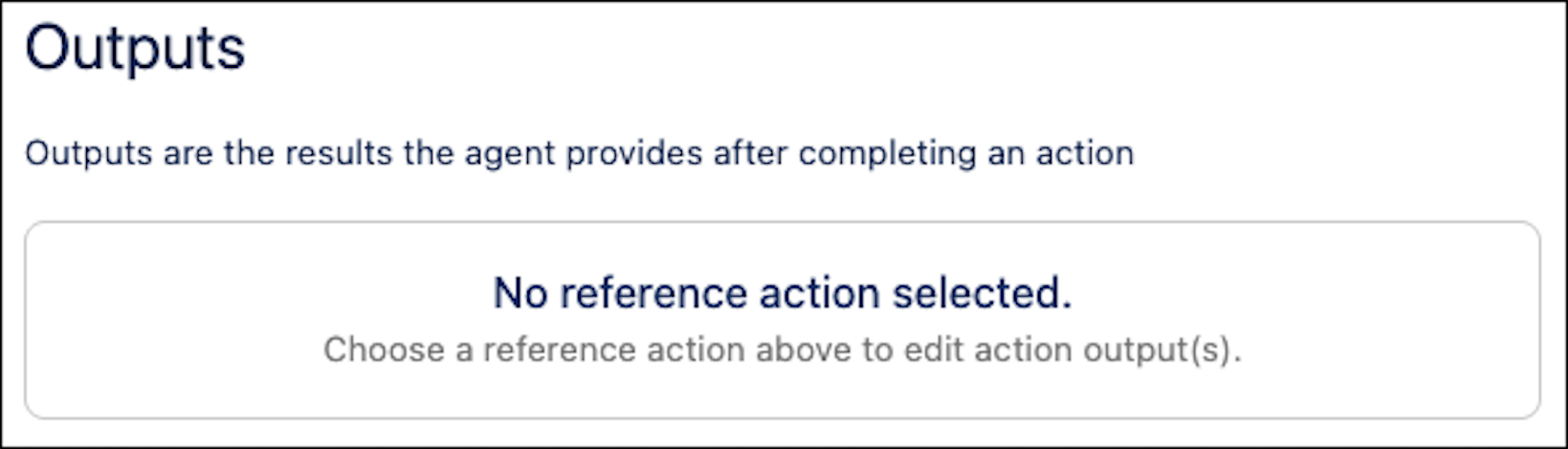
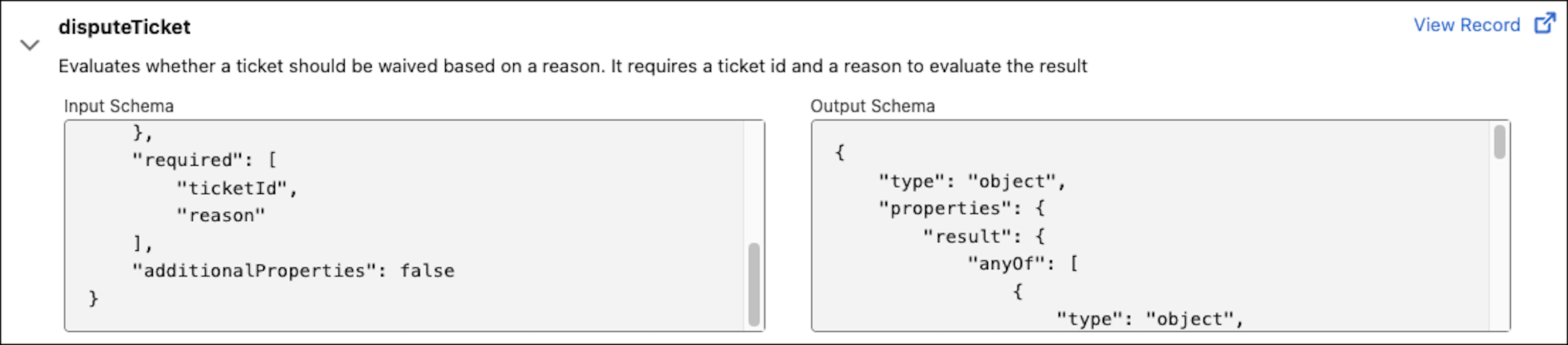
When data can’t be resolved to a Lightning type, you can view the input and output schema for the tool on the record page for the MCP server in the Agentforce Registry. But the input or output appears empty for the associated MCP tool action in the asset library and in your agent.
You can still use the MCP tool action with your agent, but the input or output can’t be stored in a variable or used in downstream logic or instructions.
- The action can’t be chained to another action in sequence deterministically. However, in reasoning, the agent can choose relevant inputs and outputs.
- The action can’t be run deterministically in reasoning instructions, because each input and output must be mapped to a variable.
- You can’t use outputs that don’t resolve to Lightning types in conditional statements or filters.
For best results, plan for agent reasoning over deterministic behavior in your agent design and configure simple, natural language subagent instructions.
Here's an example of an MCP tool with an output that doesn't map to a Lightning type.
- Input and output schemas on the MCP server record page:
- An empty output for the associated MCP tool action in the asset library:
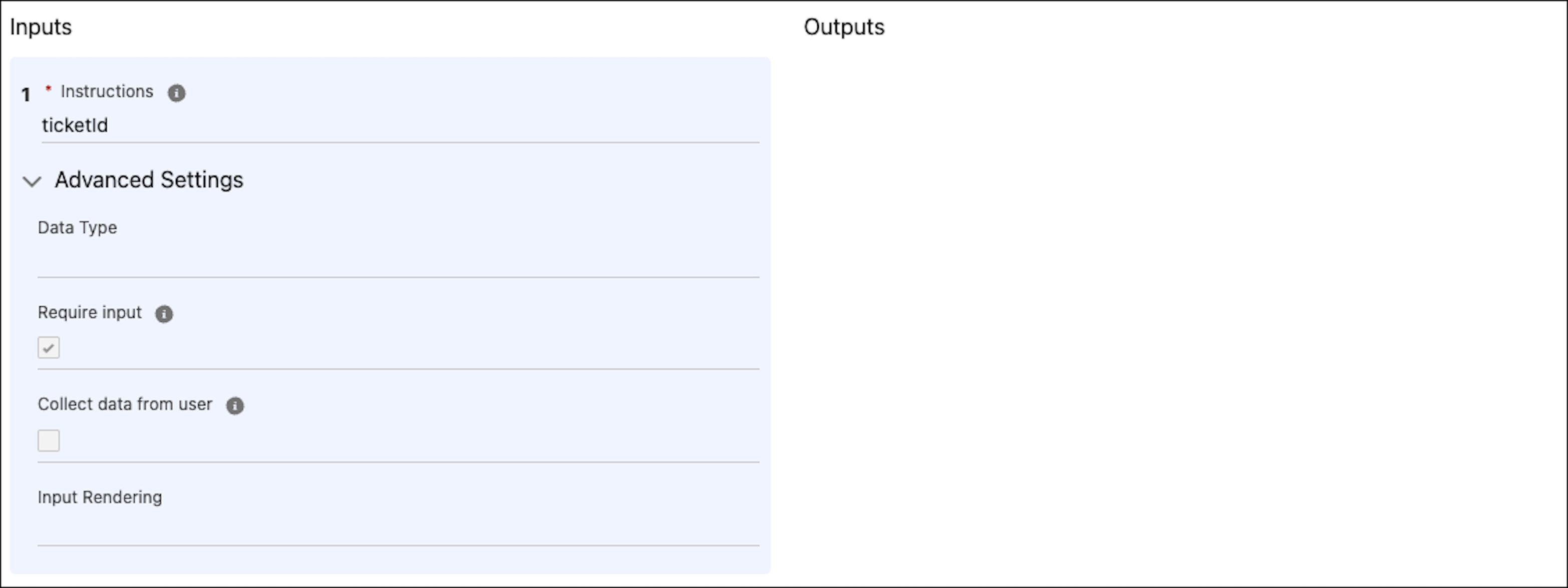
- An empty output for the associated MCP tool action in an agent: