Add Efficiency to Your Dashboard with the Container Widget
Make widget tasks easier by adding them to a container widget. You can also configure
containers with single-click actions to add interactivity to your dashboard.
Tableau Unmetered Platform Analyst or Tableau Next Platform Analyst permission set
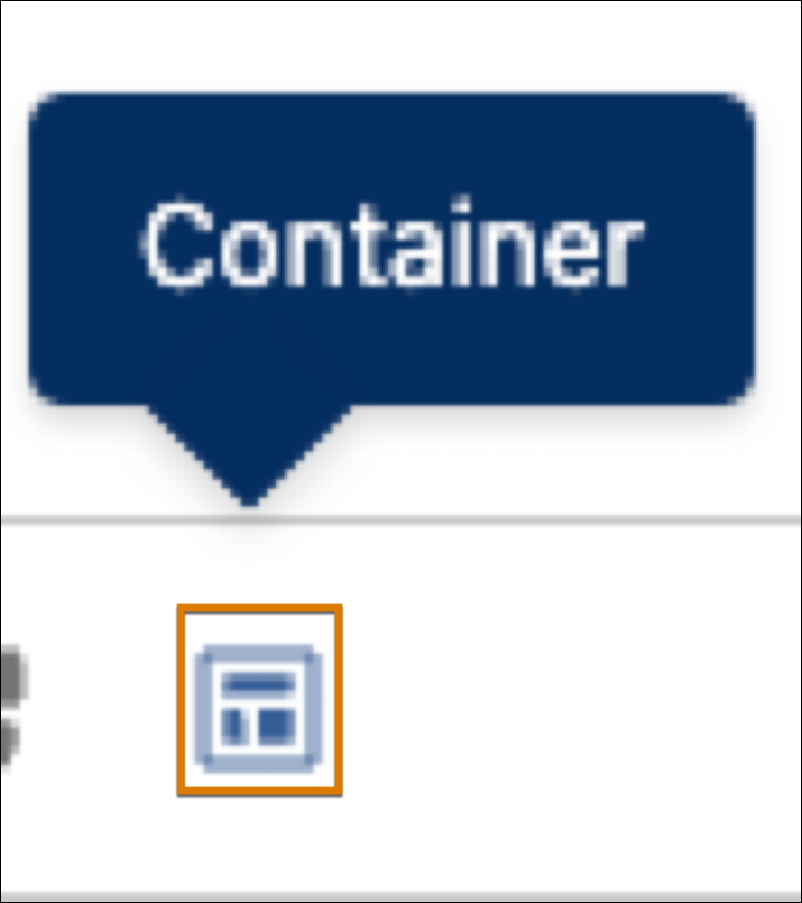
Add a container widget to the dashboard.
Open a dashboard and drag the container widget to the dashboard.
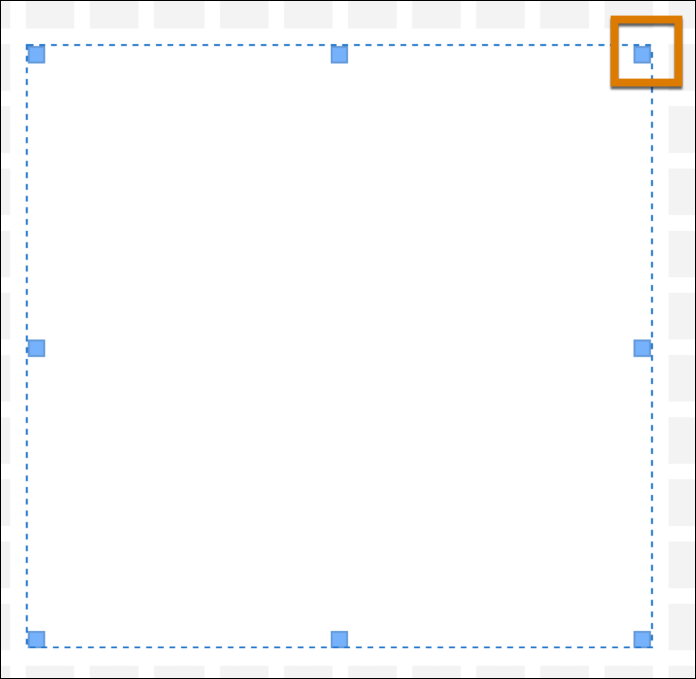
Use the widget anchors to resize the container to fit the expected widgets.
Drag dashboard widgets into the container and place them where you want them to
appear.
Explore a container
To select a container and its contents, click once anywhere in the container.
To select a widget inside of a container, double-click the widget. You can then
single-click to switch between widgets in the container.
Add actions to containers and buttons
Adding single-click actions enhances user engagement and efficiency by making the
dashboard more interactive and intuitive. You can add actions to quickly access detailed
pages or initiate Salesforce Flows, making it easier for users to find and act on the data
they need. See Add
Single-Click Actions to Your Data.
Note A configured action assigned to a container starts when the
container is clicked, including when you click any widget inside of the container. A
configured action assigned to a button starts the actions for the button and container
when the button is clicked.
We use three kinds of cookies on our websites: required, functional, and advertising. You can choose whether functional and advertising cookies apply. Click on the different cookie categories to find out more about each category and to change the default settings.
Privacy Statement
Required Cookies
Always Active
Required cookies are necessary for basic website functionality. Some examples include: session cookies needed to transmit the website, authentication cookies, and security cookies.
Functional Cookies
Functional cookies enhance functions, performance, and services on the website. Some examples include: cookies used to analyze site traffic, cookies used for market research, and cookies used to display advertising that is not directed to a particular individual.
Advertising Cookies
Advertising cookies track activity across websites in order to understand a viewer’s interests, and direct them specific marketing. Some examples include: cookies used for remarketing, or interest-based advertising.