
You are here:
Compare Point of Sale Artifacts
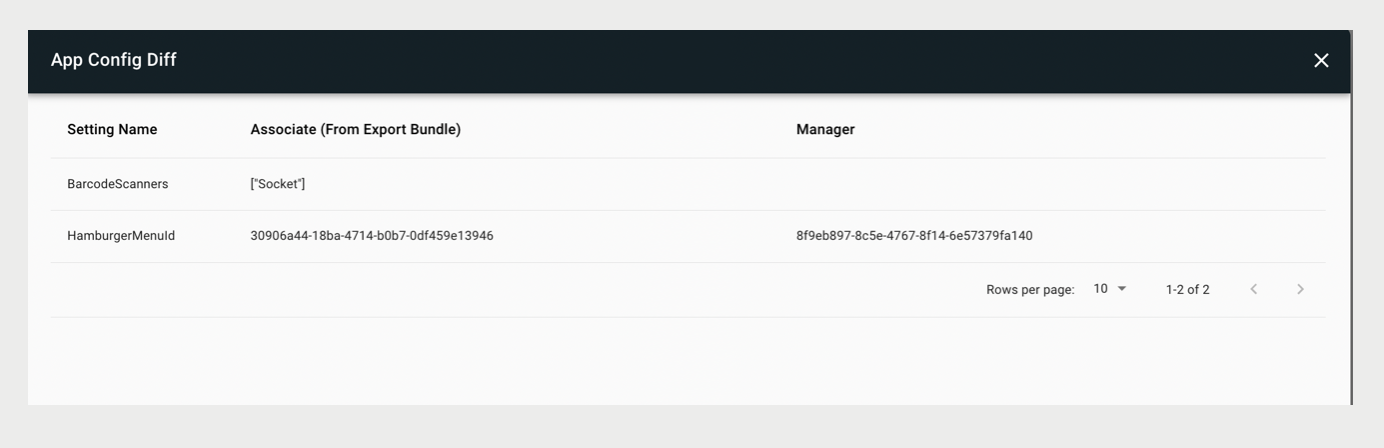
Diff Tools help you quickly identify configuration discrepancies between environments, ensuring accurate artifact imports and streamlined debugging processes. By pinpointing differences, you can verify the integrity of your deployments and resolve issues more efficiently.
- In CMS, go to .
- Search for the artifact or bundle you want to compare.
- Expand a bundle by clicking the + sign.
- Click the ellipses (vertical dots).
- Click Diff this app config.
- Select a config to compare.
Cet article a-t-il résolu votre problème ?
Dites-nous ce que nous pouvons améliorer !
