Loading
Get Started with Communications, Media, and Energy & Utilities (CME)...
Índice de materias
Seleccionar filtros

          No hay resultados
          No hay resultados
          Estas son algunas sugerencias de búsqueda

          Compruebe la ortografía de sus palabras clave.
          Utilice términos de búsqueda más generales.
          Seleccione menos filtros para ampliar su búsqueda.

          Buscar en toda la Ayuda de Salesforce
          Adding CPQ Configuration Setup Custom Settings

          Adding CPQ Configuration Setup Custom Settings

          You can add custom settings on the CMT Administration tab's CPQ Configuration Setup page.

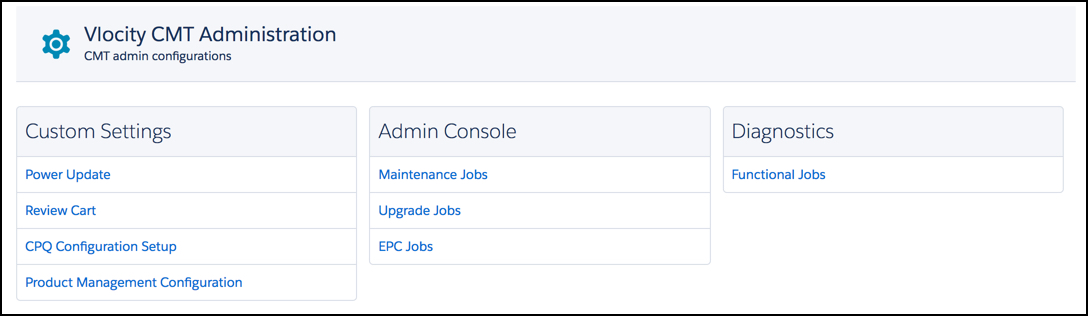
          1. Go to the Vlocity CMT Administration tab, and under Custom Settings select CPQ Configuration Setup.
            The Vlocity CMT Administration window
          2. At the bottom of the CPQ Setup Configuration settings page, click Add.

            Two red fields appear.

            Two fields with red borders and no labels appear.
          3. In the field on the left, enter the setting name.
          4. In the field on the right, enter the desired value.
            In the left field is 'CPQ Cart Preview Modal'. In the right field is 'On'.
          5. Click Save.
           
          Cargando
          Salesforce Help | Article