
You are here:
Creating a Callout Orchestration Item Definition
Order Management communicates with external systems using a special orchestration item called a callout (or callout task).
Before You Begin
-
Create an orchestration plan definition. See Orchestration Plan Definition
-
Create a System record. See Create a System Record for Industries Order Management
-
Create a System Interface record. See Create a System Interface for Integration
- Click the App Launcher:
- Start typing orchestration, then click Orchestration Item Definition in the list of results.
- On the Orchestration Item Definitions page, click New to create a definition.
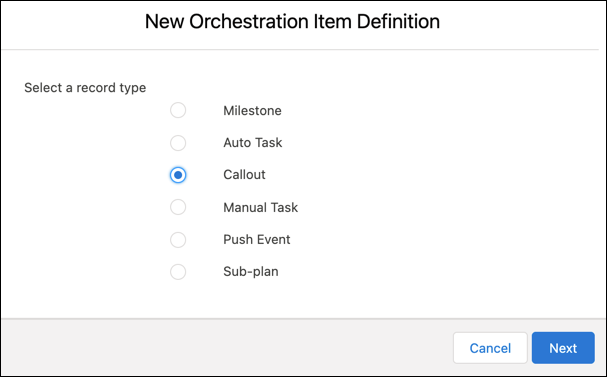
- Select the Callout option, then click Next.
- Enter the appropriate details in the Orchestration Item Definition Name field, and then save your work.
 Note
NoteOnce a callout has been sent, you can view the callout payload and any response in the Request and Response fields of the Details page for the orchestration item that sent the callout.

The callout is saved, and associated with the appropriate system interface and orchestration plan definition.
¿Resolvió este artículo su problema?
¡Háganos saber cómo podemos mejorar!
