You are here:
Link an Account to a Premises
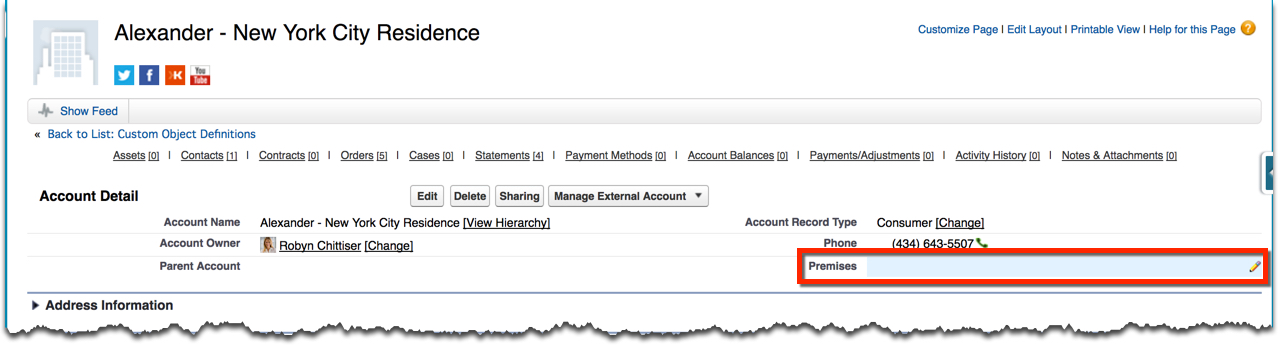
From a Premises record detail page, you can see a list of associated accounts and a relationship graph displaying a list of accounts and contacts related to the premises. There may be accounts connected to the property, such as property managers, installers, or residents. From the Account detail page, you can link the account to a premises. You can then view a list of all related accounts in the Accounts related list of a Premises record.

Note
Billing and Billing Aggregator account record types are not supported with premises.
To link an account to a premises:

Did this article solve your issue?
Let us know so we can improve!
