You are here:
Enabling the Contract Record Type for Profiles
You can enable contract record types for profiles.
To enable the contract record type for a profile:
- From Setup, in the Quick Find box, enter Profiles.
- Click Profiles.
- Click the name of the profile to change, for example, System Administrator.
- Click Object Settings.
- Click Contracts.
- Click Edit.
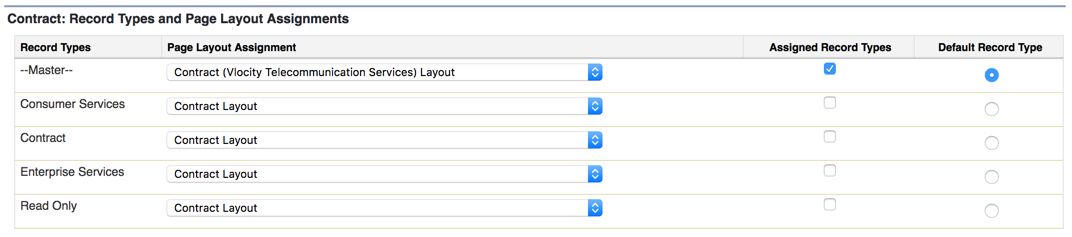
- In the Contract: Record Types and Page Layout Assignments list, for all appropriate contract record types, select Assigned Record Types.
- Click Save.
Did this article solve your issue?
Let us know so we can improve!
