You are here:
Skip an Automation
Indicate in Automation Studio that an automation's next run will not occur without stopping the automation's schedule.
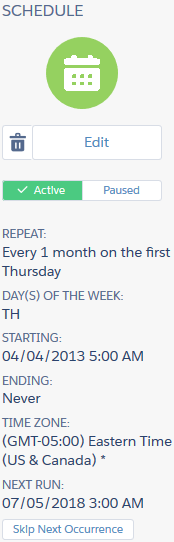
In an automation's Schedule tab, the Schedule Summary pane appears.
-
To skip an automation's next run without stopping the
automation's schedule, click Skip Next
Occurrence.
-
A confirmation message displays to verify that the automation's
next run will not occur.

Did this article solve your issue?
Let us know so we can improve!
