Automate business workflows, including updating the Caller ID (CLI) shown to the
customer, by evaluating real-time CRM data, rather than relying on one static, org-wide number.
The flow runs in headless configuration and synchronously right after a rep places an outbound
call, before the call reaches the carrier, so the CLI is resolved automatically per call with no
effort from the rep.
Agentforce Contact Center Admin (Salesforce Voice) permission set.
Here are some use cases where you can use call origination flows to customize the native
contact center to fit your needs.
Dynamic CLI by region or brand — Resolve a CLI matching the customer's geography or
business unit instead of a fixed default. For example, a UK rep calling a UK customer gets a
local CLI, improving answer rates.
Only one Call Origination Flow can be attached to a given Voice Configuration at a time. Your
org has an out-of-the-box sample flow, Resolve Outbound Caller ID, that checks the number
being dialed and decides whether it's a US or international number, then sets the appropriate
resolved caller ID accordingly. Duplicate the flow and then edit it to assign a CLI number to
a specific rep in your org or customize it further for your specific business needs.
From Setup, in the Quick Find box, enter Flows, and then select
Flows.
Click Resolve Outbound Caller ID and save it as a new flow.
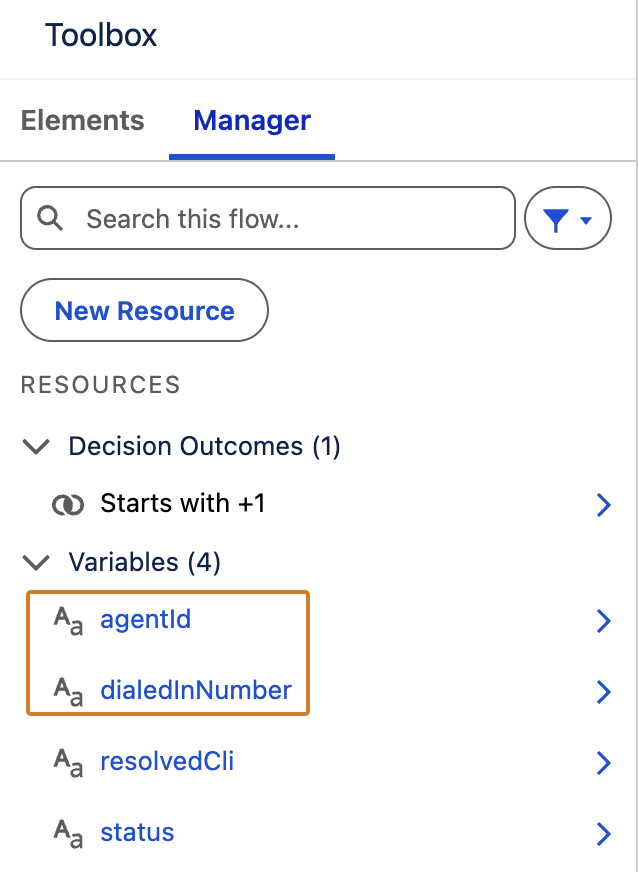
The system passes these inputs to the flow:
agentId — the user ID of the rep placing the call
dialedInNumber — the number the rep dialed
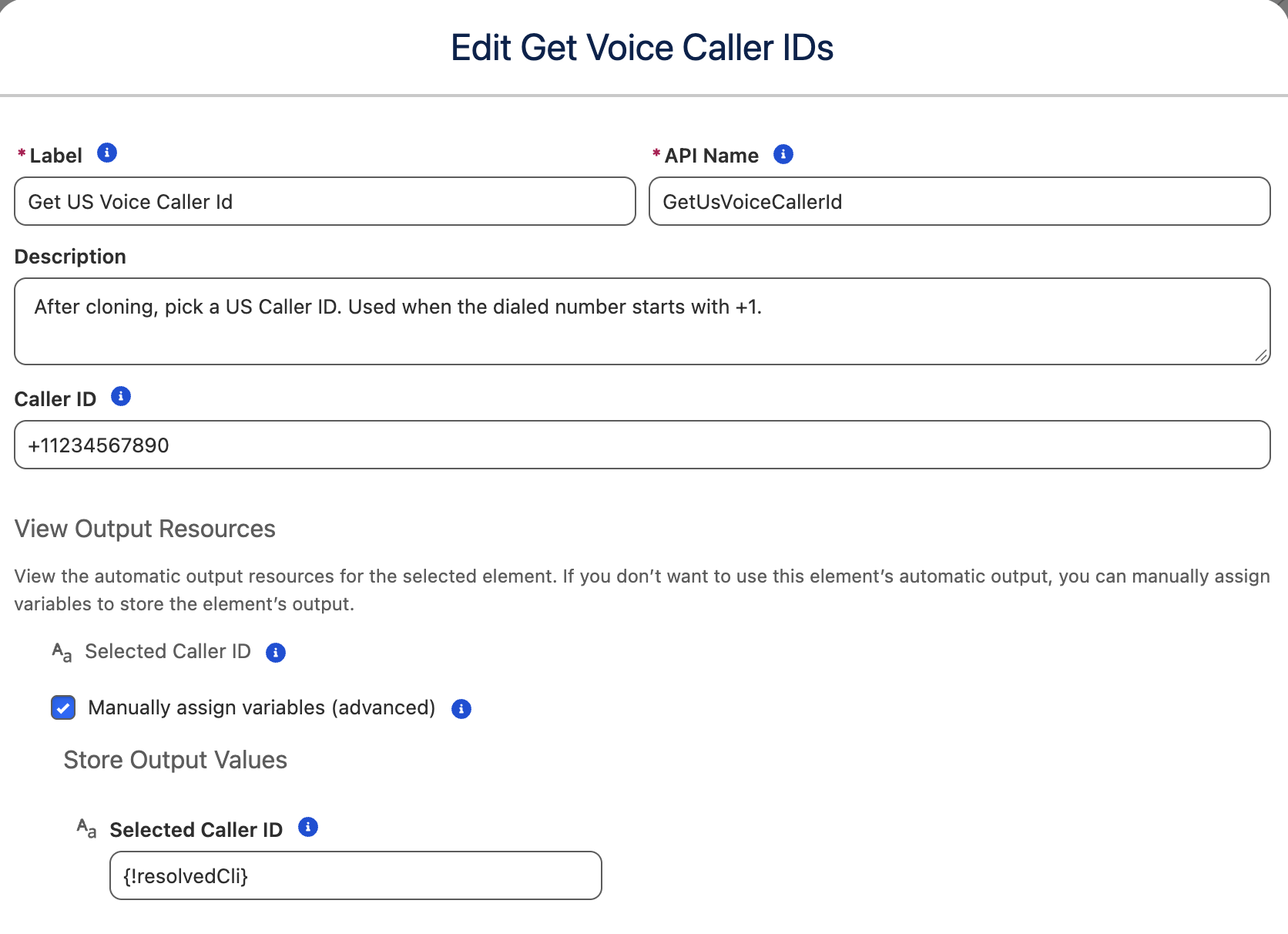
If the dialed number starts with +1, edit the Action element, Get US Voice
Caller Id, to set the Caller ID to the number that you want displayed to the
receiver. You can select numbers with outbound calling capability that are also available
for CLI.
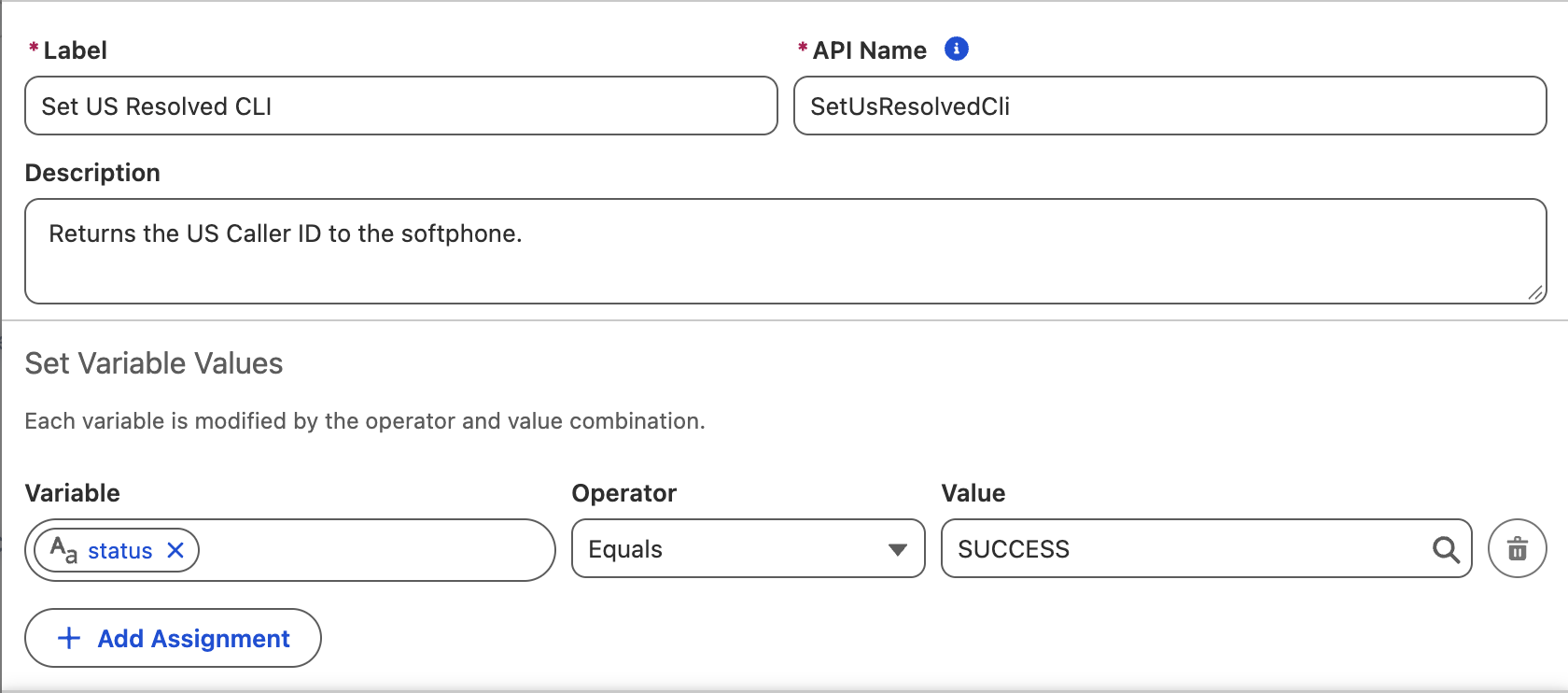
Edit the assignment element, Set US Resolved CLI, to set status to
SUCCESS.
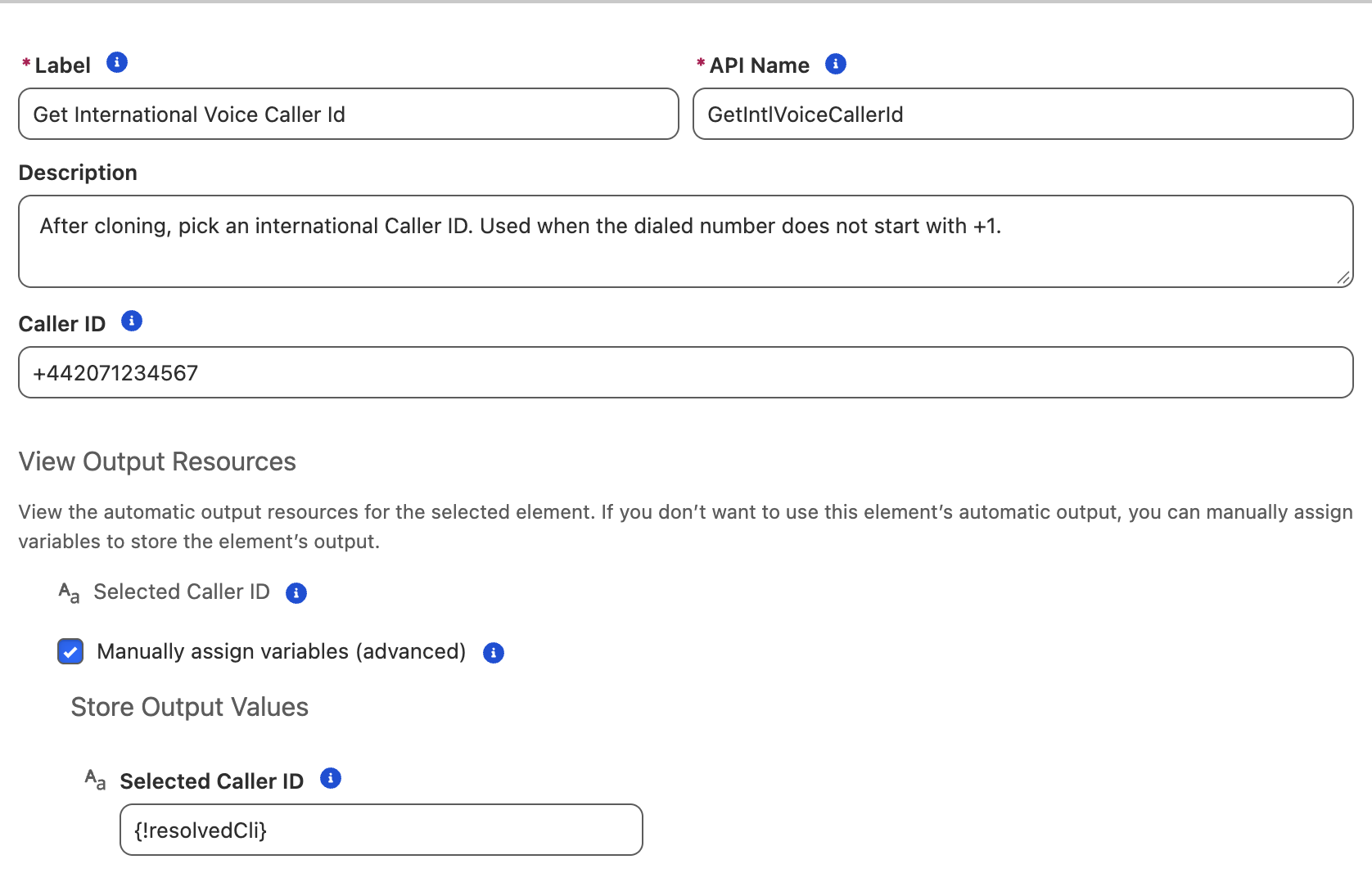
If the dialed number doesn’t start with +1, edit the Action element, Get
International Voice Caller Id, to set the Caller ID to the number that you
want displayed to the receiver. You can select numbers with outbound calling capability that
are also available for CLI.
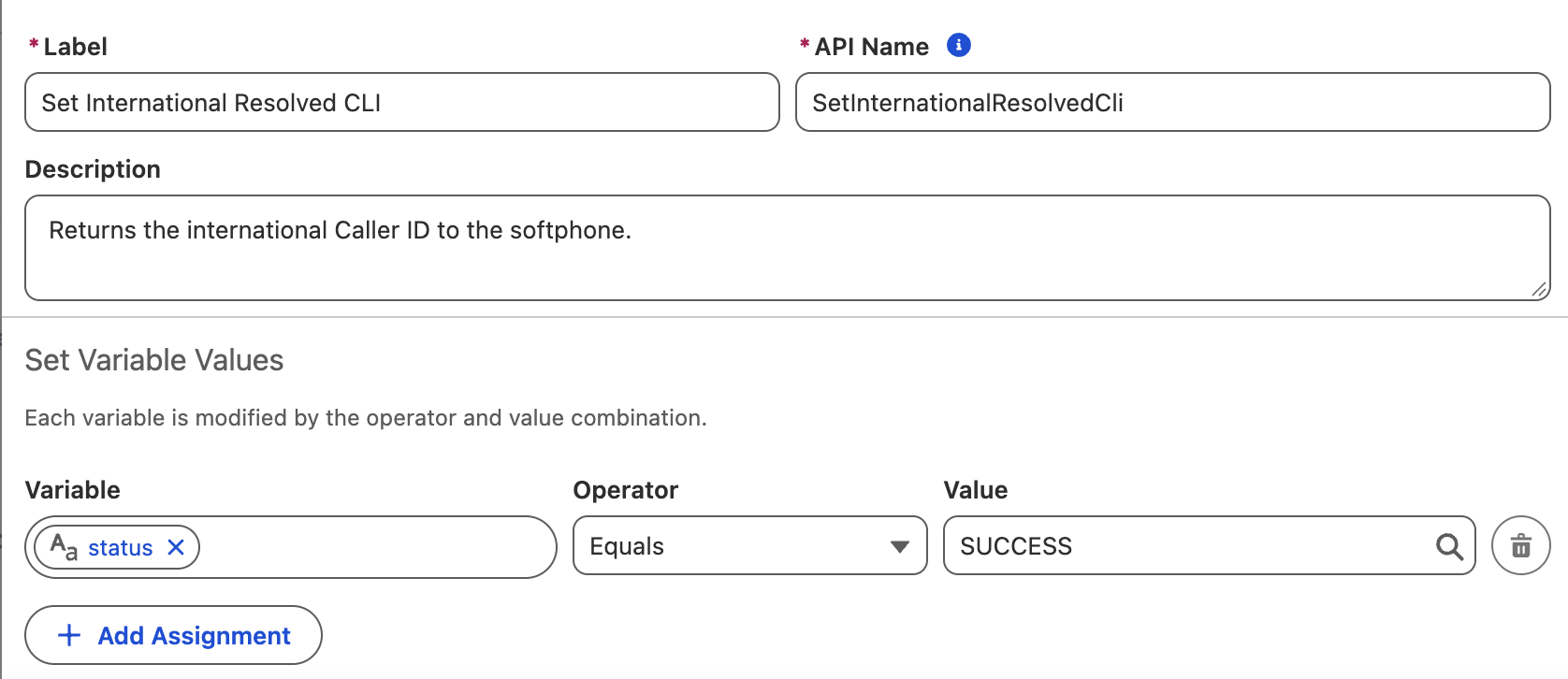
Edit the assignment element, Set International Resolved CLI, to set
status to SUCCESS. The flow finishes after either branch, leaving
resolvedCli and status set for the calling process to use.
If a flow is assigned to the rep's Voice Configuration and it returns
resolvedCli, that CLI is used. If no flow is assigned, or the flow doesn't
return a CLI, the Fallback Caller ID on the Voice Configuration is used. If the Voice
Configuration has no Fallback Caller ID set, the org-wide default CLI is used.
Did this article solve your issue?
Let us know so we can improve!
Loading
Salesforce Help | Article
Cookie Consent Manager
Cookie Consent Manager
General Information
Required Cookies
Functional Cookies
Advertising Cookies
General Information
We use three kinds of cookies on our websites: required, functional, and advertising. You can choose whether functional and advertising cookies apply. Click on the different cookie categories to find out more about each category and to change the default settings.
Privacy Statement
Required Cookies
Always Active
Required cookies are necessary for basic website functionality. Some examples include: session cookies needed to transmit the website, authentication cookies, and security cookies.
Functional Cookies
Functional cookies enhance functions, performance, and services on the website. Some examples include: cookies used to analyze site traffic, cookies used for market research, and cookies used to display advertising that is not directed to a particular individual.
Advertising Cookies
Advertising cookies track activity across websites in order to understand a viewer’s interests, and direct them specific marketing. Some examples include: cookies used for remarketing, or interest-based advertising.