You are here:
Add a New Object to the Story-SLDS Component (Managed Package)
For the managed package runtime, clone and modify the story-slds card layout to add a new story object to the Customer Story timeline. The Vlocity Customer Story displays a timeline of all interactions with a customer in a single, chronological feed. Update the maximum number of records returned per story object with the pageSize parameter.
 This information is for Omnistudio for Managed Packages. For Omnistudio on standard runtime, see Omnistudio Help.
- From the Vlocity Cards home tab, click story-slds, select the checkbox next to story-slds (Version 3) card layout., and click Clone.
-
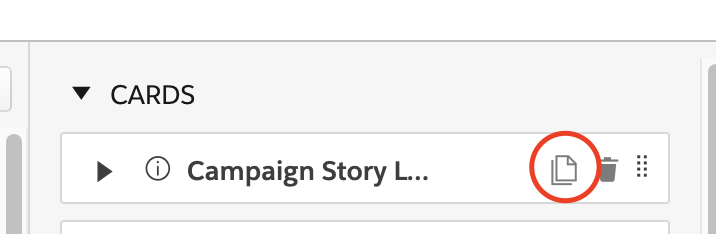
In the Cards pane, click the clone icon on any card.
- Enter a Name and update the Title.
- Click Clone. The new card appears at the bottom of the Cards pane.
- Update the ['objAPIName'] filter value to the API name of your new object.
- In the States pane, for each state, update the Name.
- In the Fields section, update fields to display in your story as needed.
Did this article solve your issue?
Let us know so we can improve!
