
You are here:
Remote Site URL Configuration (Managed Package)
For the managed package runtime, ensure that you configured the remote site URL correctly.
 This information is for Omnistudio for Managed Packages. For Omnistudio on standard runtime, see Omnistudio Help.
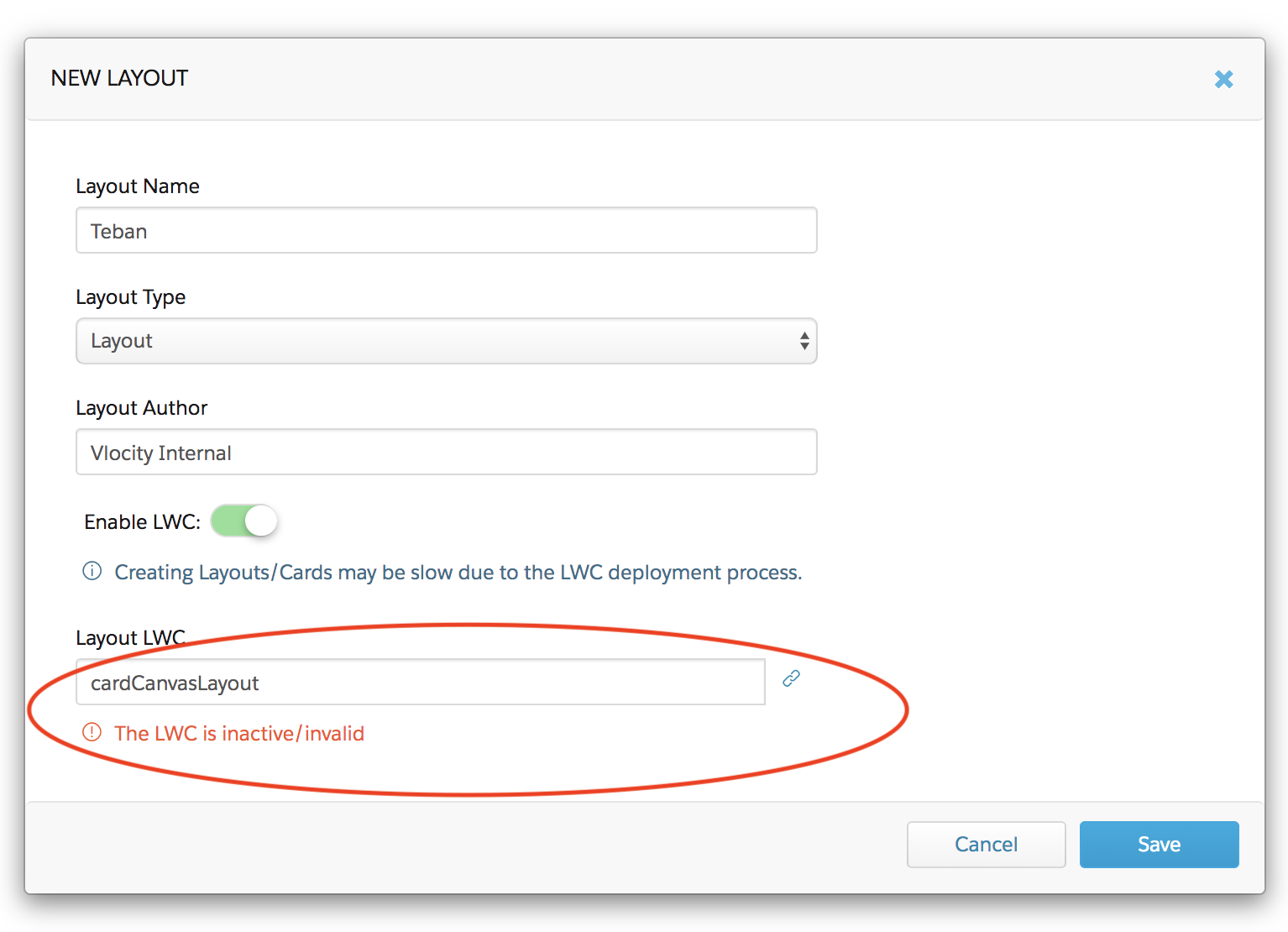
If you see the error, The LWC is inactive/invalid when trying to select a template in the Layout LWC field, check that there are Remote Site URLs set in the Remote Site Settings page in your org. You must grant access to your org's domain to enable LWC features. See Fixing Inactive/Invalid Error When Enabling LWC on a Card Layout (Managed Package).
Løste denne artikel dit problem?
Giv os besked, så vi kan forbedre os!
