You are here:
Create and Configure a Security Investigation Remediation Plan Version
Security Center's Security Investigations feature comes with several pre-defined remediation plans and plan steps. A remediation plan lets you specify the steps and actions to take to resolve security findings, such as session hijackings and login anomalies. You can use a plan as is or modify it by creating and activating a new version and adding or rearranging steps as needed. Generate test threat detection events if needed to refine your remediation plans and steps.
| Available in: Lightning Experience |
| Available in: Enterprise and Unlimited Editions with the Security Center add-on license. |
| Available for free in: Developer Edition |
| User Permissions Needed | |
|---|---|
| To view Security Center pages: | View Security Center Pages |
| To edit security investigation remediation plan versions: | Manage Security Center |
There's no required order for creating steps and plans. You might find it easier to create steps first, then add them to a new plan version, but you can start with a new plan version, create or modify the steps you want the plan to use, and then add them to the plan.
- From the App Launcher, find and select Security Center.
- Click the Configuration tab and then click Security Investigations in the left panel.
- Click Remediation Plans.
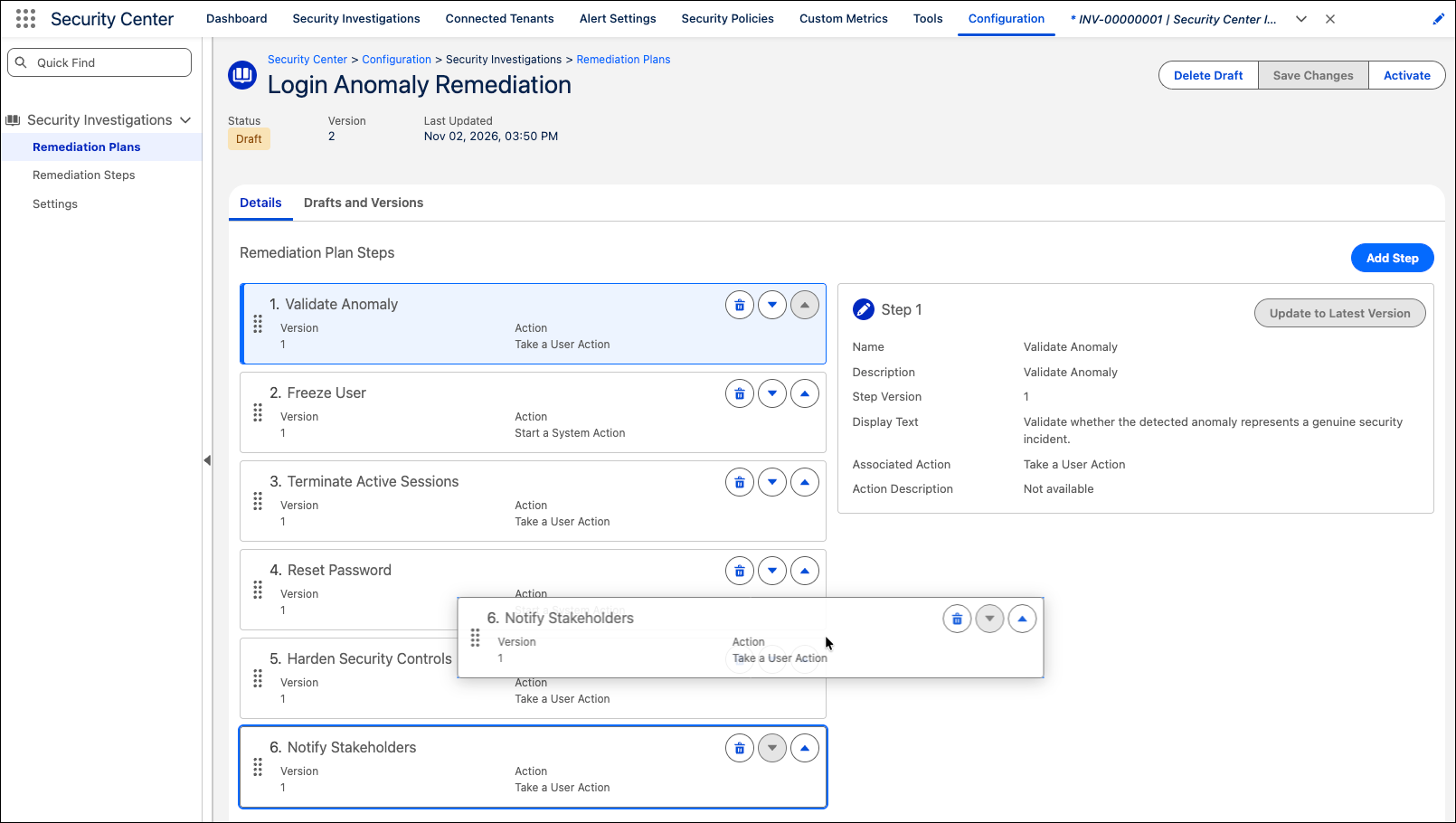
- Open the plan you want to start from (for example, Credential Stuffing Remediation) and click New Version.
- To add a step to the new version, click Add Step and select the predefined steps you want. Order the steps as you want the plan to follow them. Delete steps the plan version doesn't need.
- When you're satisfied with the plan version, save it. Its version number is incremented.
-
Activate the new plan version when you want to start using it.
-
(Optional) Follow the steps in Generate Test Events for Threat Detection (Beta)
to run a test threat detection event. Use the test to refine your plans and steps and see
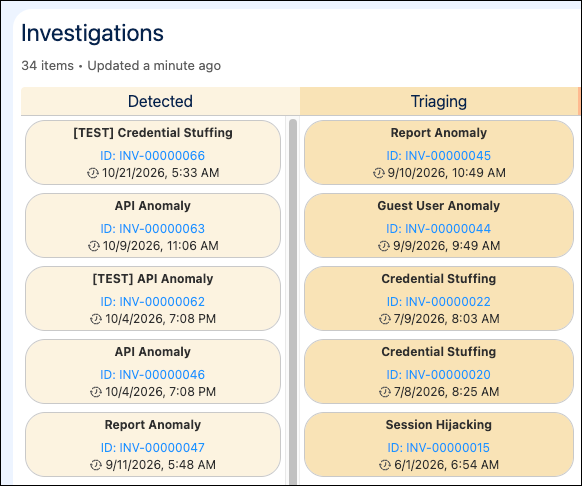
how a detection progresses through the Security Investigations dashboard.