You are here:
Create Cases from the Outlook Ribbon with Salesforce for Outlook (Retiring)
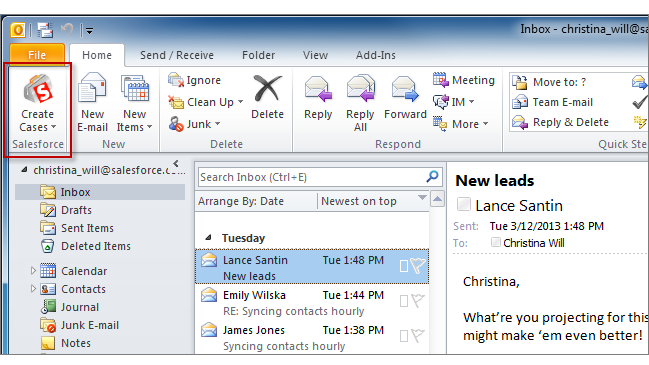
If you track cases in Salesforce, you can create ones from your Microsoft® Outlook® emails. Your administrator needs to first create Email-to-Case destinations that appear in the dropdown list button Create Cases in Outlook. For each destination, you can choose the assignee, which can be either individual users or queues. When you create cases, you can add up to ten emails simultaneously for each destination.

Did this article solve your issue?
Let us know so we can improve!
