You are here:
Embedded Report Charts
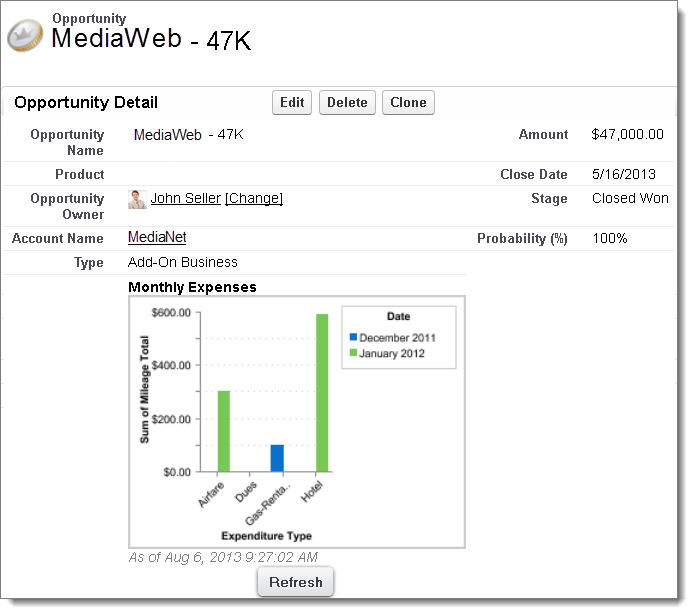
Typically, users have had to navigate to the Reports tab to find data. But you can give them valuable information directly on the pages they visit often. To do that, embed report charts in detail pages for objects. When users see charts on pages, they can make decisions based on the data they see in the context of the page without going elsewhere. For example, an opportunity record shows important data directly on its detail page.
- Add a Report Chart to a Page Layout
To embed a report chart on object pages, edit the object’s page layout with the enhanced page layout editor, then add the chart. - Customizing a Report Chart in a Page Layout
After you add a report chart to a page, you can customize it in the Chart Properties dialog box on the page layout editor. - Example of Report Charts on an Account Page
In this example, we've embedded two report charts on an important account page that show deals in the pipeline and open support cases for the account. From looking at the charts, the account executive can quickly gauge the account’s activity and health. - Limits on Report Charts in Pages
Consider these limits when embedding charts in detail pages.
Did this article solve your issue?
Let us know so we can improve!
