
You are here:
Monitor Your Voice-Enabled Agent
To boost service quality, supervisors can monitor the voice-enabled agents on active calls by using Omni Supervisor. They can also monitor agent performance over time by using agent analytics reports and dashboards.
Monitor Agents with Omni Supervisor
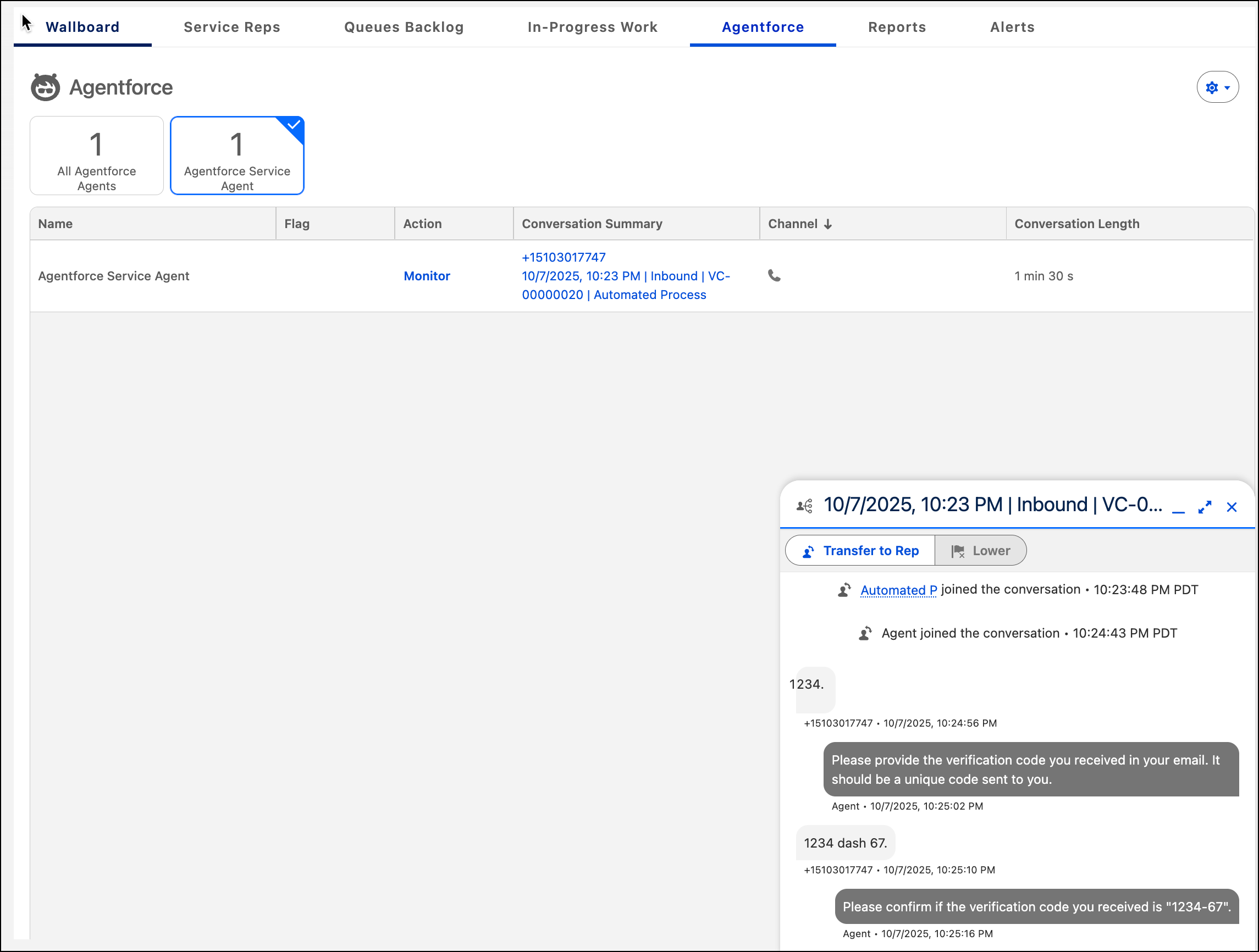
To make sure that your voice-enabled agent consistently delivers high-quality service to customers over the phone, supervisors can monitor the call transcripts in the Agentforce tab of Omni Supervisor. The Agentforce tab shows a list of agents on active calls. If you’re using a supervisor configuration, confirm that the Agentforce tab and the Agentforce Service agents are visible in Omni Supervisor.
Monitor Agent Performance with Agentforce Analytics
Agent Analytics: Seeing the overall picture
The Agent Analytics tool records every step of an AI conversation from start to finish. It gathers all the details from your agent's sessions into one place so you can see exactly how they’re performing over time. By looking at these records, you can spot general trends and use the data to make sure that your agents stay helpful and efficient. See Get Insights with Agent Analytics.
Agent Optimization: Fixing specific problems
The Agent optimization tool helps you improve how the agent talks to your customers. You can listen to the recordings of the voice calls, dive into the details of conversations, and review quality scores. You can find knowledge gaps where the AI didn't have the right answer. Review specific examples and quality scores to get insights for optimizing your voice-enabled agent. See Use Agent Optimization.
