You are here:
Implement a Contact Import Feature
Create a customized contact import feature, create or update records with contact data, or otherwise reduce the friction of adding contact information from a mobile device.

Note Using the ContactsService API to create contact-based features works only in the mobile
app, and not on mobile or desktop web.
You can develop and implement a Lightning web component using the ContactsService API. Create a customized contact import feature to create or update records with contact data.
Using ContactsService in your Lightning web component is straightforward.
- Import ContactsService into your component definition.
- Test to make sure ContactsService is available before you call contacts-related functions.
- Use the
getContacts()functions to select and access contacts.
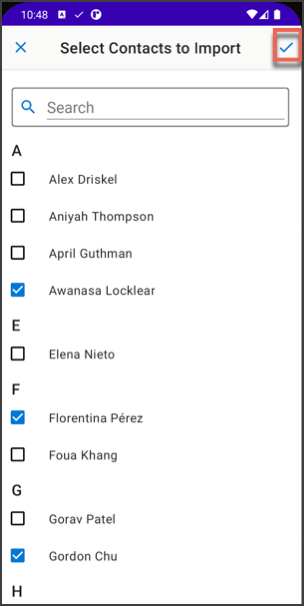
For complete details, see Access Contacts on a Mobile Device in the Lightning Web Components Developer Guide.
Did this article solve your issue?
Let us know so we can improve!
