You are here:
Managing Perspectives in the Log Inspector
A perspective is a predefined layout of panels in the Log Inspector.
When you perform a task in the Log Inspector, make sure you choose the right perspective for the job.
To manage your perspectives, click .
- To switch to a different perspective, double-click the perspective name, or select it and click Open.
- To change the default perspective, select the perspective name and click Set Default.
- To delete a perspective, select the perspective name and click Delete.
- To create a custom perspective, see Creating Custom Perspectives in the Log Inspector.
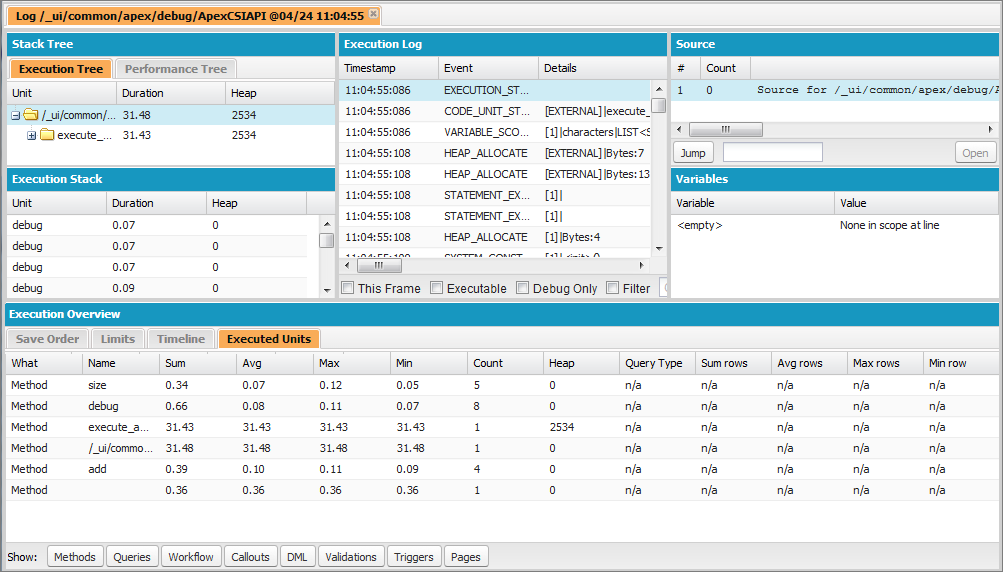
The following perspectives are predefined:
- All (default)
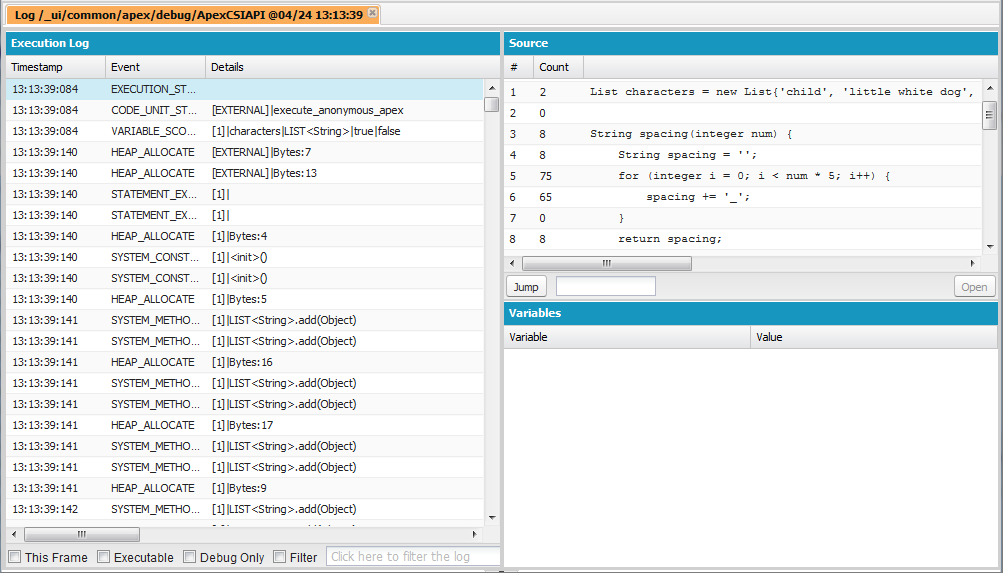
- Debug: A perspective designed for code debugging that
includes the Execution Log, Source and Variables panels.
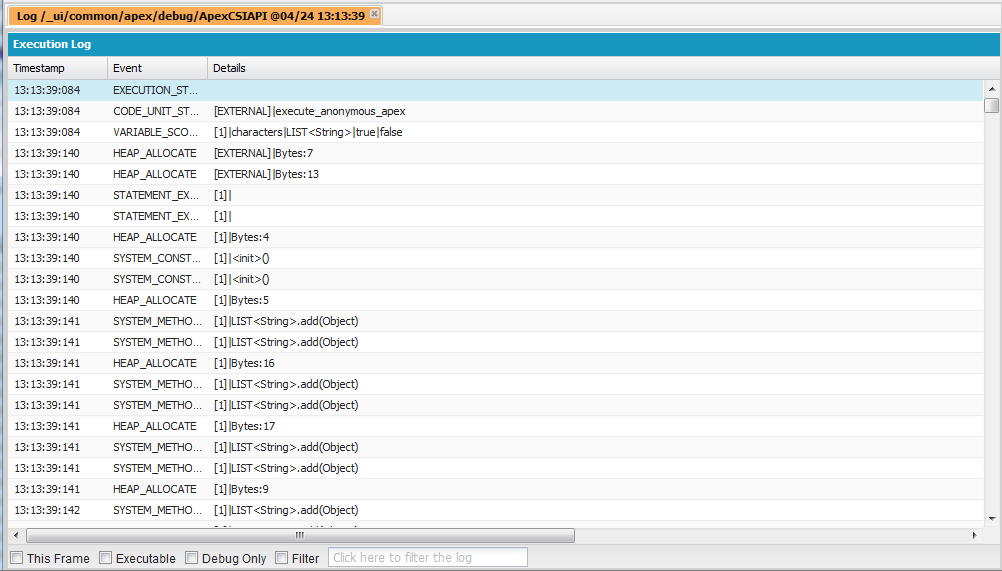
- Log Only: An all-purpose perspective for viewing log
execution that includes the Execution Log panel only.
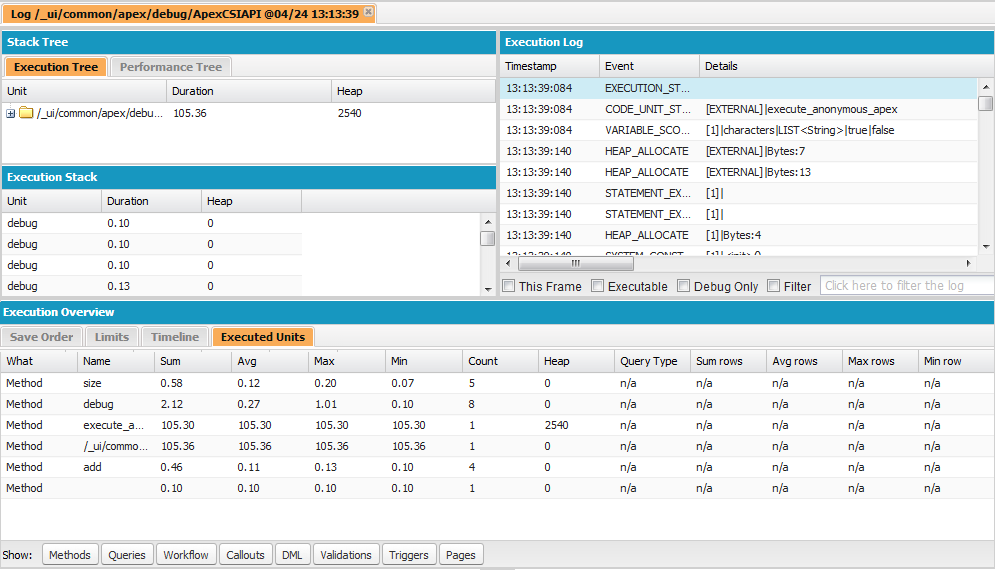
- Analysis: A perspective designed for log analysis that
includes the Stack Tree, Execution Stack, Execution Log, and Execution Overview panels.
Use a perspective that makes completing your task fast and easy. Every developer has a different style; if one of the predefined perspectives doesn’t meet your needs, it’s easy to design your own. For details, see Creating Custom Perspectives in the Log Inspector
Did this article solve your issue?
Let us know so we can improve!
