
You are here:
Activation Refresh Types
When creating an activation, choose from two refresh types: full or incremental. A full refresh updates all records in the segment during activation. An incremental refresh publishes only the added, updated, and deleted records since the last successful refresh.

With incremental activation, you can define the exact types of updates you want. Choose to receive only specific changes without processing unnecessary data. For example, if you only need newly added profiles in each activation run, you can customize the data to match your requirements by selecting one or both of the following options:
- Exclude records modified since the last refresh: Prevents records that have been updated since the last activation from being included in the current activation.
- Exclude records deleted since the last refresh: Prevents records that have been removed since the last activation from being included in the current activation.
When you create an activation, the available refresh types vary, based on the activation target.
When you edit an activation, depending on the activation target, you can change a full refresh to an incremental refresh. After you switch to an incremental refresh, you can’t revert to a full refresh.
| Activation Target | Refresh Type |
|---|---|
|
Choose between incremental or full refresh. Incremental refresh is selected by default. 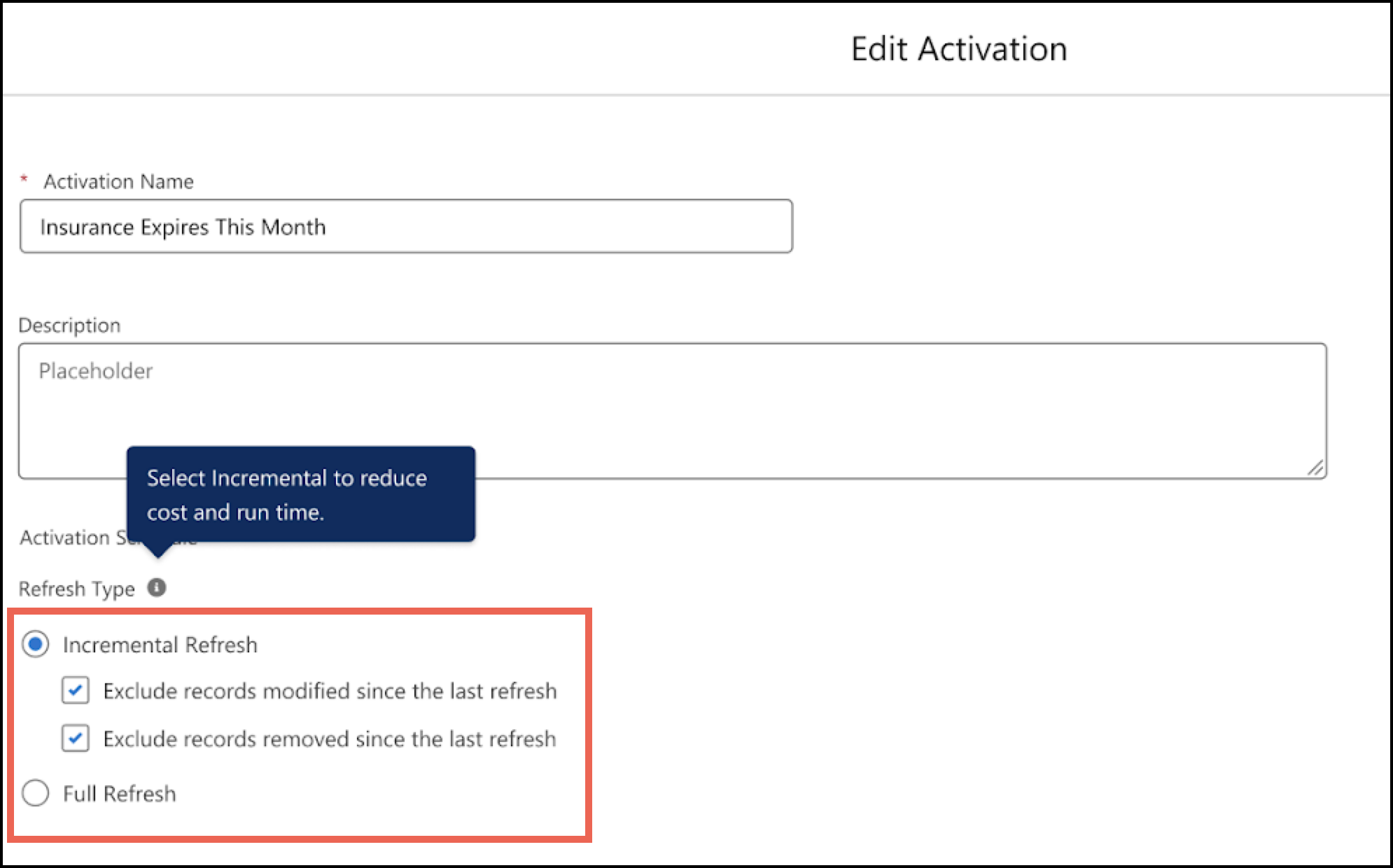 |
|
Incremental refresh is the only default option. 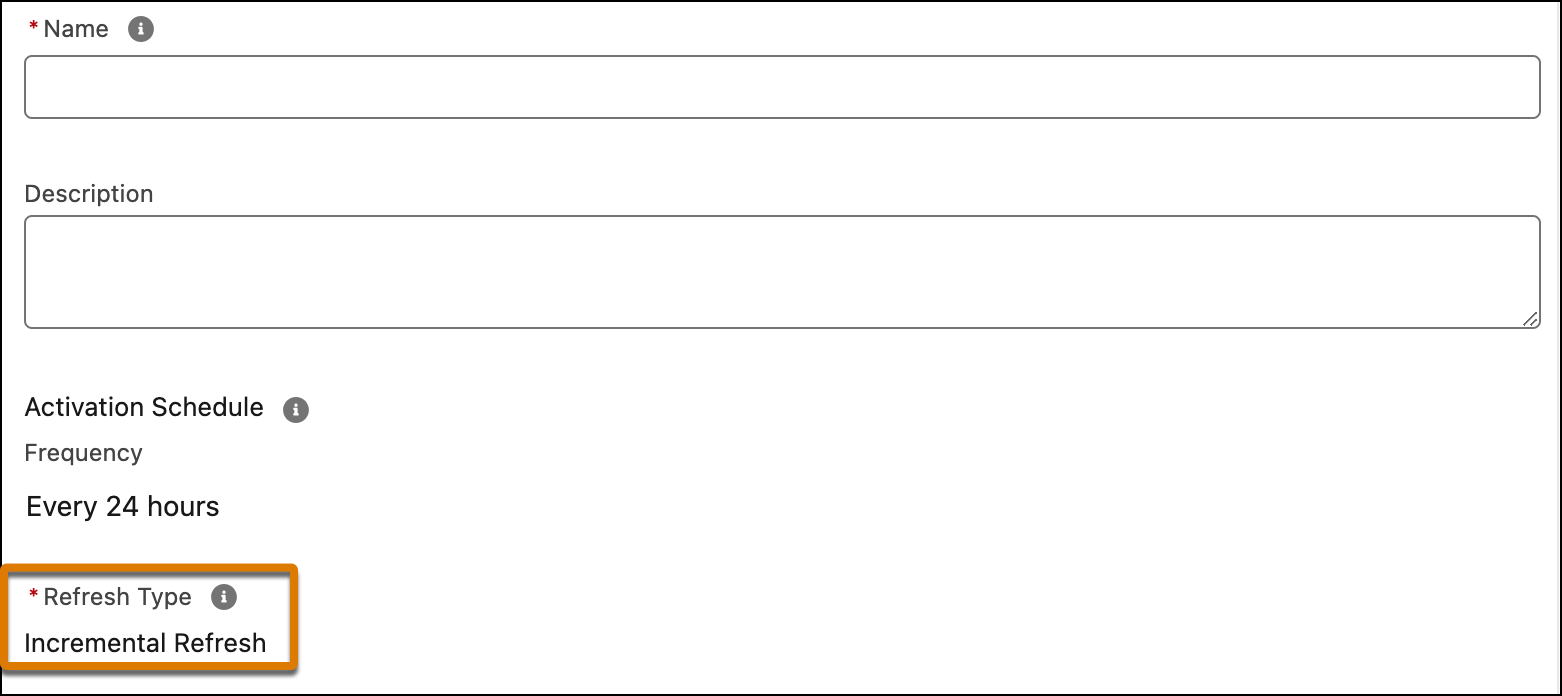 |
|
The refresh type is inherited from the package configuration. 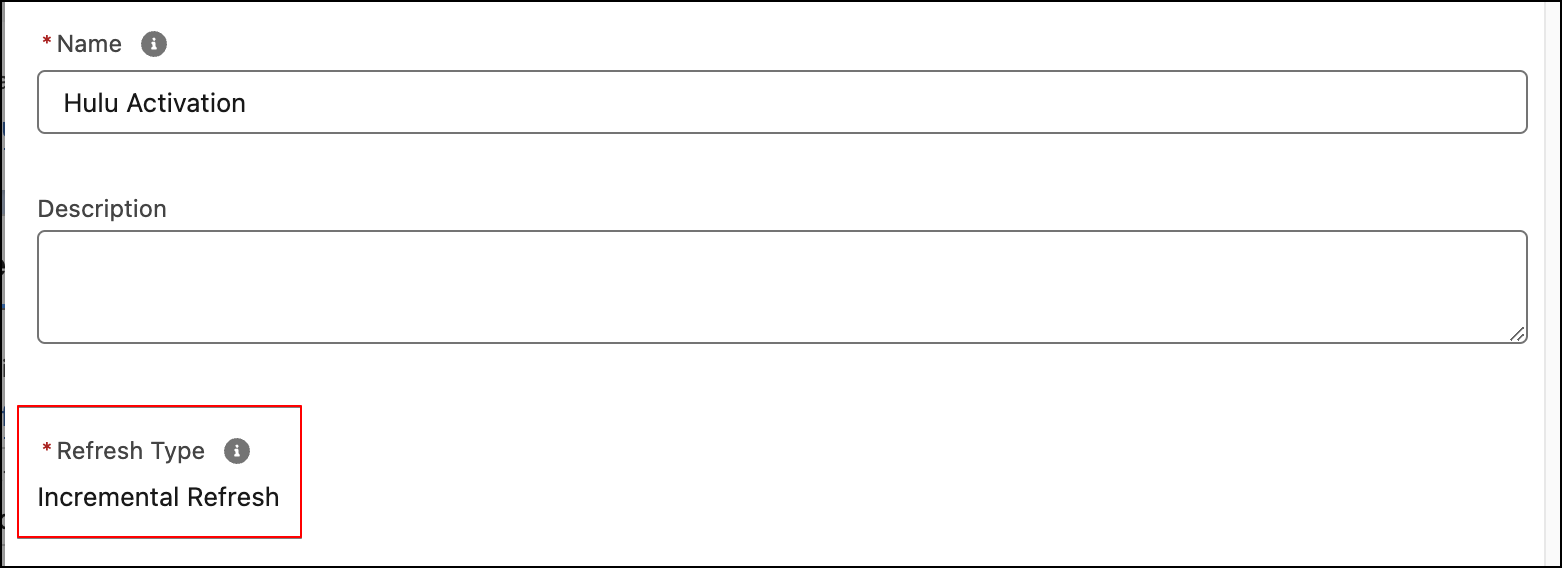 |
After you create an activation, a full refresh on the activation page uses the results of the last segment run without re-running the segment. This differs from publishing from the Segment record page, which reprocesses the segment data.
Considerations
- The first publish for all activation targets is always a full refresh, regardless of the refresh type you choose. A full refresh is also triggered whenever you make changes to the activation. In both cases, the entire activation is transferred to the target.
- If a full refresh is queued while an incremental refresh is in progress, the system
optimizes the publish queue. After the current refresh completes, all pending refreshes
except the most recent one are marked as
SKIPPED, and the most recent pending refresh is converted to a full refresh (full overwrite) and then executed. - For ecosystem partners, the activated audience consolidates all the segments that are activated at a given interval.
- If the activation fails, the next refresh is incremental from the last successful segment published.
- For a new activation to Marketing Cloud Engagement or Marketing Cloud Personalization, an incremental refresh is selected by default. After every 24 hours, you can trigger a full refresh manually. You can change an existing full-refresh activation to incremental.
- For Strategic Partners or Marketing Cloud Personalization, when you edit an existing activation, you can change the full-refresh activation to incremental with an upgraded package.
- For Marketing Cloud targets, when you edit an activation and switch between full refresh and incremental, Data 360 creates a new Data Extension (DE) in Marketing Cloud Engagement. When switching to incremental, the first run performs a full refresh to load the entire segment into the new DE. A full refresh also runs automatically if the target DE does not exist. Subsequent runs perform incremental upserts using subscriber key as the primary key. After the DE changes, reconnect any existing journeys to the new DE.
- If you edit the activation and switch between refresh types (full or incremental), then the activation payload writes to a new data extension (DE) in Marketing Cloud Engagement. If you change to incremental, a full update occurs to move the entire segment to the new DE. The following activations are incremental to merge the payload changes to the DE using the subscriber key as the primary key for the updates to the existing contacts. In Marketing Cloud Engagement, connect the existing journeys to the new DE.
- For Marketing Cloud Engagement, the segment count can be zero after a publish. For example, you create a segment to offer promotions to members who have a birthday in two days. All members are removed when the current date goes past their birthday. If you add filters in the activation, the payload has segmented members filtered out and represented as D for delete.
- There’s a difference when you activate a segment to Marketing Cloud Engagement than when you activate a segment to Amazon S3. For Marketing Cloud Engagement, a Marketing Cloud API writes the DE where it updates using the subscriber ID as the key. For Amazon S3, the incremental payload contains the adds, deletes, and updates in the audiences. Then, Amazon S3 consumes and processes the payload.
- Because Audience DMOs have a default Time to Live (TTL) of 30 days, incremental refreshes produce invalid results if they are more than 30 days apart. To maintain data accuracy, consider using a full refresh for any activation with a refresh cycle of 30 days or longer.
