Loading
Feature Disruption - Service Cloud VoiceRead More
Feature degradation | Gmail Email delivery failureRead More
About Salesforce Data 360
Table of Contents
Select Filters

          No results
          No results
          Here are some search tips

          Check the spelling of your keywords.
          Use more general search terms.
          Select fewer filters to broaden your search.

          Search all of Salesforce Help
          Manage Models

          Manage Models

          After creating a predictive model, you can edit to update your settings or delete it if it’s no longer needed.

          Before you activate a model, you can update its settings, which saves time and the effort in creating a model.

          1. Go to Model Details, and click the model version that you want to edit.
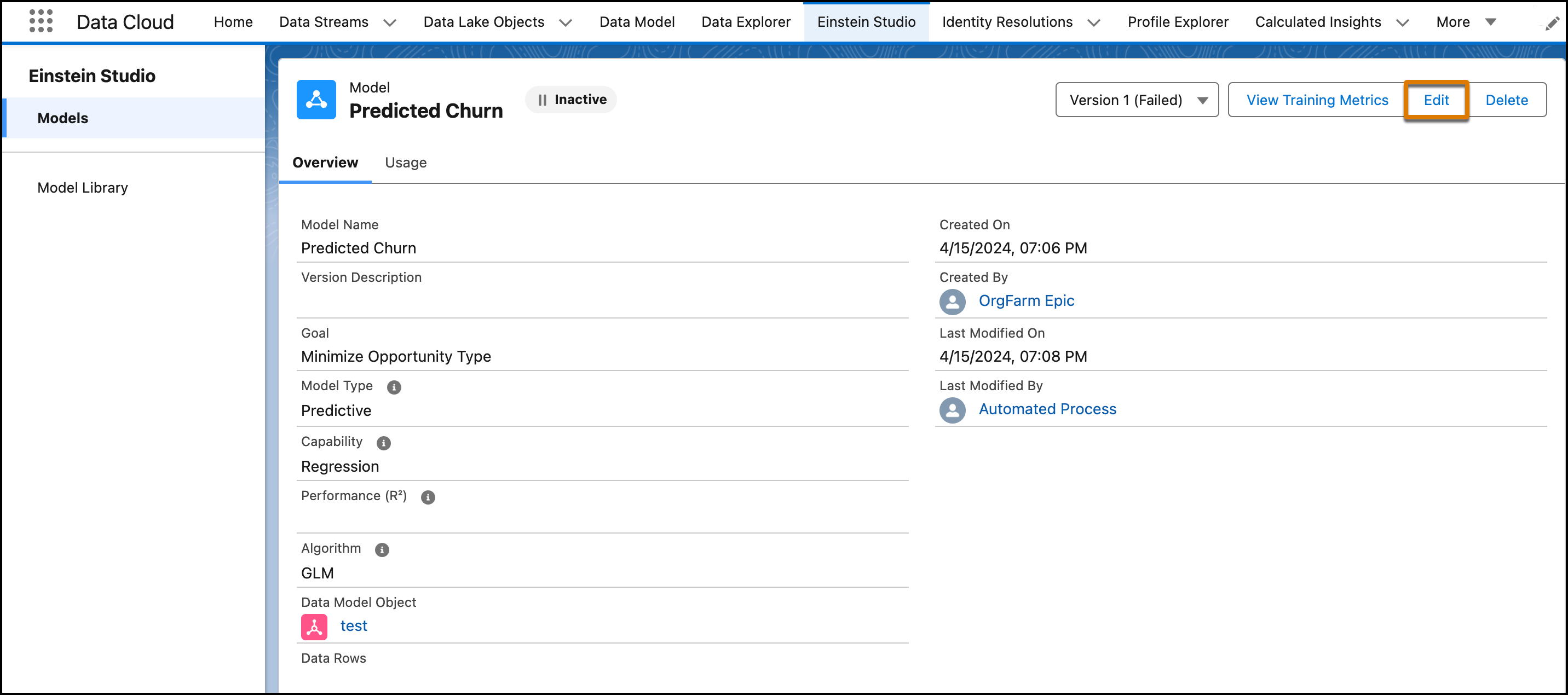
          2. Click Edit to review and update your settings. Editing a model version creates a new version of your model.
          3. Save your work.
            Edit is called out on the model details page.

          After deleting a model, you can’t recover any versions of the model or its prediction jobs.
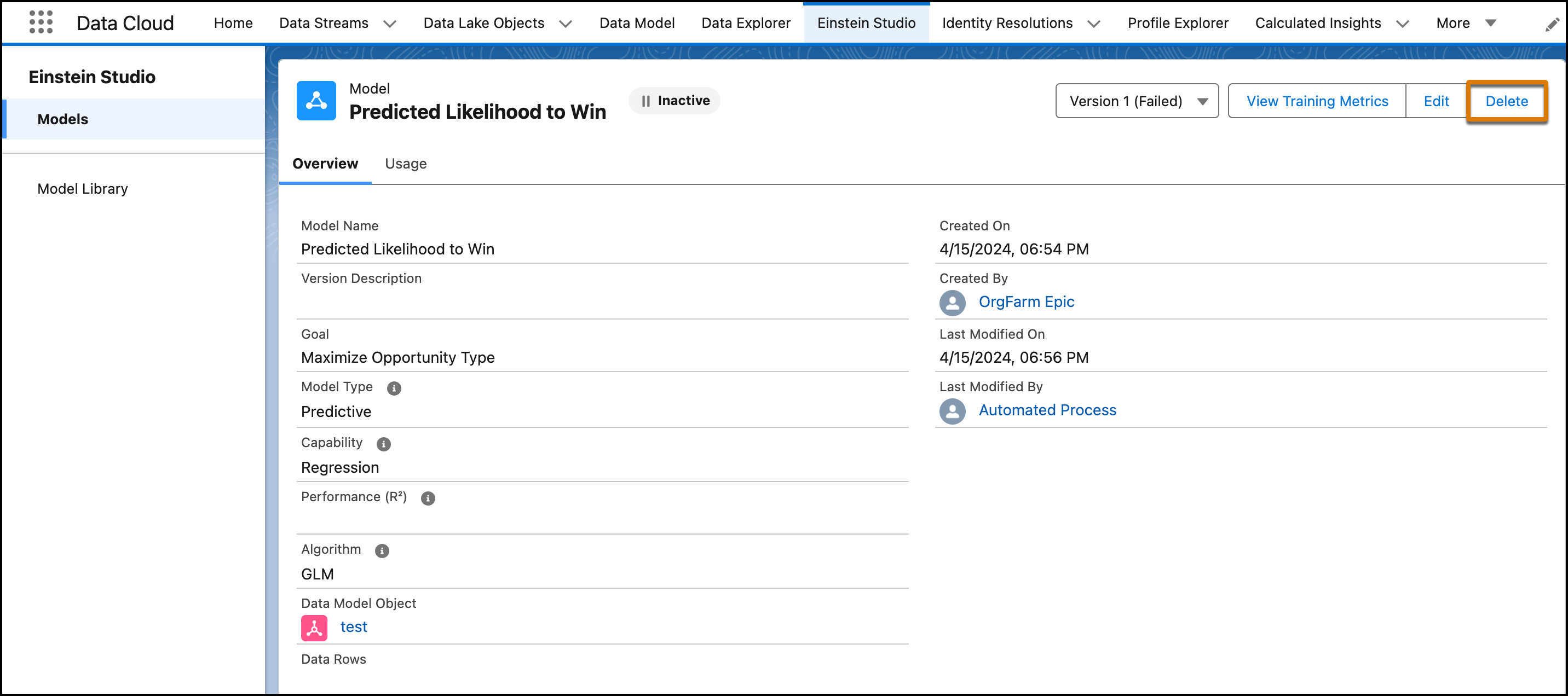
          Delete is called out on the model details page.
           
          Loading
          Salesforce Help | Article