
You are here:
Now
Create a column that displays the current date and time in a specified format. This transformation works without interacting with any other columns.
- In a Transform node of a batch data transform select the Formula button (
 ) in
the Transform toolbar.
) in
the Transform toolbar. - Select Now.
- Select the date format.
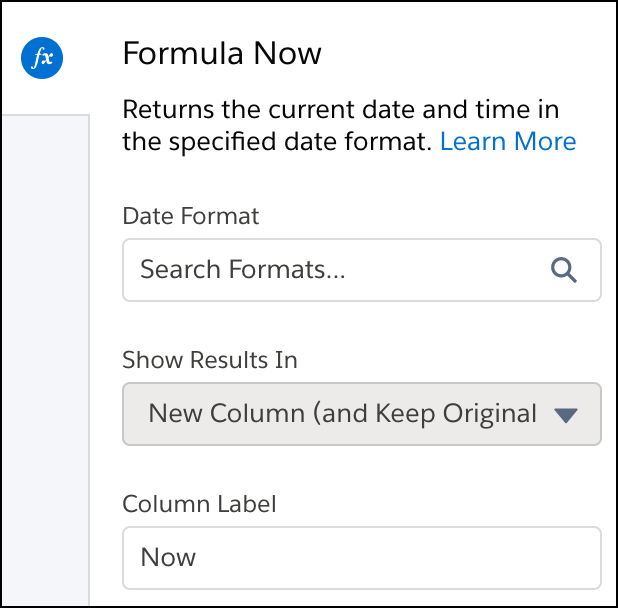
- Optionally, change the label of the column that stores the Now data in the Column Label field.
- To add the transformation to the Transform node, click Apply. The
Preview tab shows the new Now column.

- To view the canvas area, click the Collapse button (
 ).
).
The Now option uses the date and time when the batch data transform last ran, based on the UTC timezone.
Did this article solve your issue?
Let us know so we can improve!
