
You are here:
Insights List View
After creating a calculated insight in Data 360, see the details and edit your record from the Calculated Insights list view. The status, last run time, last run status, and schedule fields are updated in near-real time.
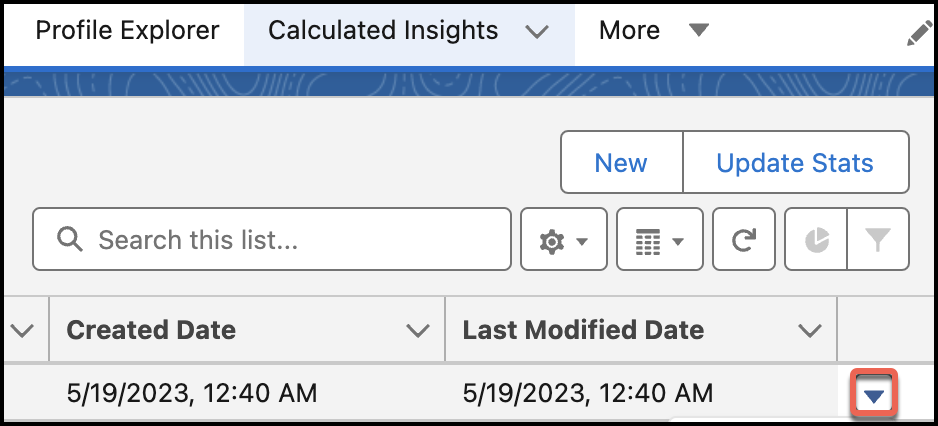
Use the dropdown arrow next to the calculated insight to change its content or status.
| Function | Purpose |
|---|---|
| Edit | Change the calculated insight name and field names. |
| Clone | Duplicate and edit the SQL function from this record. |
| Enable/Disable | Turn processing on or off for a calculated insight. |
| Show in Builder | View calculated insight logic in the builder. Available only for calculated insights created with the builder. |
| Delete | Permanently remove a calculated insight and its connections. |
| Update Stats | Update the status, last run time, last run status, and last modified date of the selected calculated insight. |
| Publish Now | Run a calculated insight immediately instead of processing it as a batch schedule. |
| Track History | Captures data at a specific time and appends the calculated insight object values to the history tracking object. |
| Schedule | Modify the processing schedule of a calculated insight. |
Did this article solve your issue?
Let us know so we can improve!
