
You are here:
Create a Permission Set for a Related List Enrichment
Control which users can see a related list enrichment by assigning them to a permission set that has access to the Data Cloud data space.
Required Editions

| User Permissions Needed | |
|---|---|
| To view enrichments in Object Manager: | View Setup |
| To view a specific enrichment: | You must have access to the data space used in the enrichment. |
| To create or update enrichments: | Customize Application |
| To view the related list | You have access through the Data Cloud. User permission set to the data space |
| Object Permissions Needed | |
|---|---|
| To view enrichments in Object Manager: | Data Model Objects object Read permissions |
| To create or update enrichments: | Data Model Objects object Create, Update, and Delete |
- Create a permission set, or use an existing permission set.
-
Give your permission set access to the data space that your enrichment queries data
from.
- In your CRM org, in Setup, search for and select Permission Sets.
- Select a permission set.
- For Apps, select Data Cloud Data Space Management.
- Under Data Spaces, click Edit.
- Enable the data space that your enrichment queries data from, and click Save.
-
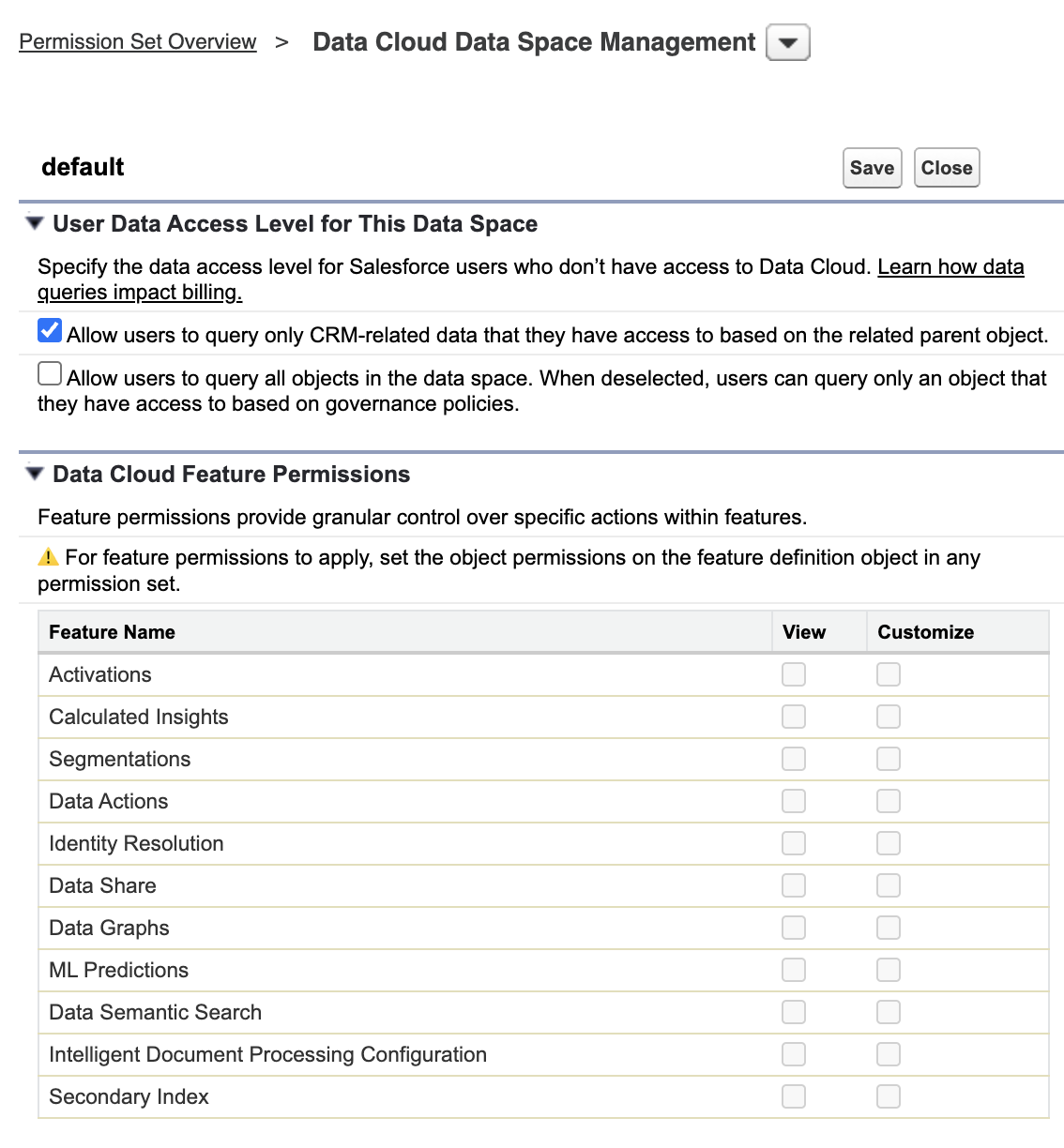
Allow controlled by parent queries.
- Select your permission set.
- For Apps, select Data Cloud Data Space Management.
- Select the data space.
- Under User Data Access Level for This Data Space, select the options to allow controlled by parent access.
- Save your work.
- Assign your permission set to users so that they can view your related list.
Did this article solve your issue?
Let us know so we can improve!
