You are here:
Currency Data Type in Segmentation
You can use the currency data type to convert currency when performing aggregations and creating the required groups in segmentation filters.
Make sure that the default currency conversion data model object (DMO) includes all required conversion rates. This ensures accurate results. If the conversion rates are missing from the currency conversion DMO, you could get incorrect results.

Currency Attribute in Filters
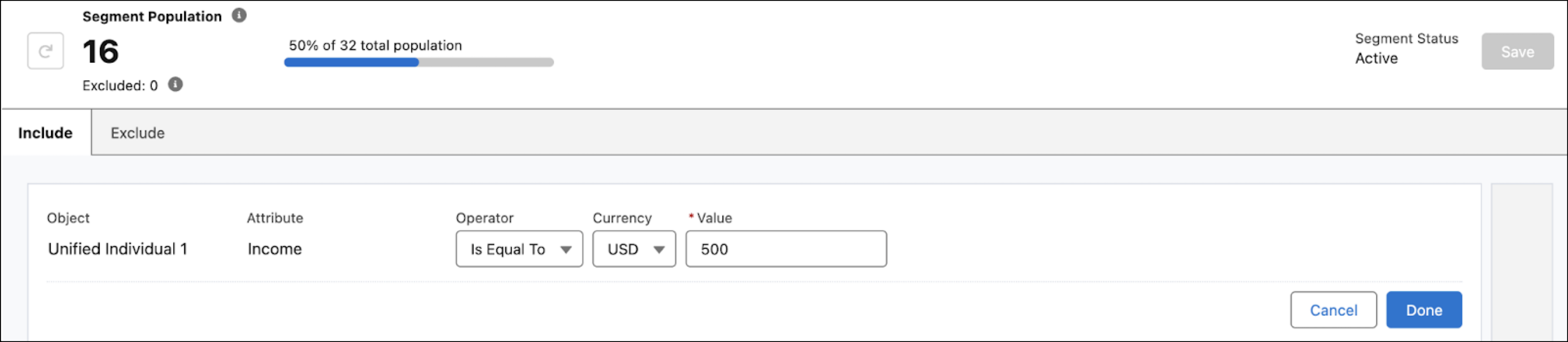
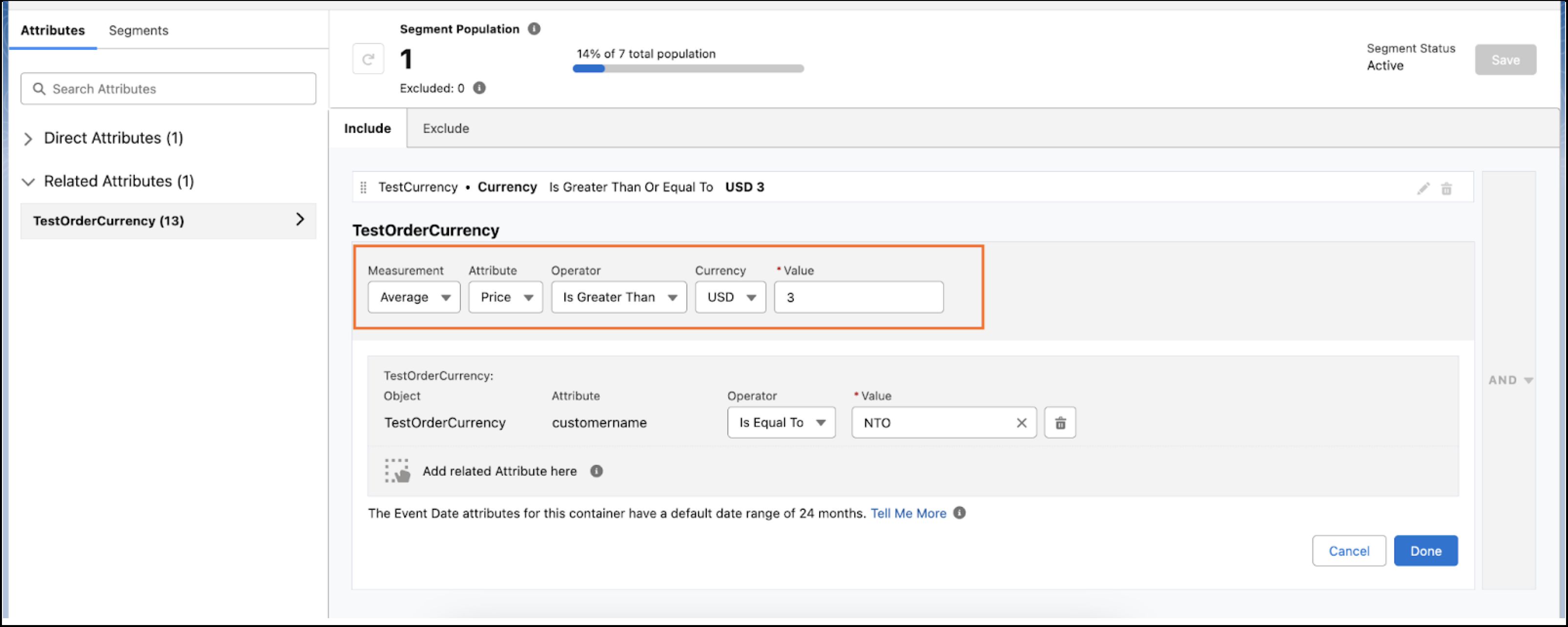
You can segment your data by using the currency data type attribute. When creating a filter, you select a currency code from the currency dropdown menu. This currency code is used to normalize the data.
Example
If your filter condition is Order Total = $500 and the Income attribute contains values in multiple currencies, all values are converted to USD (the currency selected in the filter), using the currency conversion DMO. After the conversion, the filter condition is applied to the segment.