
You are here:
Activate the Segment and Add Related Attributes
When your segment is complete, the next step is to activate it, add, and filter related attributes in Data 360.
Set up a Marketing Cloud Engagement activation target before creating an activation.
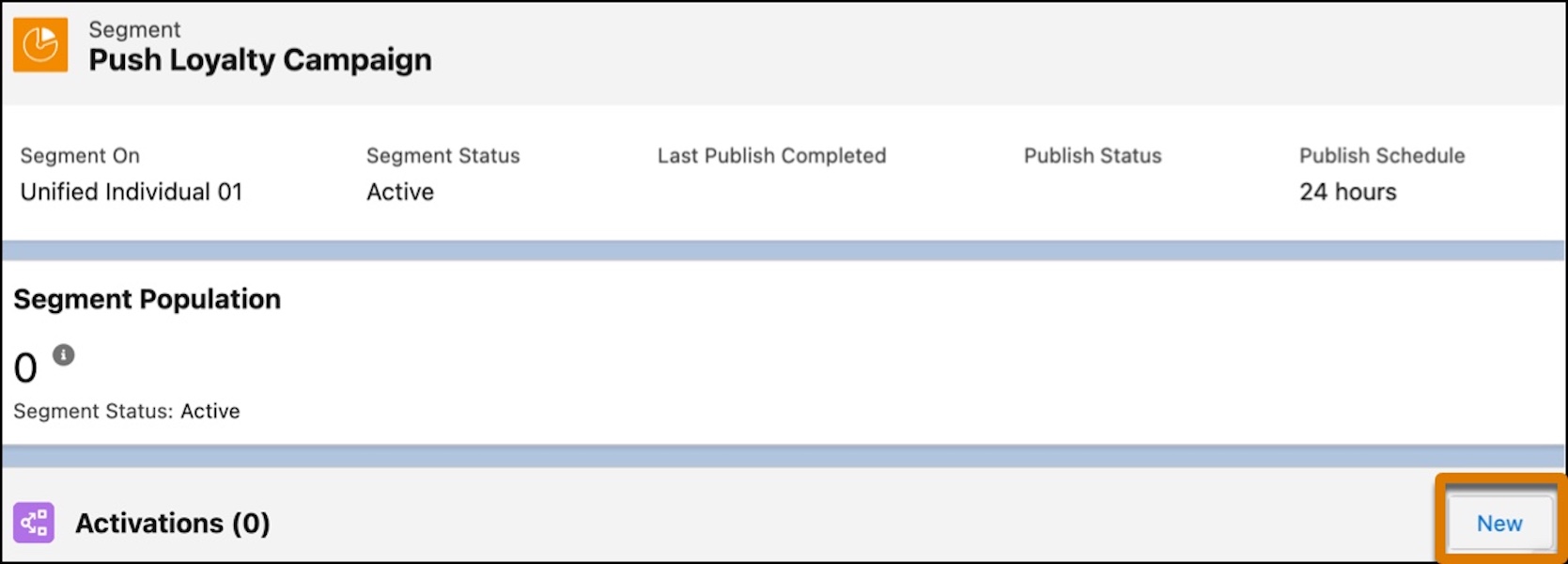
- On the Data 360 Segment tab, select the Push Loyalty Campaign segment.
- In the Activations section of the segment record, click
New.
- For the destination of the segment data (the activation target), select MC_Activation.
- Confirm that the activation membership is Unified Individual and click Continue.
- Click the + Select button for Mobile App (MobilePush) as the contact point (channel) for the campaign and then click Next.
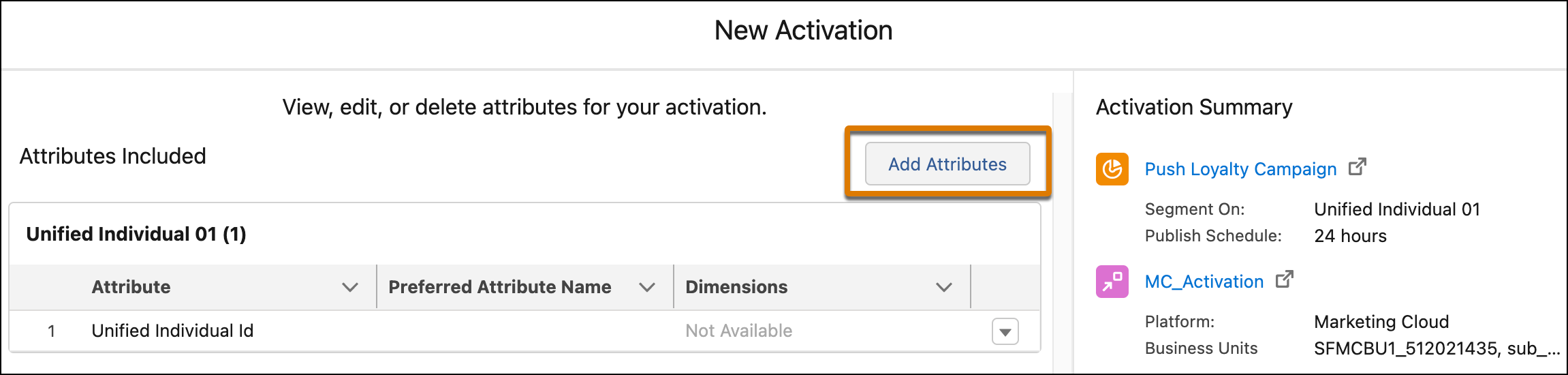
- The campaign has placeholders for personalization to include the customer’s first name
and previous and new tier levels. To send this information to Marketing Cloud Engagement,
click Add Attributes.
- From the direct attribute list, drag First Name to the canvas.
- From the related attribute list, navigate to Loyalty Program Member and select the attribute Program Name and select a path.
- For Loyalty Member Tier, select the Loyalty Tier and
Previous Loyalty Tier attributes.
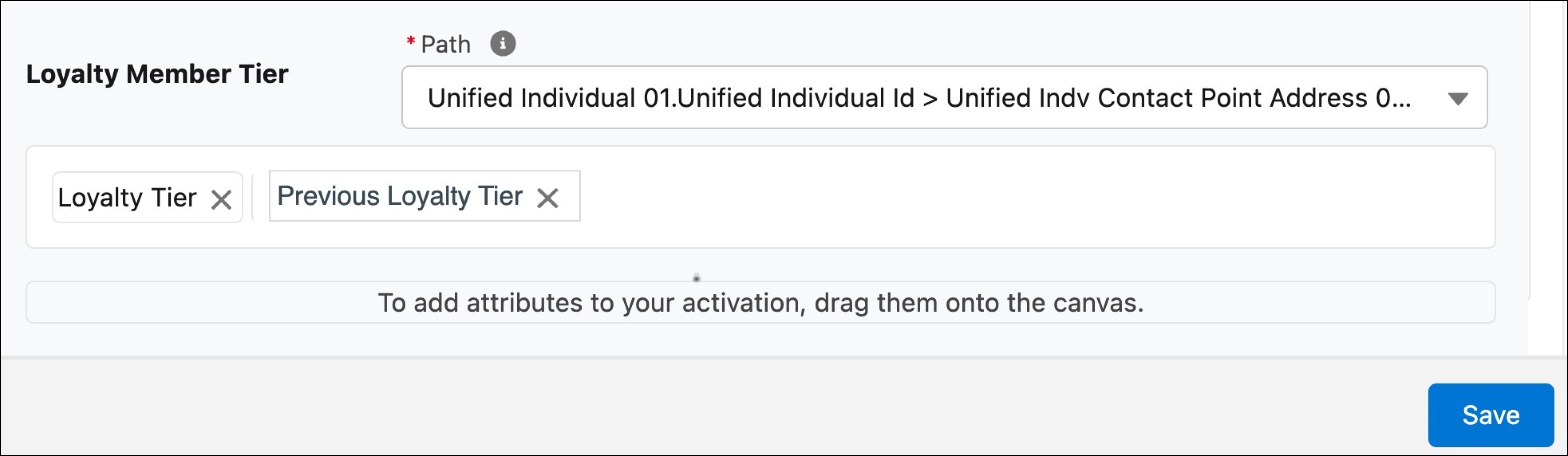
- Confirm and click Save.
- Click Add Filters to further define the campaign.
- To see only members whose loyalty tier has changed in a certain number of days, drag the Last Modified Date attribute to the canvas.
- For Operator, select Last Number of Days, and enter 7 for the number of days.
- To see members who have Loyalty Member Tier of Gold, drag the Loyalty Member Tier attribute to the canvas.
- For Operator, select Is Equal To, and enter Gold.
- Finally, to see members who haven't redeemed their rewards yet, drag the Loyalty Member Tier Benefit attribute to the canvas.
- For Operator, select Is Equal To, and enter Not-Redeemed.
- Click Done and then Save.
- To reduce the number of results, set a limit of the applicable attributes relevant to this campaign. Set Max. # of Attribute Values to 1.
- For Sort By field, select Last Modified Date, and select Most Recent to define how to sort the date.
- Click Next.
- Name the activation Loyalty Tier Change Benefits, and click Done.
The activation is sent to Marketing Cloud Engagement.
Did this article solve your issue?
Let us know so we can improve!
