You are here:
Flow (Experience Builder Component)
Flows automate business processes to collect, update, edit, and create Salesforce information. With the Flow component in Experience Builder, you can add flows to your pages. Add the Flow component to your site pages just like any other component.
Required Editions
| User Permissions Needed | |
|---|---|
| To create an Experience Cloud site: | Create and Set Up Experiences AND View Setup and Configuration |
| To customize an Experience Cloud site: |
|
| To publish an Experience Cloud site: |
|
| To run a flow in an Experience Builder site | Run Flows |
- Flows in Experience Builder sites are supported through the Flow and Suggested Actions components.
- Flow creators can overwrite error messages with their own content.
- Build a flow in Flow Builder.
- Activate the flow.
-
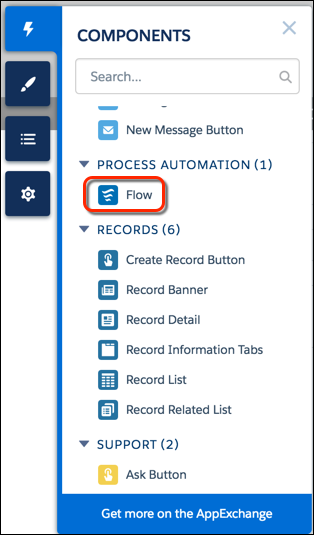
Drag the Flow component into position on your site page.
-
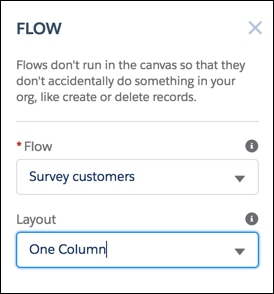
In the property editor, select the flow you want to use and any other
properties.
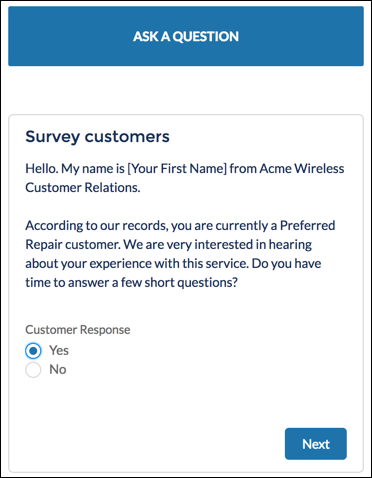
Here’s a flow called Survey customers in a site.
Did this article solve your issue?
Let us know so we can improve!
