Loading
Important Advisory: iOS Update Impacting CG Mobile ApplicationRead More
Experience Cloud
The Partner Central Template

The Partner Central Template

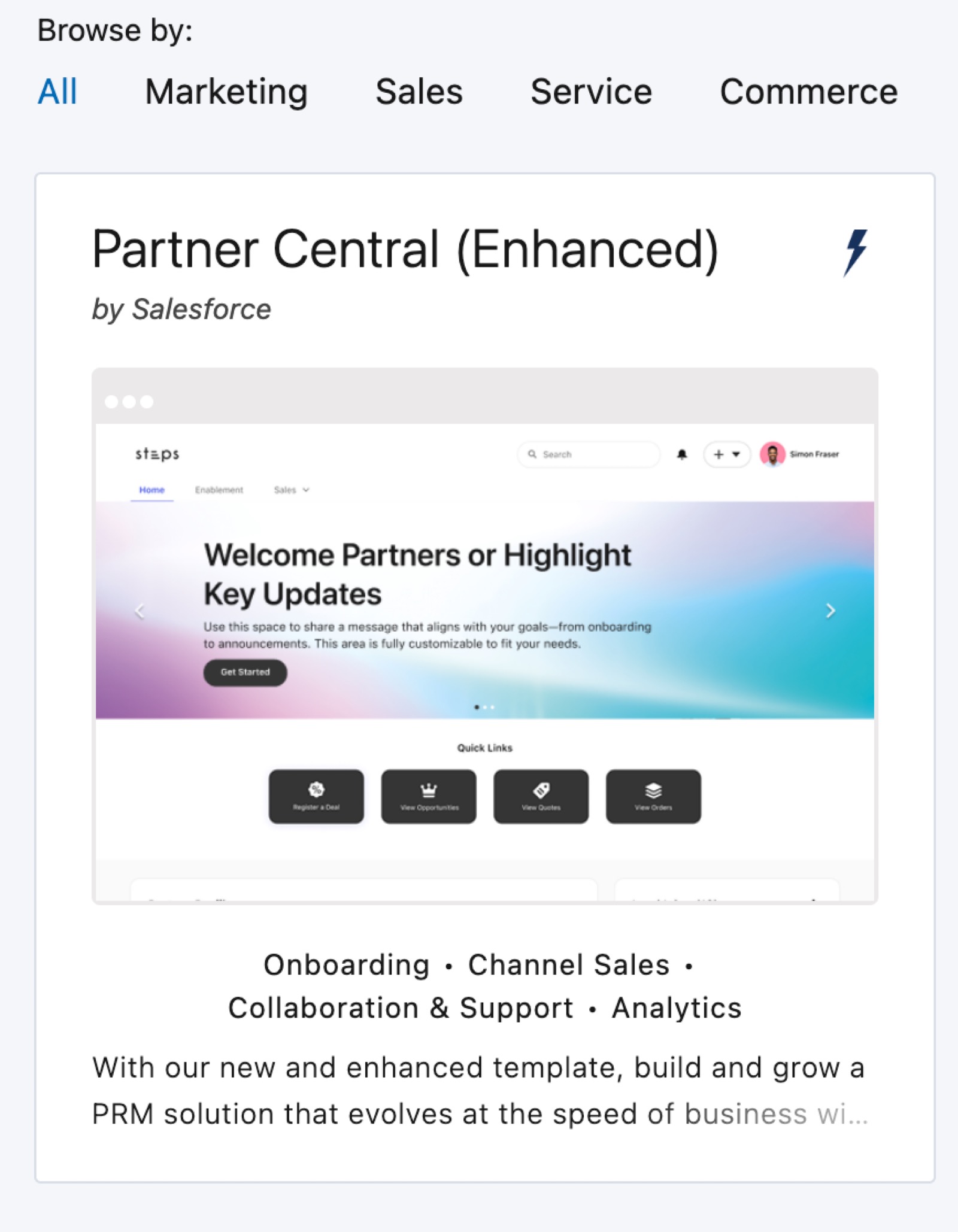
Partner Central supports partner relationship management workflows, including channel sales, channel marketing, lead distribution, deal registration, partner recruitment and onboarding, and pipeline monitoring with reports and dashboards. The template offers navigation options, enablement pages, and customizable action dropdowns, providing partners with intuitive access to marketing tools, support features, referral insights, and training metrics. Flexible layouts help with site building and maintenance.
Required Editions

Available in: both Salesforce Classic and Lightning Experience
Available in: Enterprise, Performance, Unlimited, and Developer Editions

What You Get Out-of-the-Box

These capabilities are available immediately when you use the latest Partner Central template:

  • Navigation and landing pages
  • Menu items for marketing functions like Campaigns, Fund Allocations, Claims Support menu items such as Cases
  • An Enablement page
  • Home page usability features such as an out-of-the-box home-page banner, a secondary navigation bar after the first site publish, and flexible layouts applied to Home, Enablement, and Sales pages

Advanced Features You Can Configure for Partner Central

These features require admin configuration through Experience Builder:

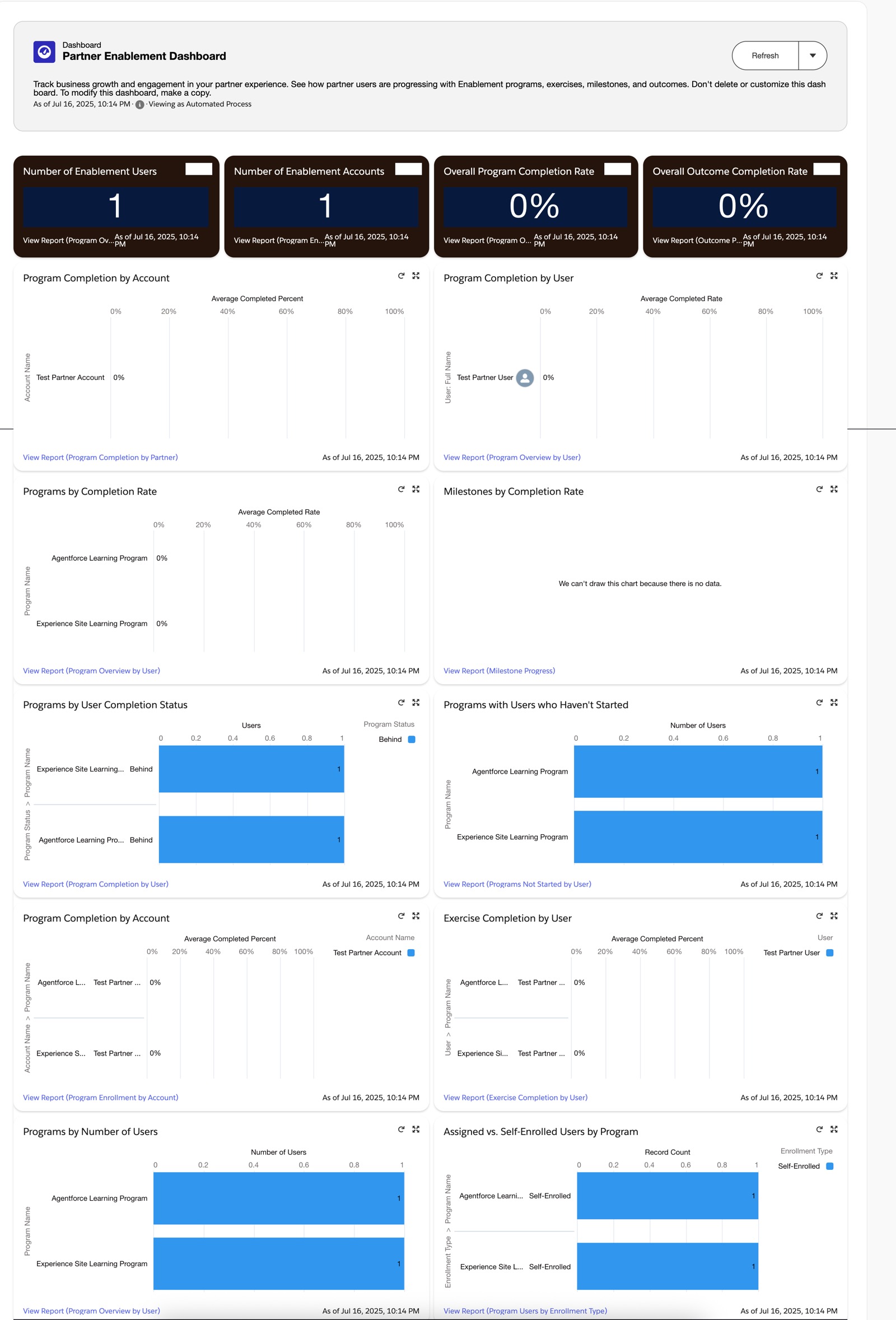
  • Report-Driven Enablement Metrics—Add report charts to display total courses enrolled, courses completed, and courses pending
  • Custom Action Dropdown, such as Partner Fund Requests
  • Component Styling

Partner Central in Action

Partner Central in Experience Workspaces

Partner Central setup

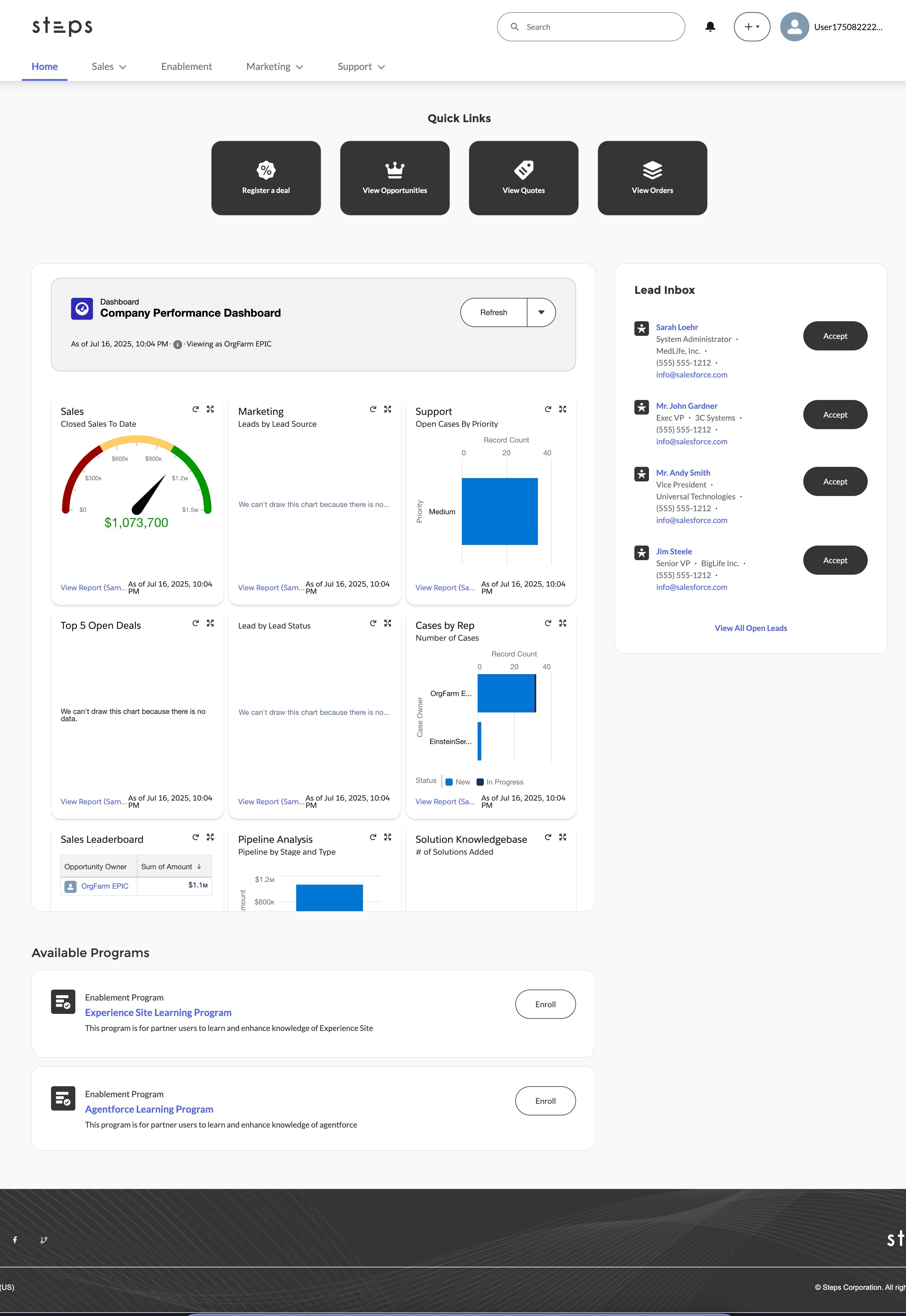
Partner Central Home Page

The Partner Central Home page includes lead inbox, global search, navigation menu, Quick Create menu, compact list views for deals and tasks, and reports and dashboards.

Partner Central home page

Enablement Dashboard

Partner Central Enablement Dashboard
 
Loading
Salesforce Help | Article