You are here:
Recommendations
The Recommendations component displays the popular files for your site. Popularity is determined by the number of people who have recently viewed a file and whether the file includes text and is in a library.
The Recommendations component appears by default on the Resources page when a recommendation is available.
- Select the Recommendations component.
-
In the property editor, configure the properties
for the component.
Property Details Title Enter a title for the component. The default text is Popular Now.

Example Sample Recommendations component: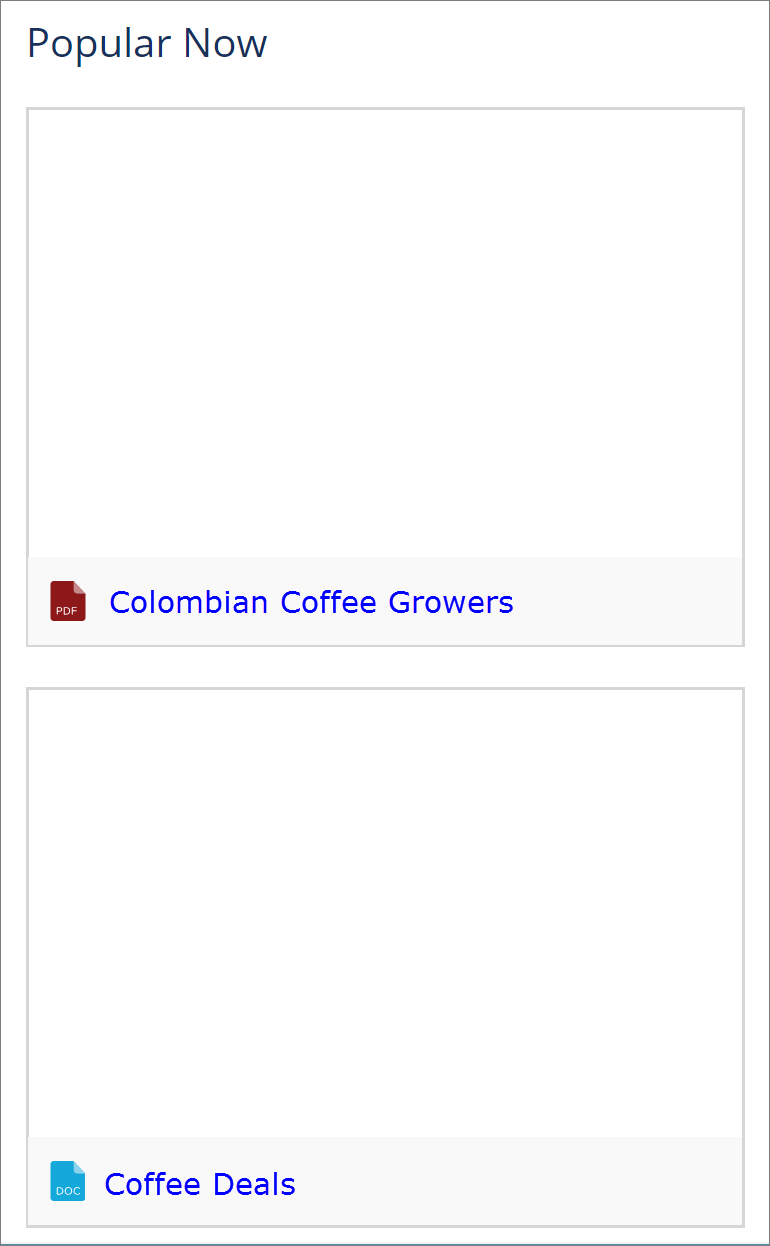
Did this article solve your issue?
Let us know so we can improve!
