
You are here:
Example: Automatically Capture Foreign Exchange Realized Gains or Losses
Explore an example to understand how general ledger accounts are set up and how dual transaction journals are created when Payments or Credit Memo records are created and applied to the invoices.
Required Editions
| Available in: Lightning Experience |
| Available in: Enterprise, Unlimited, and Developer Editions with the Revenue Cloud Billing license. Contact your Salesforce account executive for more information. |
Smartbytes Scenario: Initial Setup and Configuration
Smartbytes is a US-based large enterprise company with multiple legal entities. Their Billing admin enables advanced currency management, edits dated conversion rates, turns on the Create Transaction Journals for Transactions, and Create Transaction Journals for Foreign Exchange Gains or Losses features in their Salesforce org. Then, their Accounting admin creates the general ledger accounts for realized gains, realized losses, and account receivables, and sets them as their Salesforce’s org defaults.
- Realized Gain General Ledger Account: 01-900-9000 Realized Gain
- Realized Losses General Ledger Account: 01-901-9000 Realized Loss
- Account Receivable General Ledger Account: 01-100-1001 Accounts Receivable
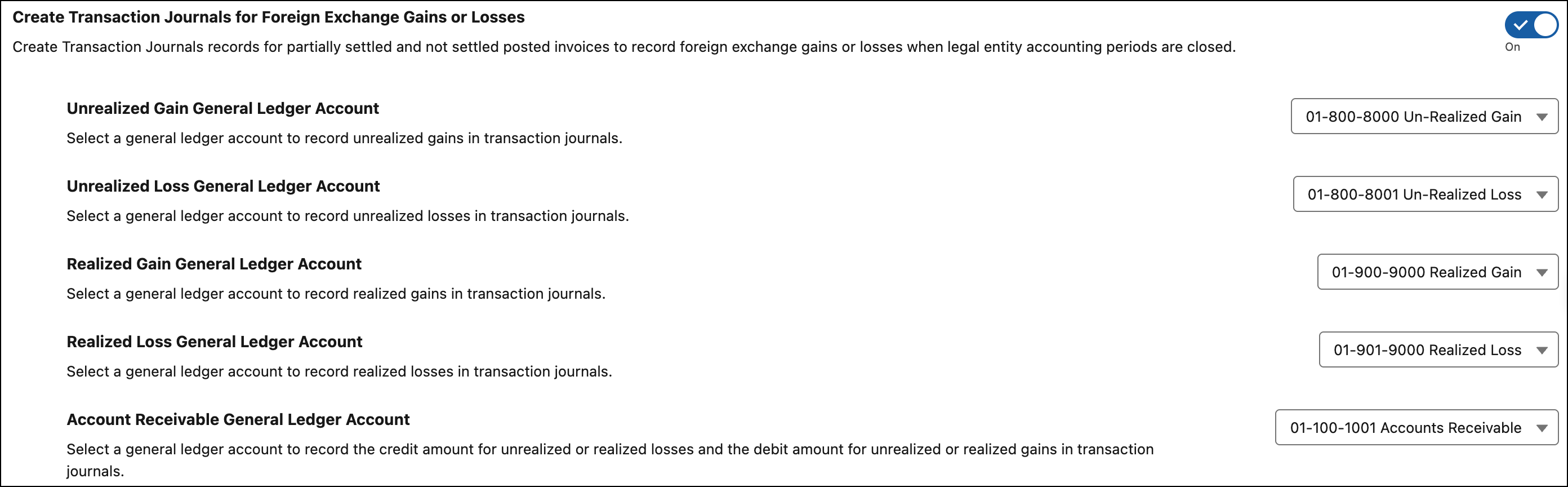
Foreign Exchange Realized Gain or Loss Calculation
Let's look at a specific transaction to see how foreign exchange realized gains or losses are calculated.
Invoice creation: On invoice date August 27, 2025, Smartbytes creates an invoice for their Indian customer with an invoice's balance of 10,000 INR.
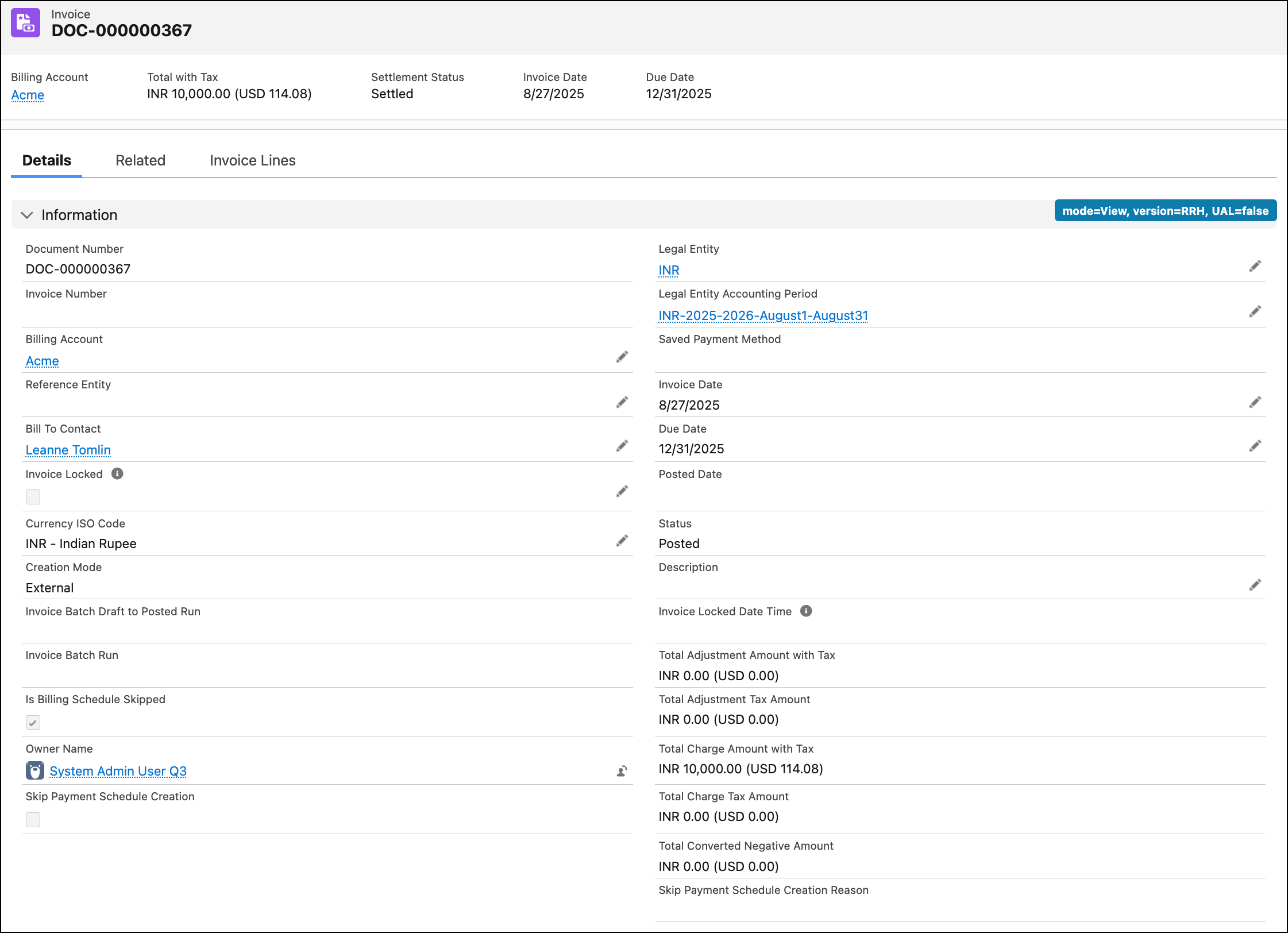
The system automatically converts the balance to the corporate currency (USD) using the conversion rate on the invoice date.
- Dated conversion rate on the invoice date: 1 USD = 87.66 INR
- Corporate currency equivalent of the balance amount on August 27, 2025: 10,000/97.66 = 114.07 USD
Payment and settlement: On September 3, 2025, a full payment is made for 10,000 INR. When the payment is applied to an invoice, a Payment Line Invoice record is created and the invoice is settled.
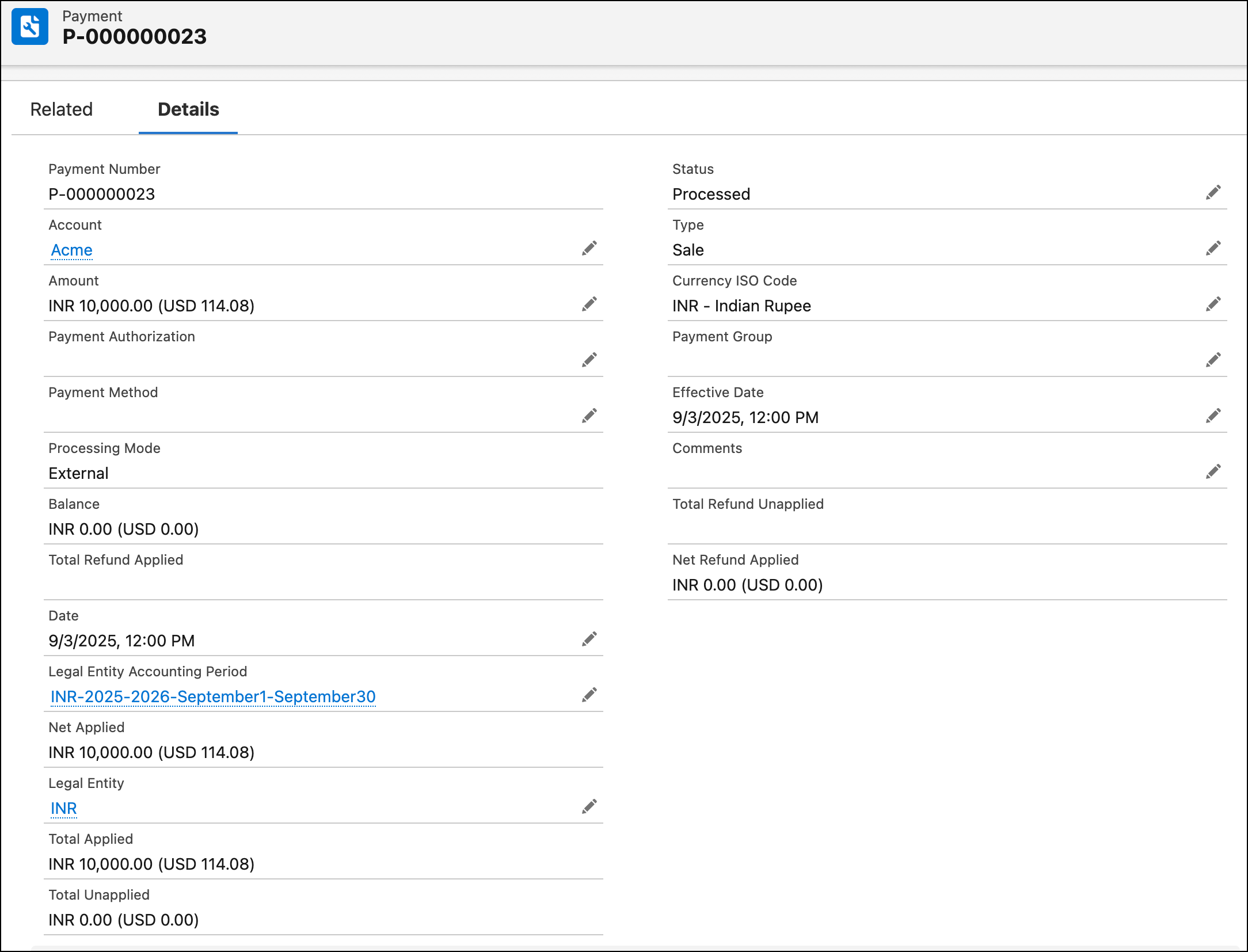
- Dated conversion rate on the payment's effective date: 1 USD = 88.07 INR
- Corporate Currency equivalent of the paid amount on the payment's effective date = 113.54 USD

Foreign exvhange realized gain or loss calculation: The foreign exchange realized gains or losses are calculated by taking the payment's corporate currency value and subtracting the invoice's corporate currency value. The loss recorded for this transaction is 0.53 USD.
Automatic Transaction Journal Creation
As soon as the payment is processed, the corresponding invoice settlement status is updated to Settled. Dual transaction journals are automatically created to record the foreign exchange realized loss of 0.53 USD.
- A transaction journal is created for the 01-100-1001 Accounts Receivable account with the realized loss amount as the credit amount.
- A transaction journal is created for the 01-901-9000 Realized Loss account with the realized loss amount as the debit amount.

If the calculations result in foreign exchange realized gain, then these two transaction journals are created.
- A transaction journal is created for the 01-100-1001 Accounts Receivable account with the realized gain amount as the debit amount.
- A transaction journal is created for the 01-900-9000 Realized Gain account with the realized gain amount as the credit amount.
