You are here:
Add a Dependent Member to the Primary Member
You can add a dependent member to an existing primary member in the census.
-
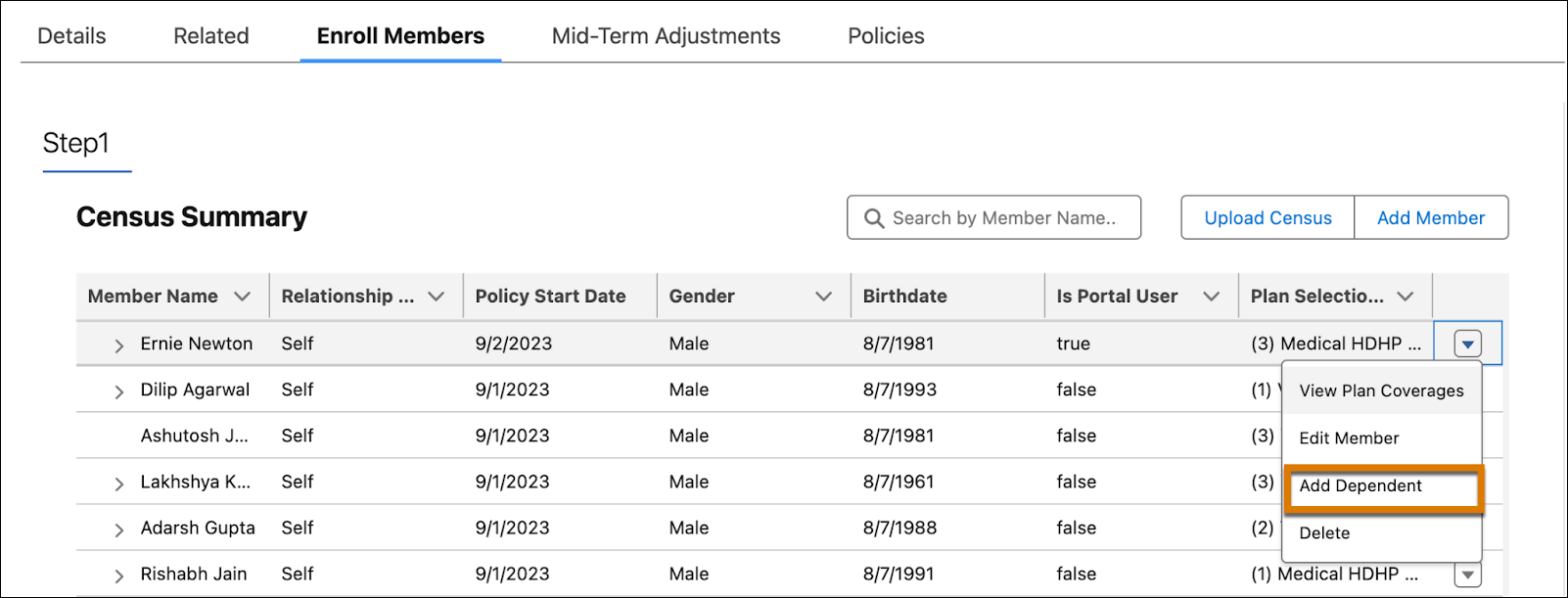
Click the action menu for the primary member and select Add Dependent.
- In the Personal Information tab, enter the personal information of the dependent member.
-
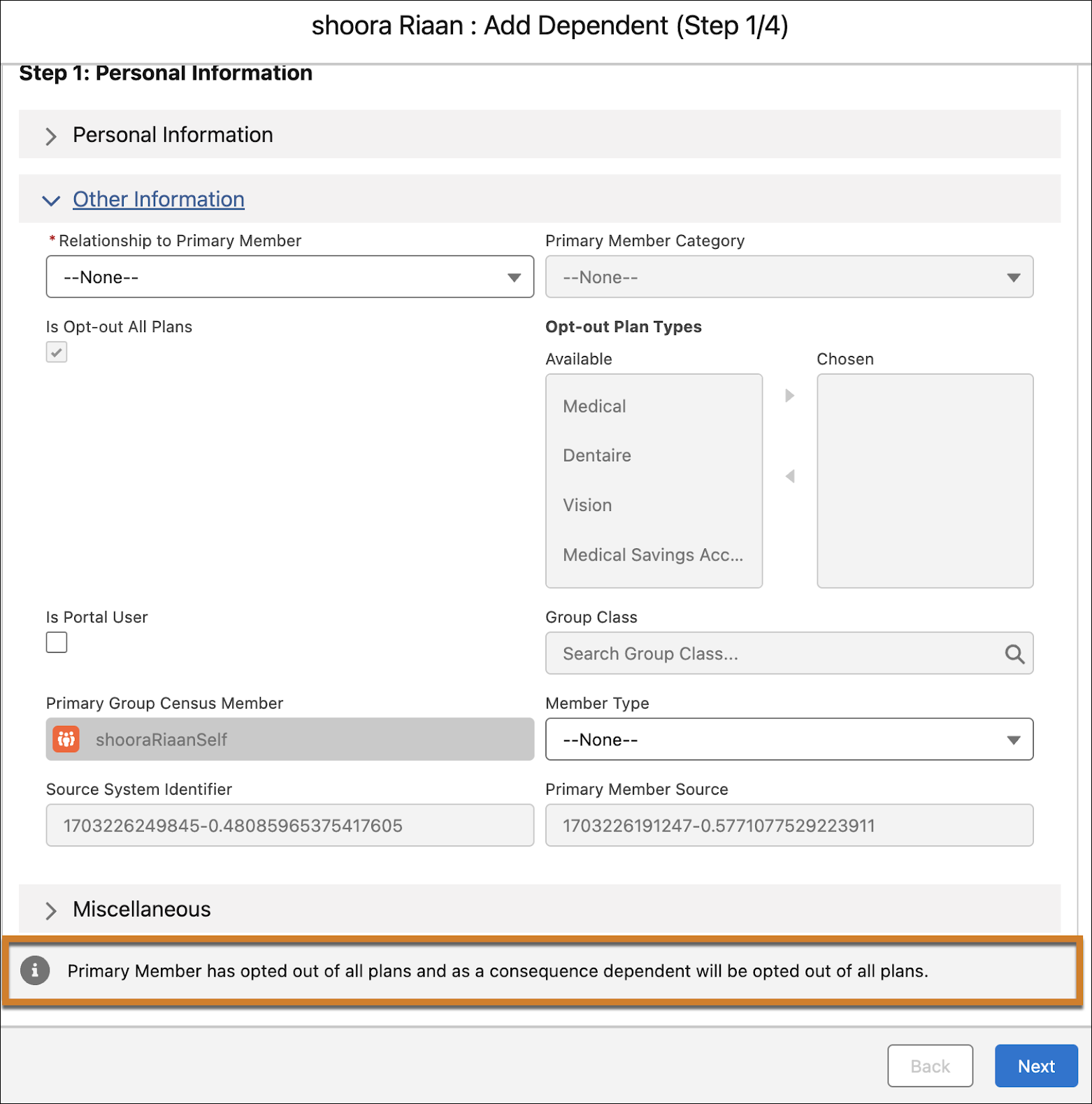
In the Other Information tab, from the Relationship to Primary Member picklist, choose an appropriate value. If the primary member has opted out of all plans, you’ll see a message stating that the dependent member has also opted out of all plans.
-
To opt a dependent out of a plan that the primary member has opted for, turn off Opt in.
 Note You can’t choose a plan that the primary member hasn’t opted for, but you can select a different set of optional coverage selections for a dependent.
 - Click Next.
-
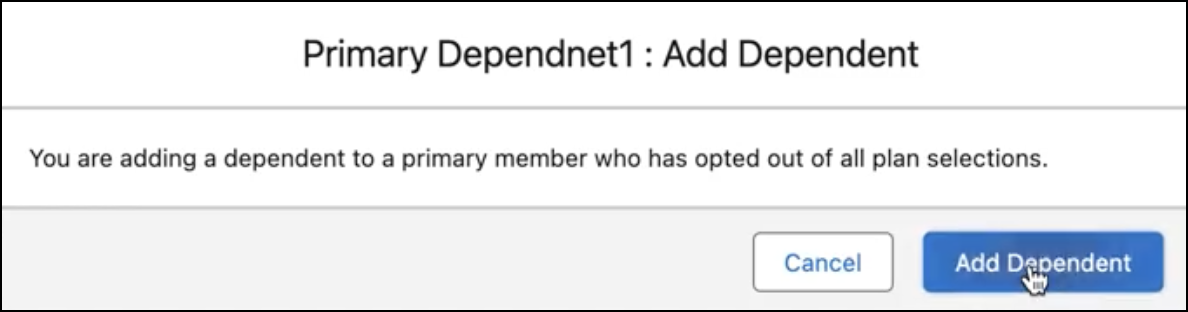
In the confirmation window, click Add Dependent.
Did this article solve your issue?
Let us know so we can improve!
