You are here:
Add Claim Expense Payments
A claims adjuster can add new expense payment details to an open claim coverage.
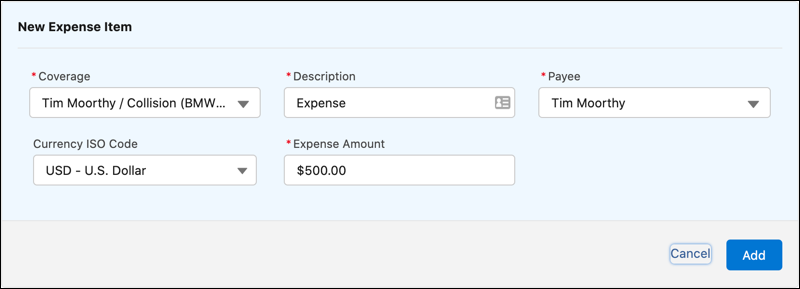
- On a claim, click the Financials tab, and then click New Expense Item.
-
Enter expense item details.
This New Expense Item form can be configured to show different fields.
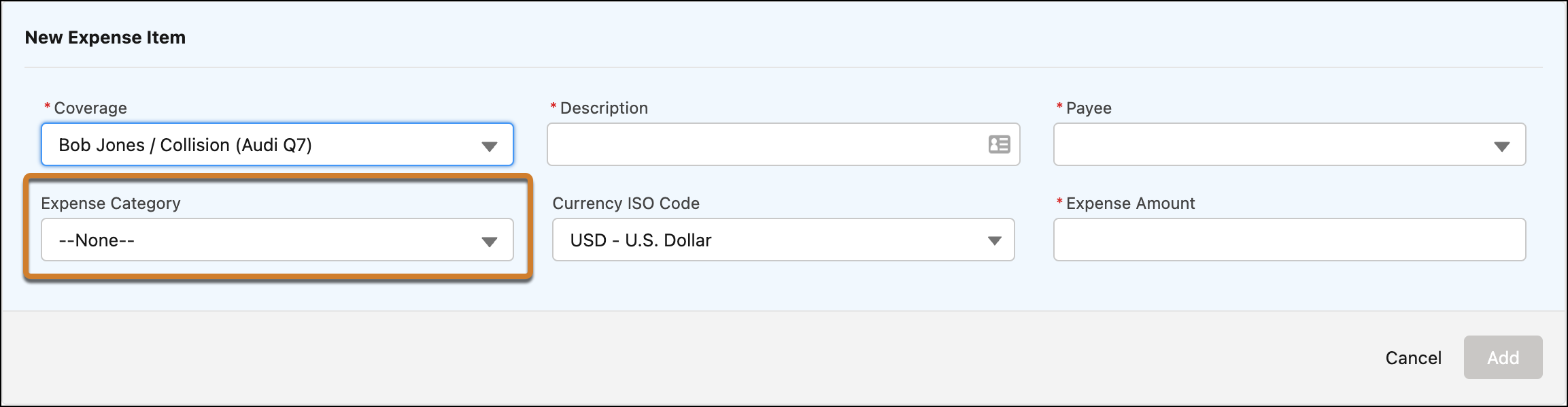
To learn how this form is configured, see insurance_customize_the_claim_expense_payment_detail_form.
-
Click Add.
The expense item appears as a line item under the appropriate coverage.
Did this article solve your issue?
Let us know so we can improve!
