You are here:
Add Drivers for Auto Business
First, the OmniScript takes the policy Id of the policy the user wants to add drivers to.
Then it calls another OmniScript: autoWC/reusableDriverInput1. This same OmniScript is used by the autoWC/Quote OmniScript.The reusable OmniScript provides a form for users to enter information about the drivers to be added.
The fields and selections on this form correspond to the attributes on the insured party spec in the product model.
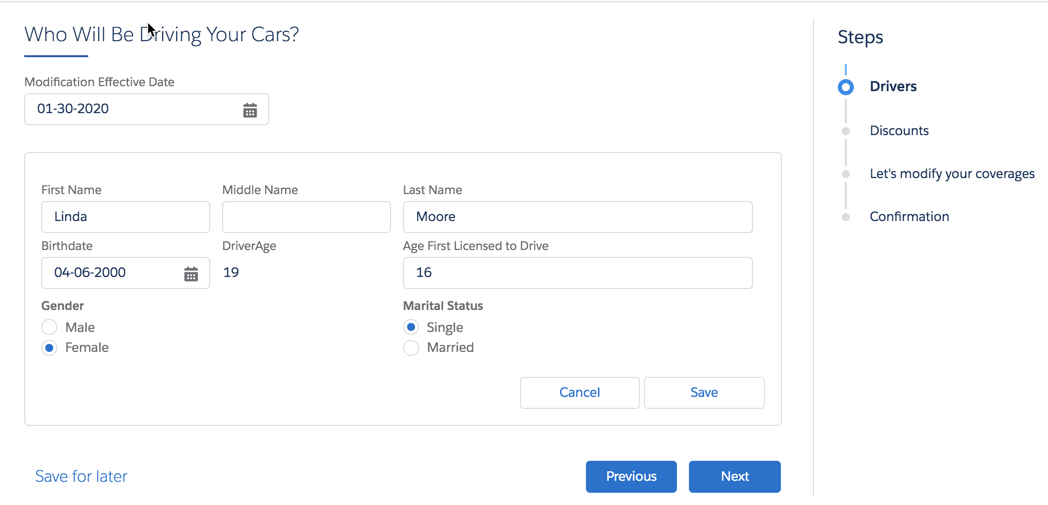
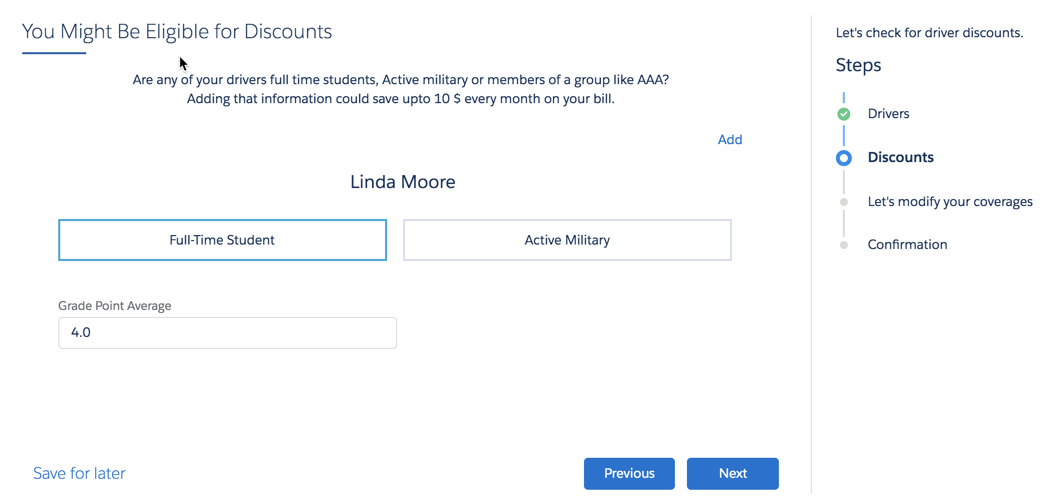
After the user saves the new driver information, the OmniScript does a bunch of things behind the scenes:
-
Uses the InsPolicyService:getInsuredItems service to retrieve data about all the drivers already insured by this policy.
-
Uses an integration procedure to merge the new drivers with the existing drivers.
-
Uses the InsPolicyService:getModifiedPolicy service to get modified policy data that includes the new driver(s).
-
Uses a Data Mapper extract action to prepare the data for display.
The OmniScript displays all the old and new drivers using the insOsMultiInstanceGrandchildren Vlocity Lightning Web Component.
Users can open any vehicle to change attribute values on coverages for that vehicle.
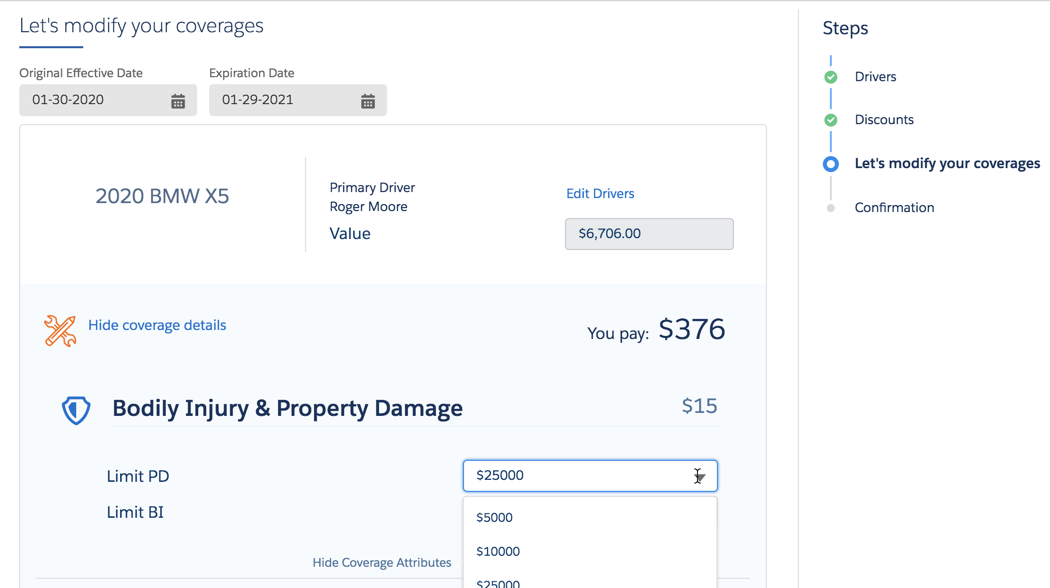
On the same page, users can select or deselect optional coverages.
This page also shows the total new premium, the original premium, and other data. Each time the user makes a change to an attribute or optional coverage, the pricing here changes.
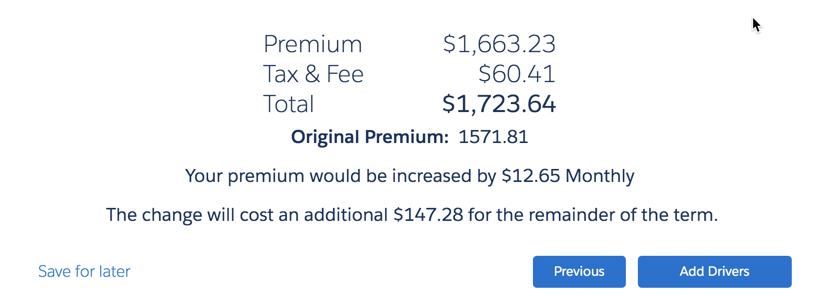
After the user clicks Add Drivers, the OmniScript does the following behind the scenes:
-
A Data Mapper transform action gets the data ready to create a new version of the existing policy.
-
The InsPolicyService:createNewPolicyVersion service creates a new version of the policy that includes the new driver(s).
-
Payment information is updated.
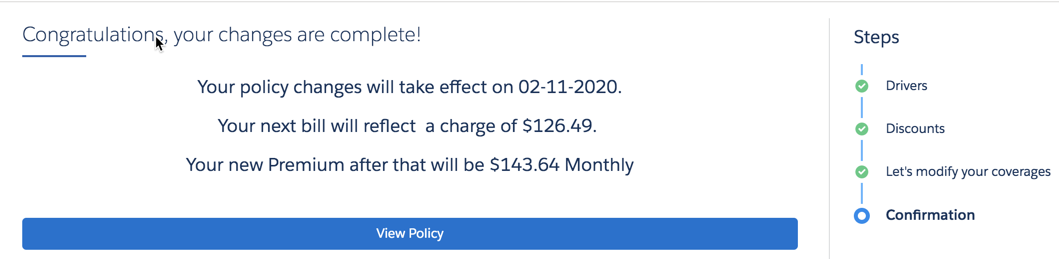
Finally, a confirmation page appears. It includes the final pricing changes.