You are here:
Add Optional Coverage Relationship Rules
Use optional coverage relationship rules for optional coverages that are either dependent on other optional coverages, or mutually exclusive of other optional coverages.
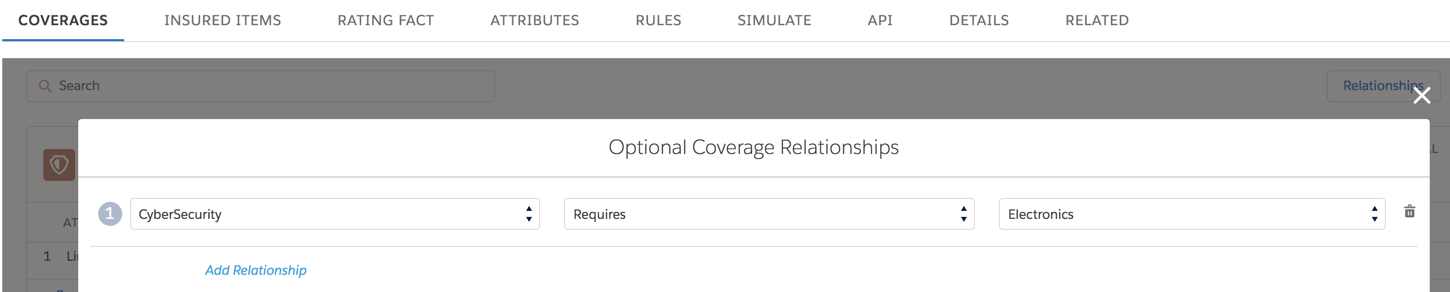
For example, if your optional CyberSecurity coverage requires that optional Electronics coverage also be selected, the relationship looks like this:
The following services used in OmniScripts and Integration Procedures run optional coverage relationship rules.
-
InsProductService:getRatedProducts
Set
evalOptionalCoverageRelationshiptotrue. -
Set
evalOptionalCoverageRelationship=true.
- At the top of the Coverages tab, click Relationships.
- Click Add Relationship.
- In the left field, choose the coverage that has a dependent relationship.
- In the middle field, choose the relationship.
- In the right field, choose the related coverage.
Did this article solve your issue?
Let us know so we can improve!
