You are here:
Commercial Quote Business Process
We've created a quote business process for General Liability for you to examine, use as an example, and extend to create your own business processes for insurance.
You can create and modify quotes directly on the Quote UI, which is built with Lightning Web Components.
-
To create a quote, we don't start on the Quote page.
Instead, we go to the Opportunities page and choose the Opportunity we're creating
the quote for.
 Important
Before you create a quote on an Opportunity, go to the Details tab and make sure that the Opportunity has a pricebook assigned.
- Click into the Pricebook field.
- Enter Standard and click the magnifying glass to search for the Standard Pricebook.
- Choose Standard Pricebook.
- Click Save.
-
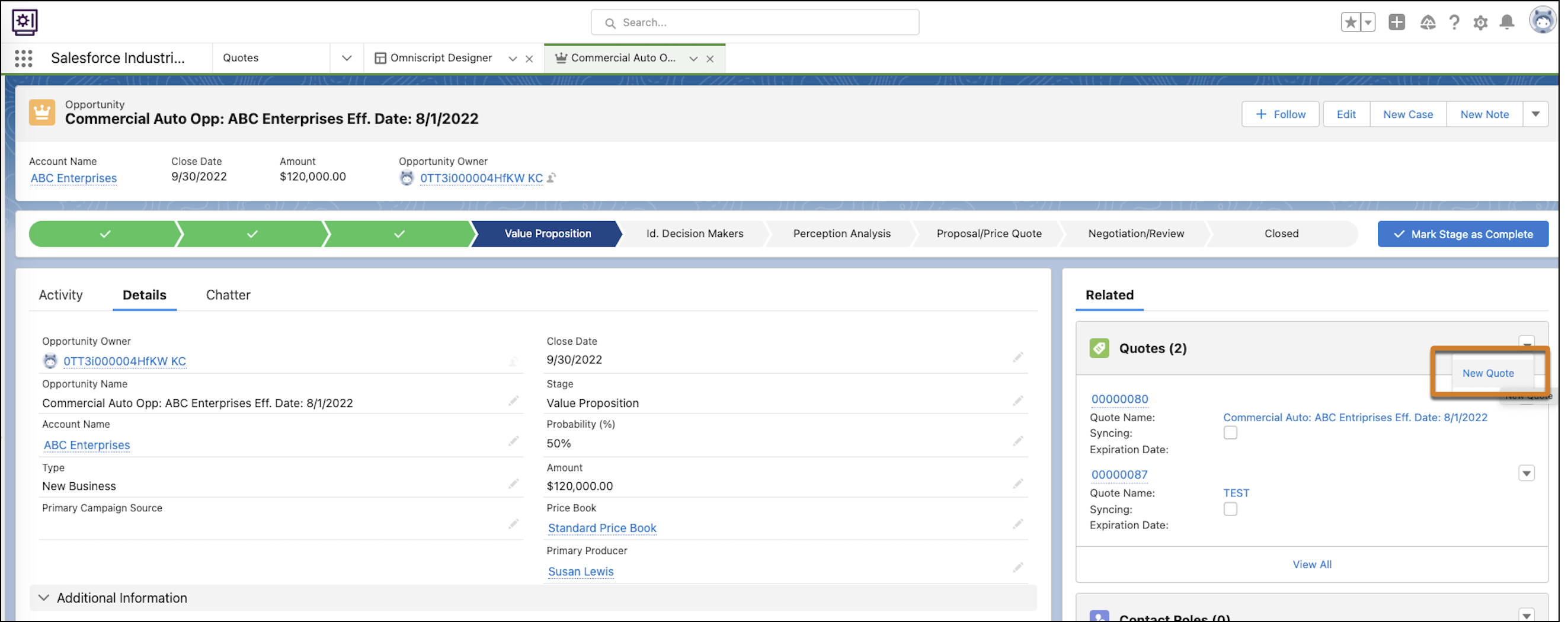
From the Related Panel, click New Quote.
If you don't see this option in your opportunity, check if your opportunity is linked to a business account.
-
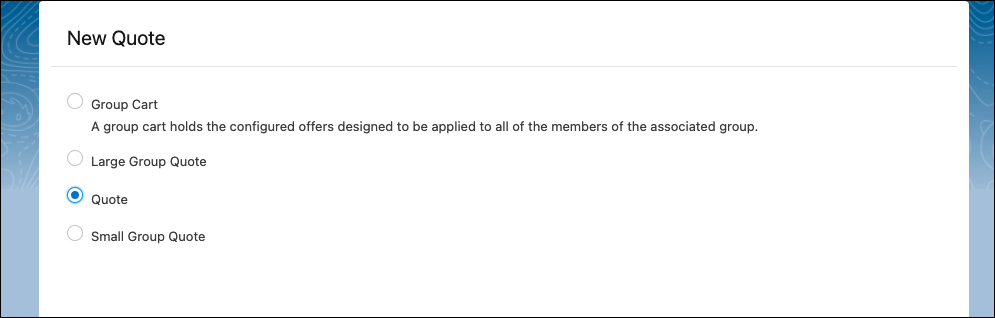
Select Quote and click Next.
-
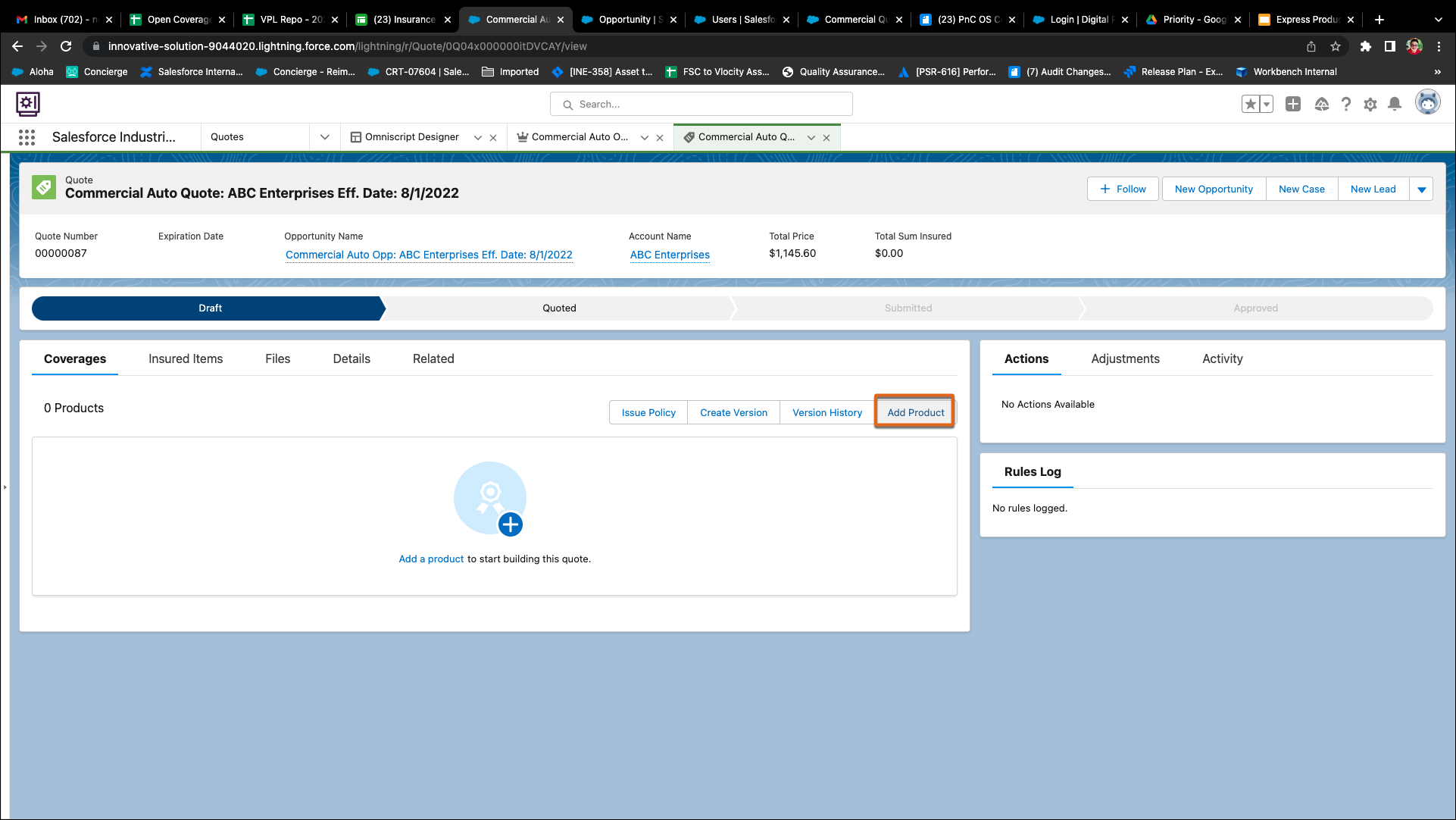
To enter product details on quote record, click Add
Product.
-
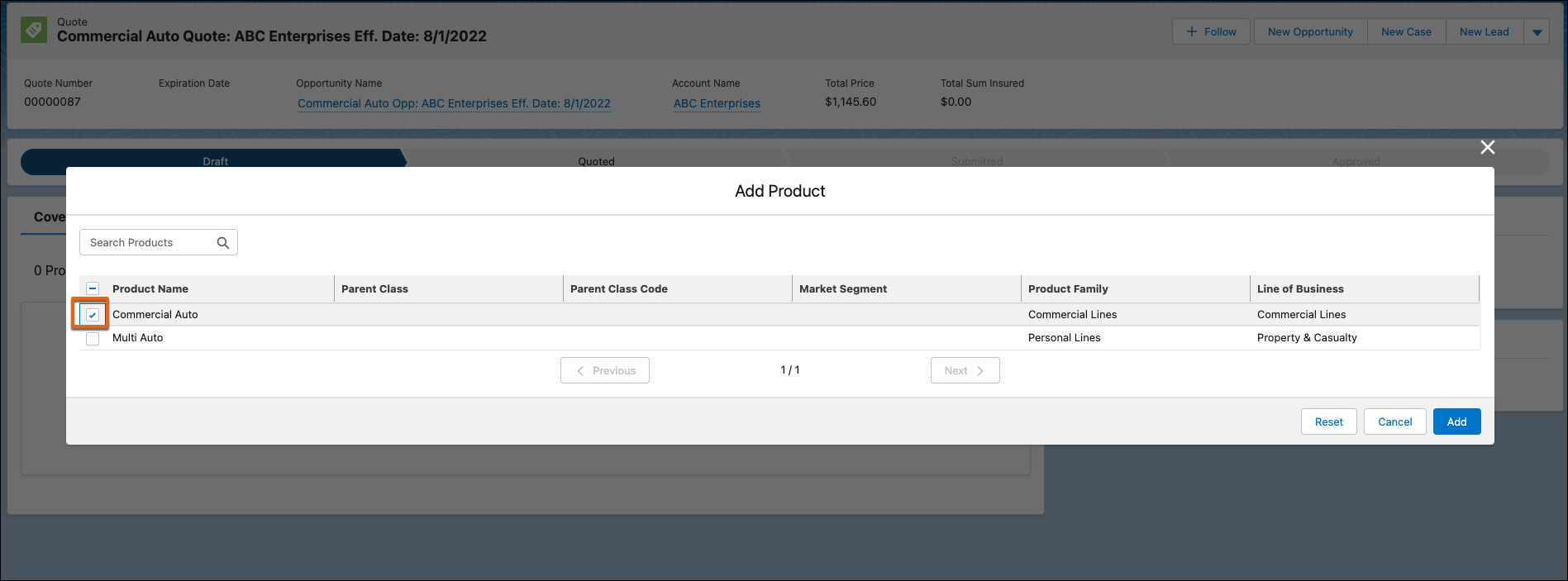
Select Commercial Auto as product and click
Add.
-
You can now
add either building, or a business, or both to this quote and have them
insured.
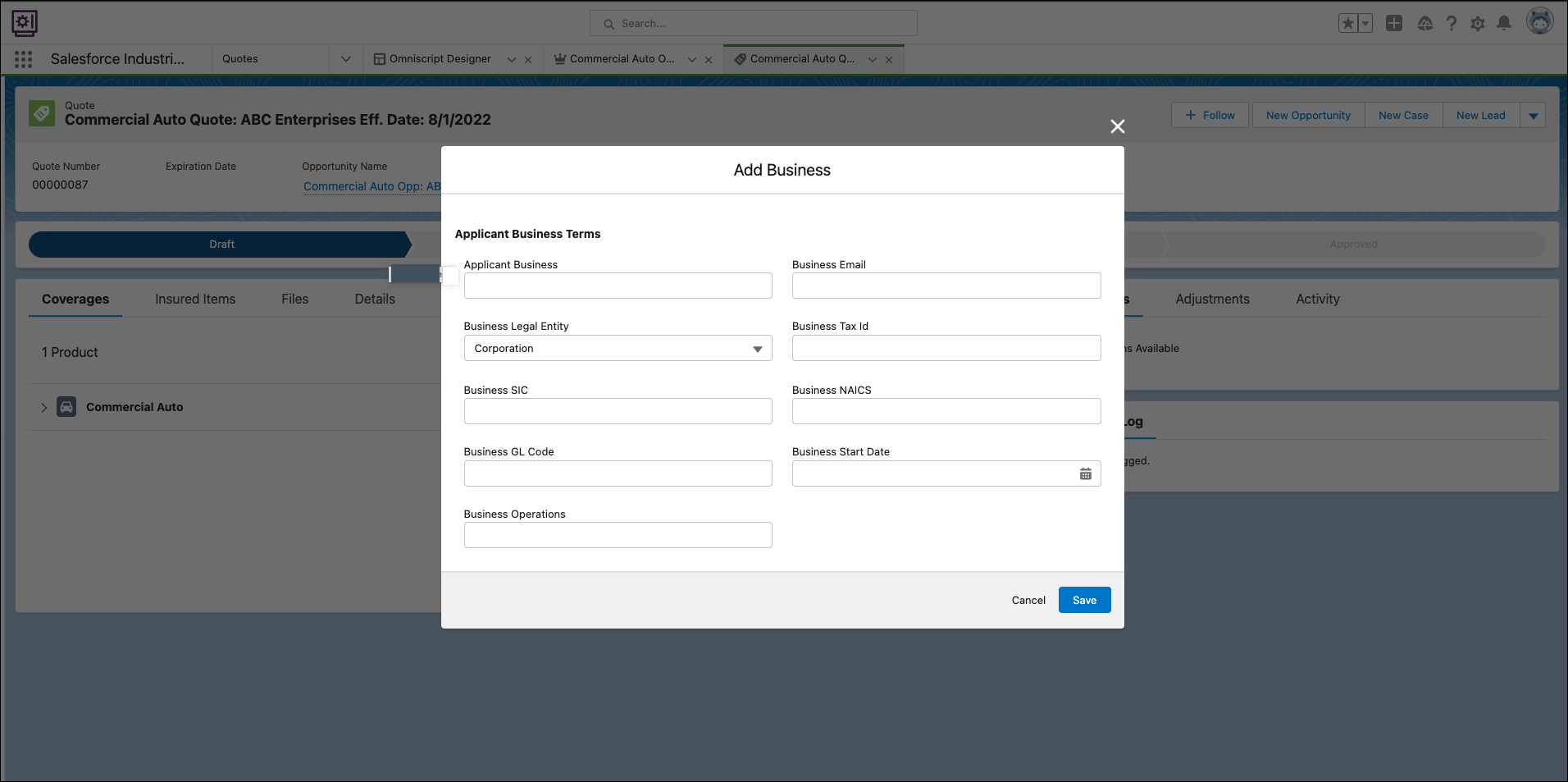
To add the business you want to insure, click Add Business. Enter the business details and click Save. You see the business in your quote.
-
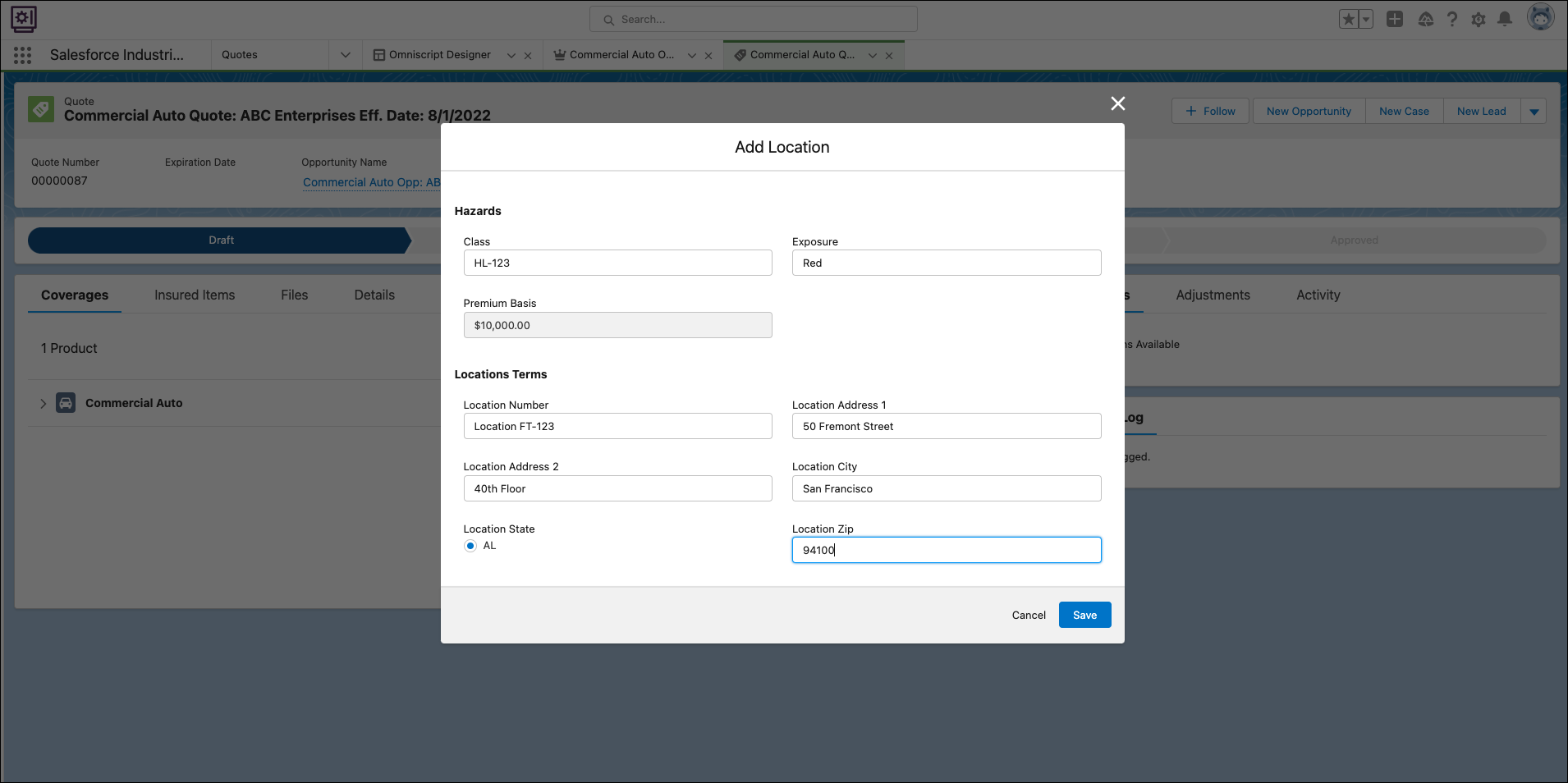
To add the location of the building you want to insure, click Add
Location. Enter location information and
click Save.
-
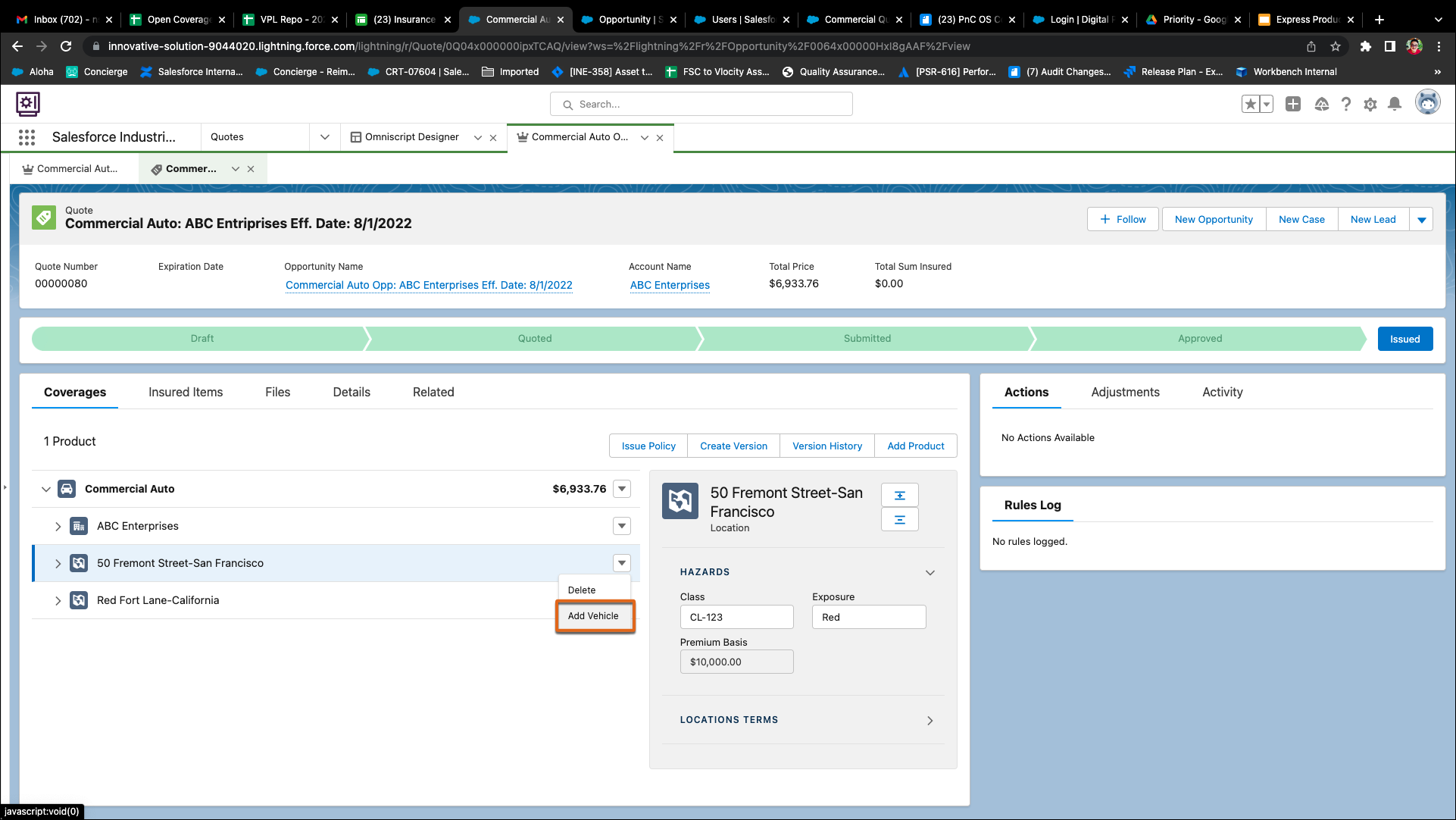
To add vehicles as child item for location, click Add
Vehicle.
-
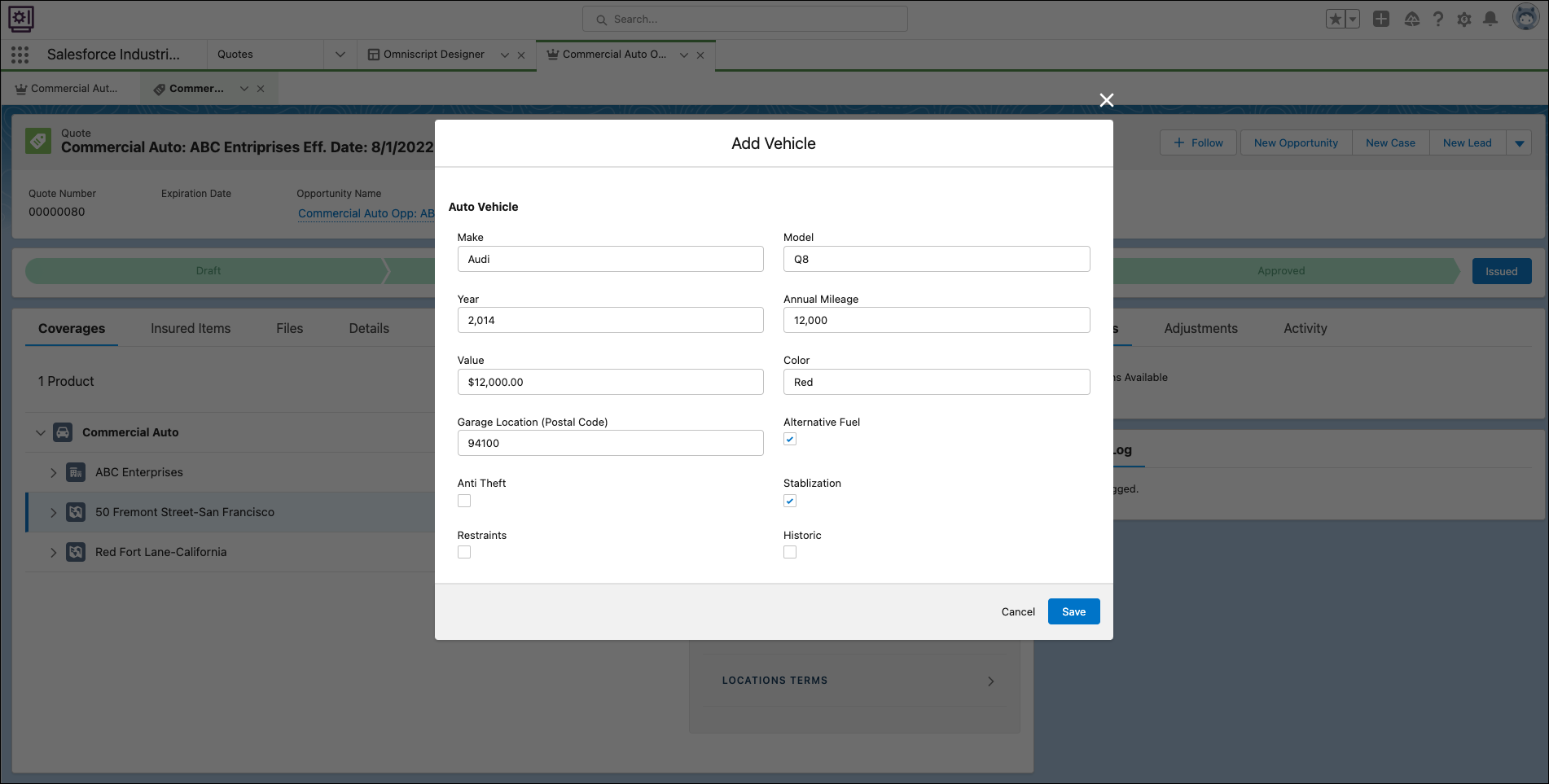
The vehicle
appears in your quote. Enter vehicle details.
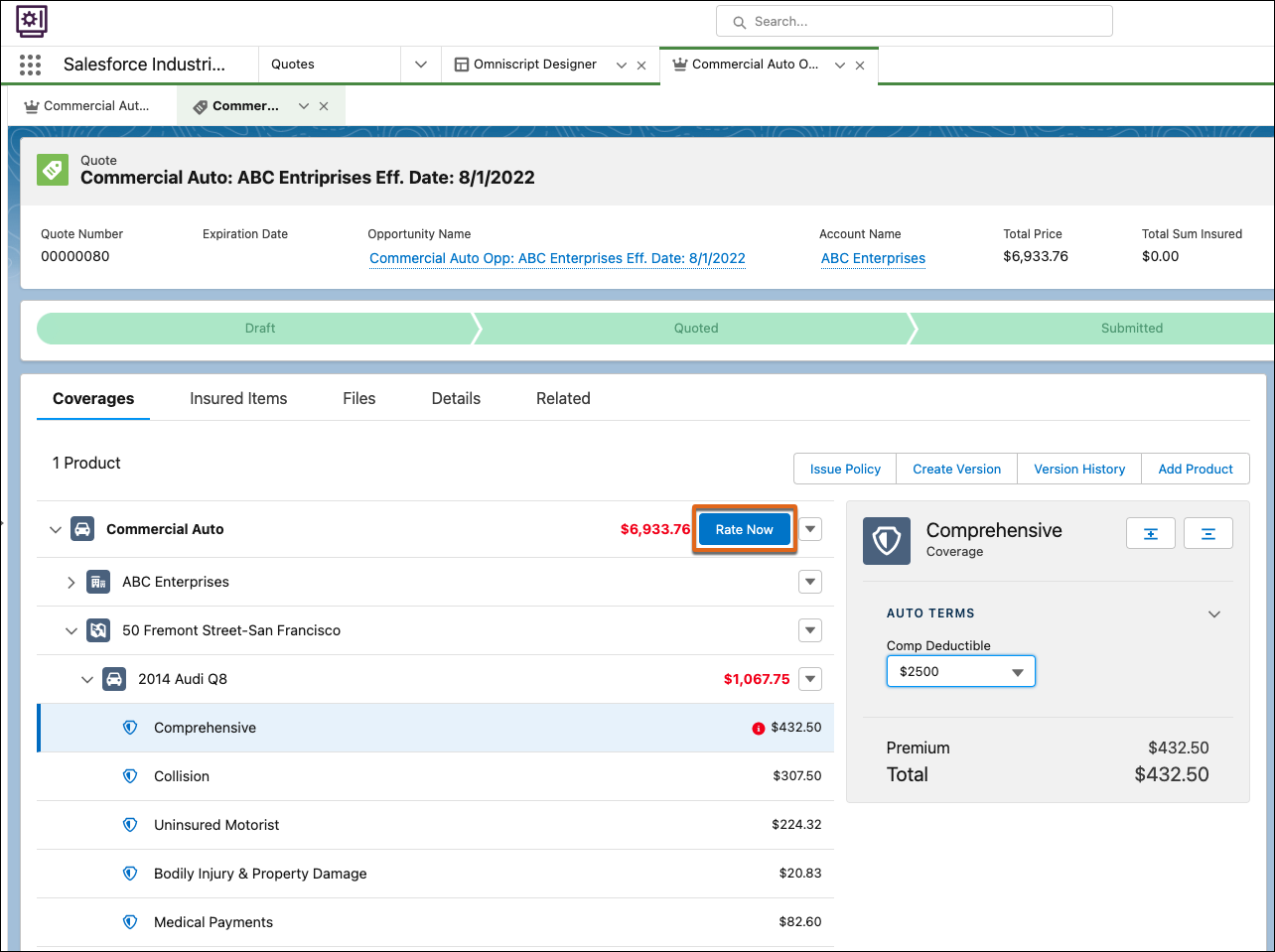
- After configuring all your coverages, click Rate Now.
Did this article solve your issue?
Let us know so we can improve!
